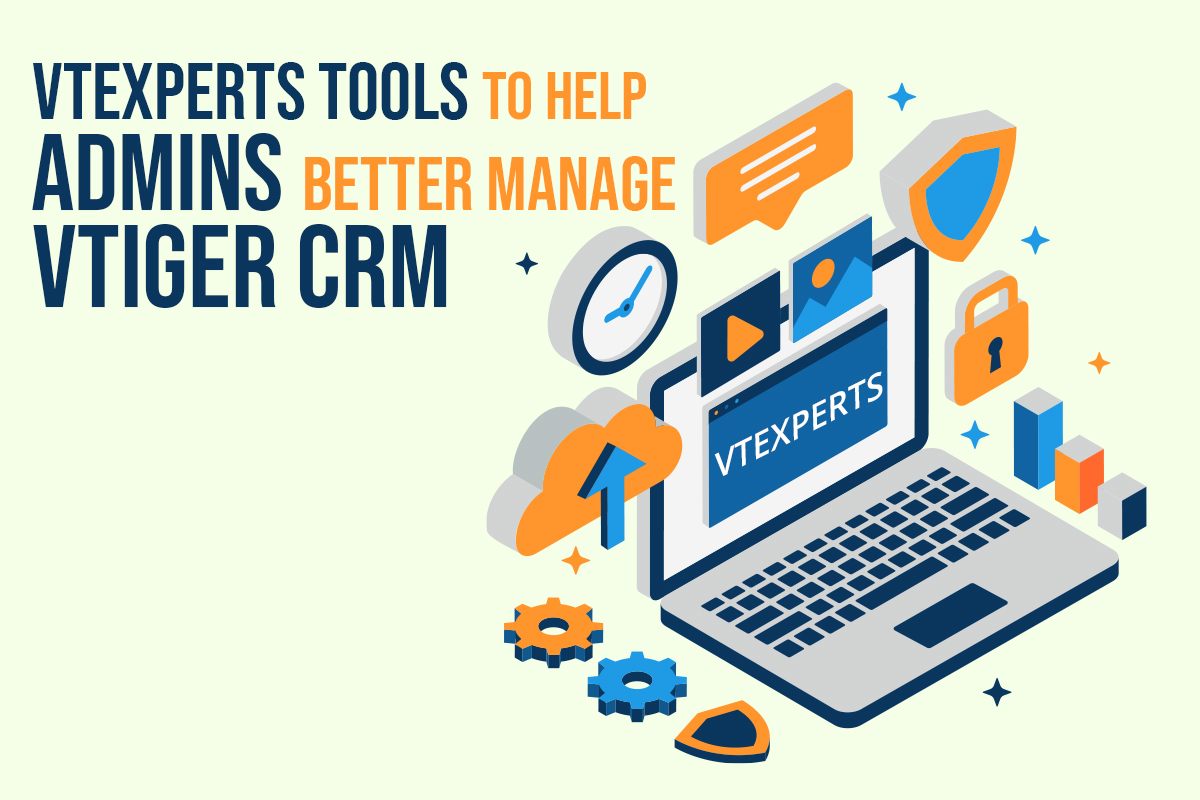
The system administrator is one of the most in-demand roles in the IT world. He has access to all the records of the CRM system. The primary duty of the CRM administrator is to maintain the integrity of the CRM system and ensure that the system is up and running. Vtiger CRM system provides some basic instruments, to help system administrators to better perform their duties. In this article, we will look at some of VTExperts tools to help admins better manage Vtiger CRM. First of all, we will go through some major responsibilities of a system administrator
Responsibilities of the System administrator
- Make the system secure: On the prominent responsibility of a system admin is to make the system secure from any type of data breaches and hacking attempts. Setting up firewalls is also a part of making the system secure
- Preparing a contingency plan in case of system collapse: It is also the duty of the system admin to prepare a contingency plan. In case the system collapsed, then does the system admin have proper backups to restore the system or not?
- Improving the communication process: The system admin is also responsible for implementing the communication tools for the team.
- Employee training: CRM admin also has to educate the other team members regarding the functionality and usage of different features of CRM system. For this, he can organize training sessions.
Vtiger system administration
Vtiger open-source CRM system provides some level of tools for the system admins to make their job easy. But sometimes the scope of these tools proved to be limited, for example, Vtiger CRM system only allows to set-up only one outgoing server. This makes communication from different email addresses difficult via CRM system.
VTExperts administrative tools
VTExperts designed a number of tools that provide more autonomy to the Vtiger CRM administrators and help them to achieve desired results. Following are some of the VTExperts tools to help admins better manage Vtiger CRM
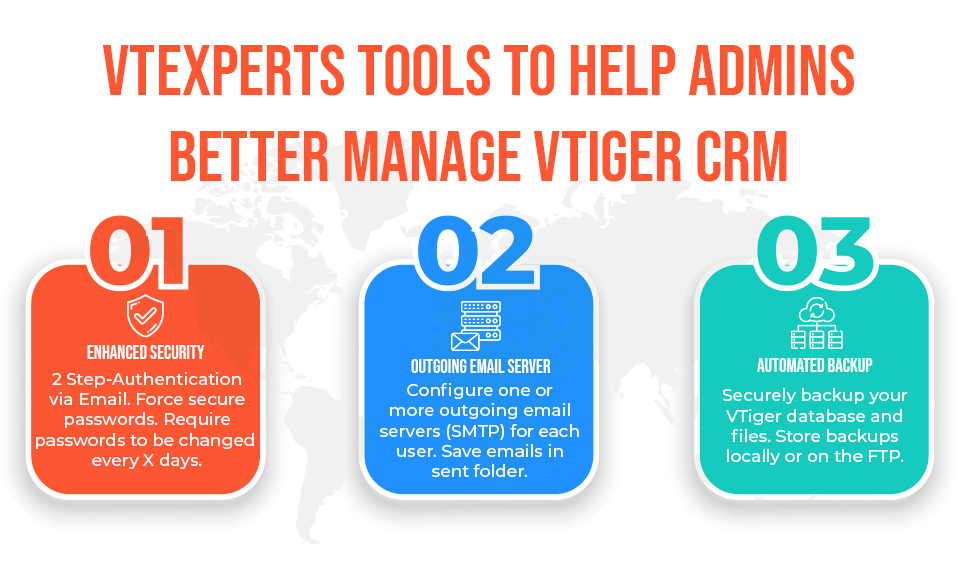
Enhanced security
The extension for VTiger lets system admins enables 2 – Step Authentication as an extra layer of CRM security. Moreover, it supports setting up locking users for XX duration of time. Using it system admin can force user to regularly update the password. Some of the key features of enhanced security are as follow
- Provides Enhanced Security for VTiger Users
- Allows to setup 2 – Step Authentication for all VTiger Users
- Ability to lockout users after XX number of wrong login attempts
- Locks users after X incorrect logins to prevent unauthorized logins.
- Forces user to change the password every XX days
- Tracks all users’ login activity
- Forces User to log in from one computer at a time
- Restricts user login to only one IP address
- Allows specifying session expiration time
- Module Manager Compatible
Check extension details Here
Automated Backups
The Automated Backups extension for the VTiger module allows system admins to schedule out automated backups whenever it is most convenient for them. It also allows to configure the frequency, days, and time of creating backups. Using it users can create backups on a local folder or an off-site FTP. Here are some of the features of automated backups extension
- Scheduled Backups of Files & Database
- Local & FTP Backups Support
- Retrieve backups from Automated Backup for VTiger Interface
- Customized Backup Email Notifications
- Module Manager Compatible
- Available on VTiger Marketplace
Check extension details Here
Outgoing Email Server
Using this extension, the system admin can configure multiple outgoing servers for the VTiger CRM. It supports IMAP function, meaning that every email sent will also be stored in the user’s “Sent” folder on webmail/email server. Features of this extension are listed below
- Designed to allow each user to have it’s own Outgoing Email Server
- Admin can configure Outgoing Email Server for all the users
- Supports IMAP function, meaning that sent emails will show up in “Sent” folder
- Module Manager Compatible
- Available on VTiger Marketplace
Check extension details Here
Moreover, you can also check an article on how to configure SMTP using app password Here