

Business Strategy
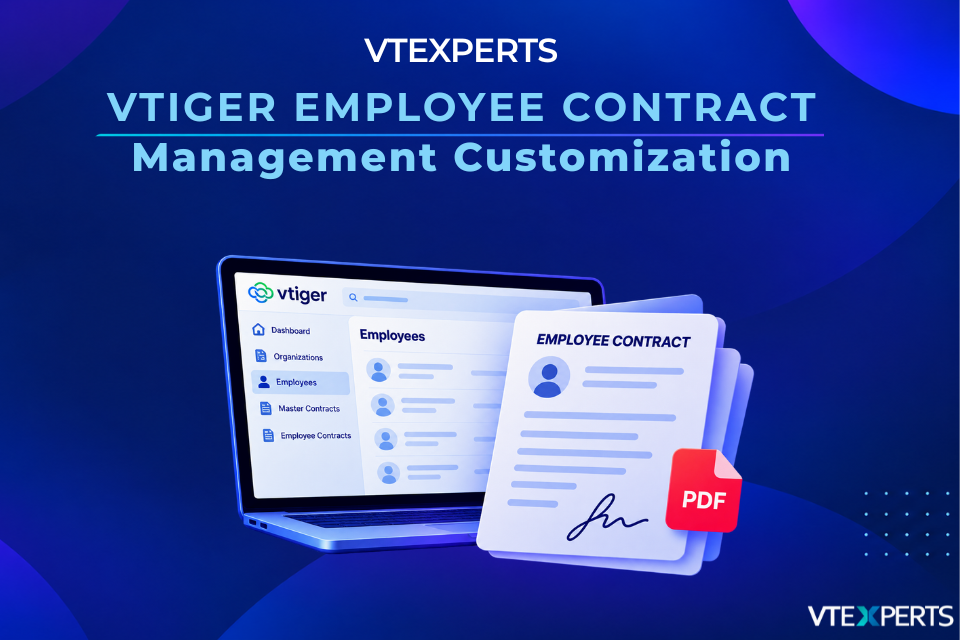
VTExperts: Vtiger Employee Contract Management Customization
September 13, 2026
Article
Employee contract management can become difficult when organizations have different contractual frameworks, employee-specific terms, multiple agreements for the same employee, and different contract versions To address these requirements, VTExperts customized Vtiger CRM by creating three custom modules Employees, Master Contracts, and Employee Contracts and connecting them with the existing Clients/Organizations module. The solution also dynamically populates contractual content based on selected terms and generates the completed contract as a PDF. Why Customize Vtiger CRM for Employee Contract Management? A standard employee record is not always enough to manage employment agreements. An employee may have multiple contracts over time, and each agreement can have its own working hours, remuneration, benefits, pension, overtime, absence, termination terms, and other conditions. Rather than keeping all of this information on a single employee record, the customization separates employee information from information that belongs to a specific agreement. It also introduces a Master Contract layer for
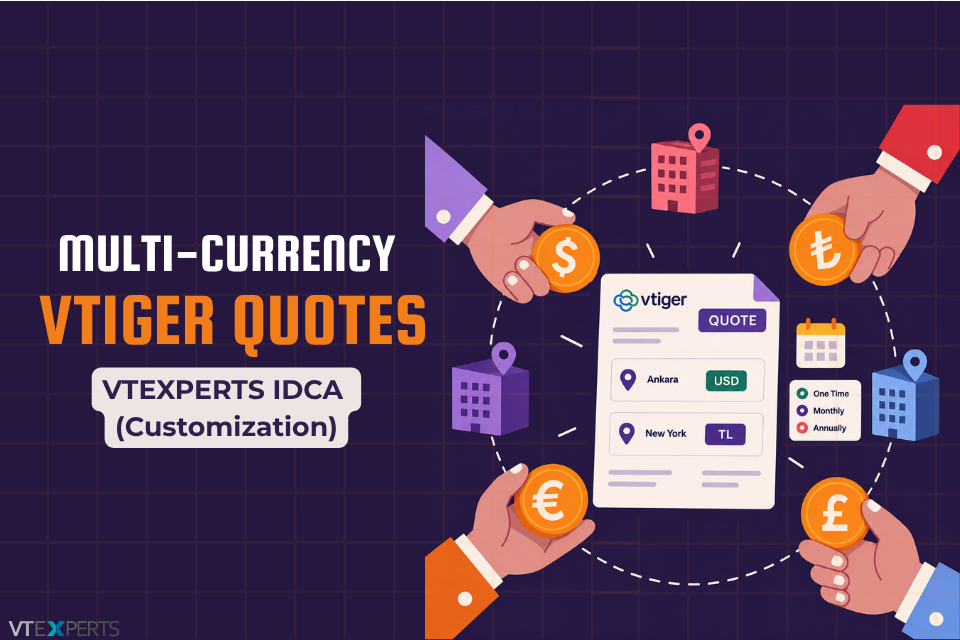
Multi-Currency Vtiger Quotes with VTExperts IDCA (Customziation)
September 2, 2026
Article
Multi-Currency Vtiger Quotes can contain items with different currencies, office locations, and payment types within a single Quote. VTExperts extended its Item Detail Customizer Advanced (IDCA) extension to support currency-specific and payment-specific calculations, separate subtotals and totals, location-based sections, and customized PDF output. This customization allows businesses to manage complex pricing requirements while keeping currencies, locations, and payment frequencies organized within a single Vtiger Quote.
Vtiger Checklists by VTExperts Introduces Role-Based Sharing
August 29, 2026
Article
Vtiger CRM lacks native checklist functionality. The VTExperts Checklists extension addresses this limitation. Now, Vtiger Checklists by VTExperts Introduces Role-Based Sharing to help administrators restrict checklists to specific users, roles, and groups. Because different departments handle entirely different tasks, generic checklists can clutter records and expose irrelevant procedures to staff who do not need them. Consequently, the Share Checklist dropdown enables administrators to restrict visibility to targeted user roles and groups directly from the module configuration menu. Why Vtiger Checklists by VTExperts Introduces Role-Based Sharing Reducing Interface Clutter Restricting checklists visibility prevents staff from scrolling through unrelated department checklists. Instead, teams interact only with the specific steps assigned to their role using the Share Checklist dropdown. Protecting Sensitive Data Granular permission settings lock down sensitive steps across internal approval workflows. This ensures unauthorized accounts cannot view or edit restricted tasks once administrators configure role-based access. Configuring Vtiger Checklists Role-Based Sharing Navigate
VTExperts Vtiger CRM AI Customer Portal Chat Assistant
August 20, 2026
Article
At VTExperts, we came up with a new VTExperts Vtiger CRM AI Customer Portal Chat Assistant to automate client onboarding and support workflows. Managing customer portals manually introduces recurring friction for support teams: Manual onboarding overhead: Providing live video walkthroughs for every new customer ties support capacity directly to team availability. Scattered system knowledge: Operational guidance lives informally across staff discussions rather than inside an indexed reference repository. Context separation: Support interactions lack immediate visibility into specific customer account attributes during inquiries. Numerous operational limitations can hinder support workflows. Therefore, our team engineered a targeted solution. Specifically, we built a managed integration linking Vtiger CRM with advanced generative AI. Additionally, the setup connects seamlessly to knowledge retrieval systems. Consequently, the system syncs customer account data in real time. Because of this live data sync, the assistant generates precise answers instantly. Furthermore, it automatically logs any unresolved queries as support tickets.
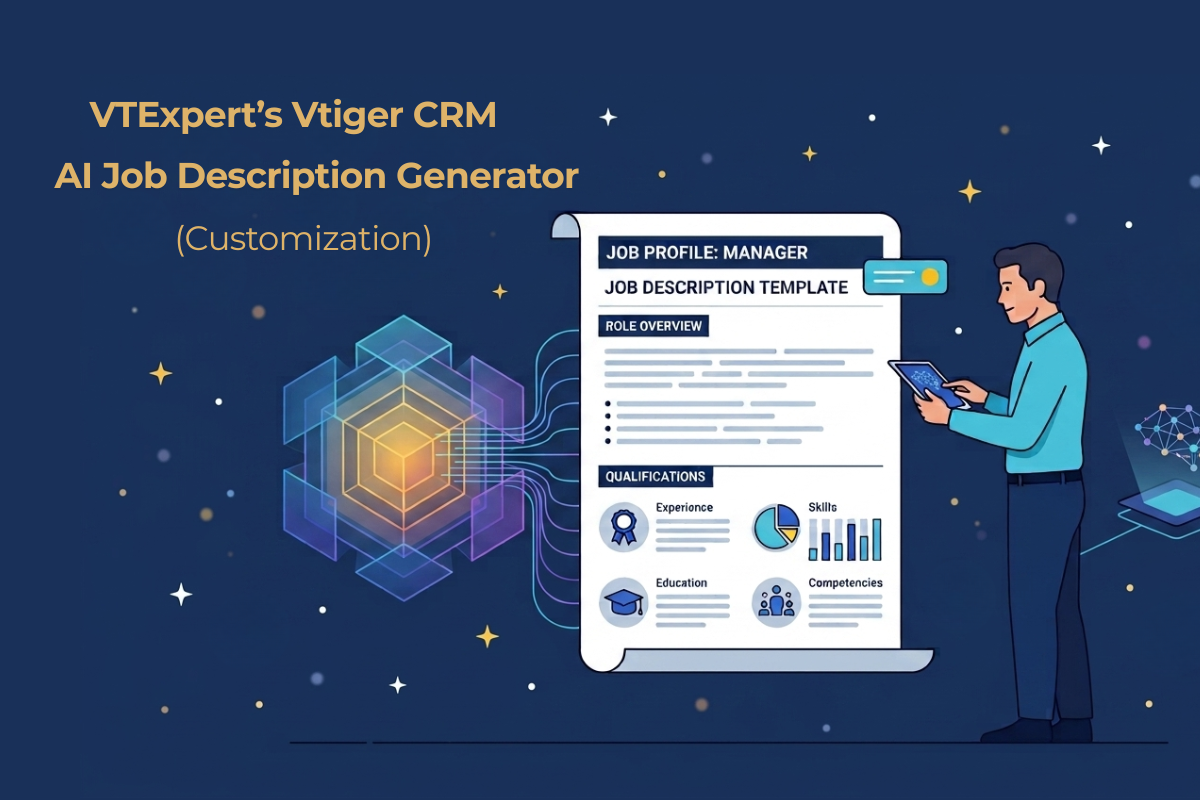
VTExperts Vtiger CRM AI Job Description Generator
August 3, 2026
Article
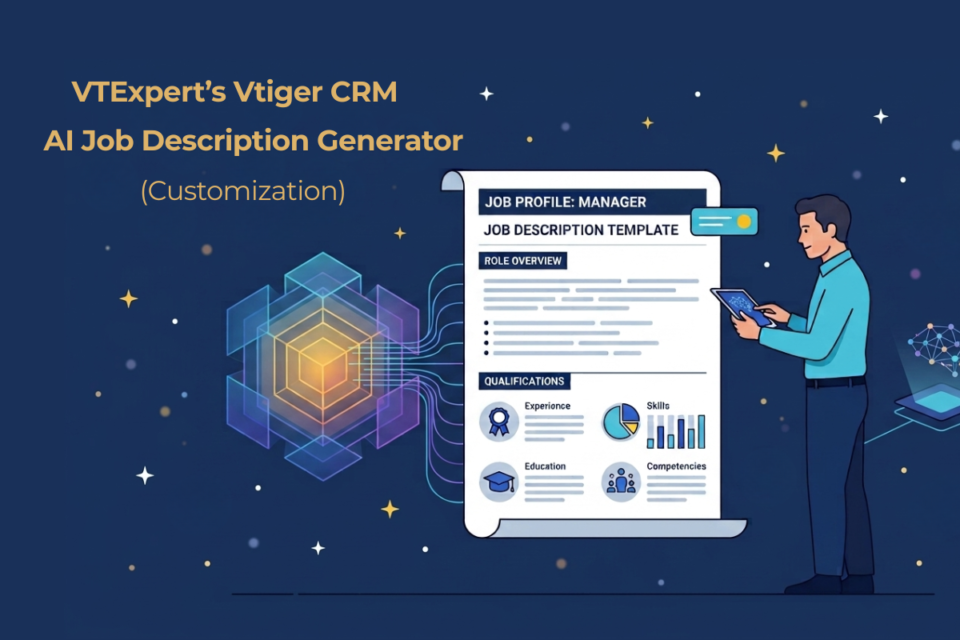
Writing job descriptions manually under tight deadlines causes friction across HR teams. When staff rush to create documents between candidate interviews and employee onboarding, outputs become inconsistent, missing structured competency levels and matching company tone. At VTExperts, we build custom AI solutions inside Vtiger CRM that solve this problem; specifically, our AI-powered job description generator allows HR teams and managers to produce standardized, professional job descriptions directly within their existing CRM portal. Let’s take a look at VTExperts Vtiger CRM AI Job Description Generator in depth The challenge of manual document creation Organizations managing job descriptions across multiple departments or client accounts face recurring challenges: Inconsistent formatting: Different hiring managers use different layouts, tone, and structures. Vague competency criteria: Defining specific skills and performance levels manually takes hours. Lost productivity: Administrative teams spend time drafting repetitive text instead of managing core HR operations. Generic templates do not fix these issues. Businesses need an
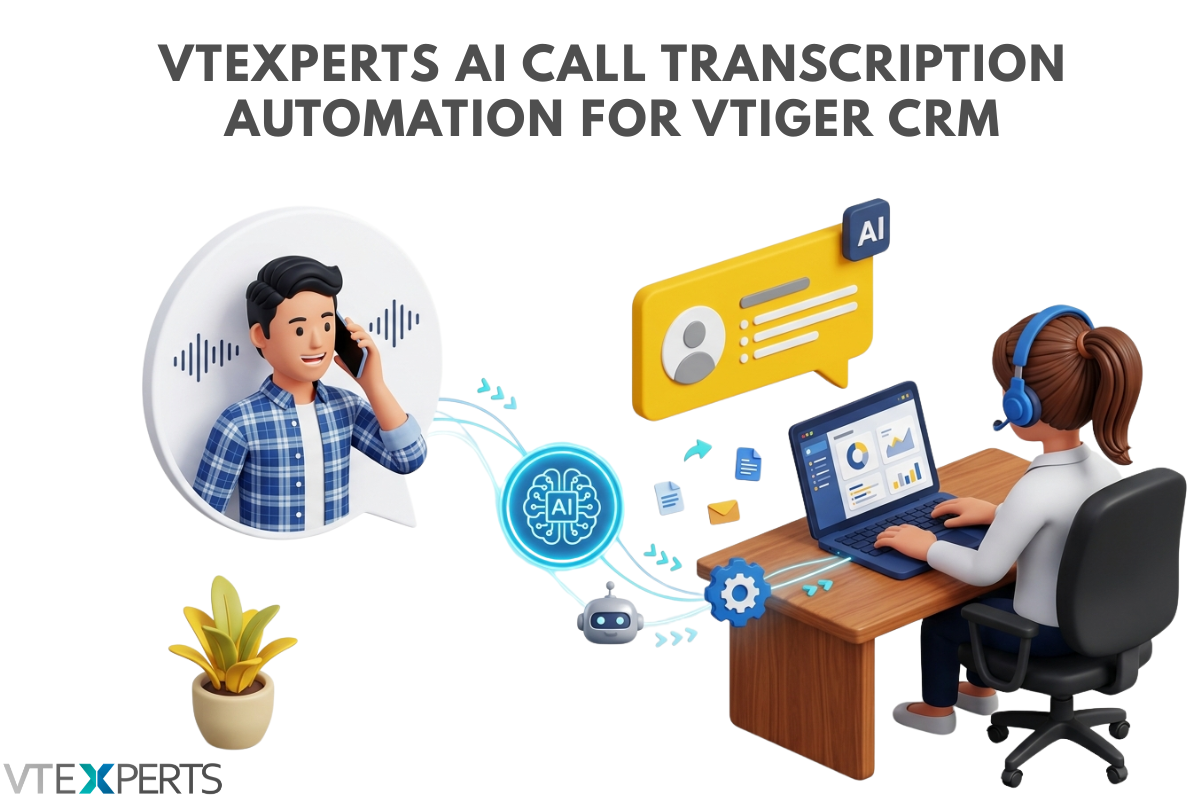
VTExperts AI Call Transcription Automation for Vtiger CRM
July 28, 2026
Article
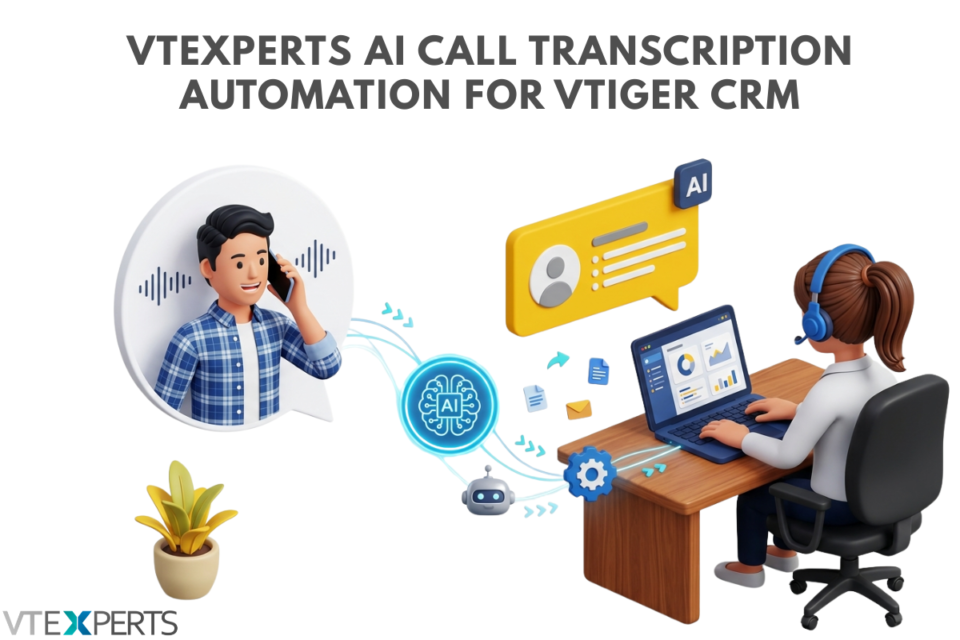
At VTExperts, we have spent years helping businesses customize, tweak, and optimize Vtiger CRM to fit their exact workflows. Currently, teams are drowning in unstructured data specifically, thousands of hours of voice notes, customer service calls, and sales meetings that get trapped in audio files and forgotten, creating a critical need for AI Call Transcription Automation for Vtiger CRM That is why our development team at VTExperts has been actively building and testing live AI integrations for Vtiger. We are not just talking about the future of AI, we are actively engineering it into the Vtiger ecosystem using modern automation and orchestration platforms like n8n, Make, Zapier, and LangChain, alongside cutting-edge Large Language Models (LLMs) such as OpenAI’s GPT-4, Anthropic’s Claude, Google’s Gemini, Meta’s Llama, and Mistral AI. We built an automated AI pipeline that listens to customer calls, cleans the transcript, extracts intelligence, and updates Vtiger CRM instantly. Here
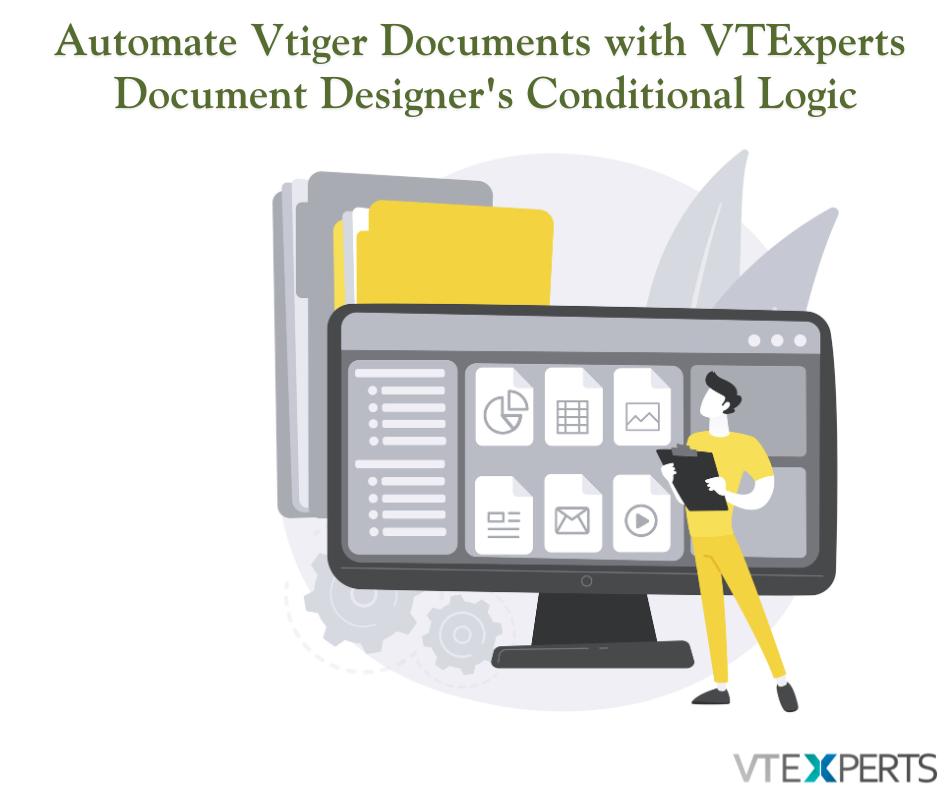
Automate Vtiger Documents with VTExperts Document Designer’s Conditional Logic
April 23, 2026
Article
We have all been there: you are about to send a contract or an agreement, but it is filled with “N/A” markers and empty sections that do not apply to the client. It looks messy, feels impersonal, and a bit unprofessional. In Vtiger CRM (Open Source), the “one-size-fits-all” template is a thing of the past. Thanks to VTExperts’ Document Designer, you can now use Conditional Logic to make your templates “smart.” Instead of maintaining a dozen different files, you use one Master Template that automatically hides or shows fields based on your CRM data. Imagine you are managing properties. Not every tenant has a pet, so why should every lease include pet addendum? With a simple conditional logic on picklist field “Is Property Pet Friendly?” in your CRM, the Document Designer takes over: If Yes: The “Pet Policy” section—complete with pet types, deposit amounts, and specific rules—instantly appears in the
VTExperts Email Marketing Update: Attach Documents to Campaigns
January 6, 2026
Article
Email Marketing Automation extension by VTExperts is a tool that makes vTiger a real email marketing powerhouse. Need to hit thousands of inboxes? No problem! It uses batch sending to space out your emails. It is super easy, step-by-step email marketing tool that guides you through creating campaigns and sending it out. You can target exactly who you want using flexible Marketing Lists of your Contacts, Leads, and Organizations. Once you hit send, the Summary View gives you the whole picture—real-time updates on unique opens, who unsubscribed, and all the performance metrics you need. Basically, it brings true professional email marketing right inside your VTiger. VTExperts Email Marketing Update: Attach Documents to Campaigns for greater flexibility and enhanced usability. Introducing: Campaign Attachments Feature We are excited to announce a powerful new feature is now available in the Email Marketing Automation extension You can now include attachments directly in your campaigns. This feature is integrated
Vtiger CRM 8.4 has been released
August 19, 2025
Article
Great news for Vtiger CRM users! The latest Vtiger CRM 8.4 has been released, This update is a big step forward for your CRM. Think of it as giving your system a major tune-up behind the scenes, making everything run smoother and more securely. Moreover, you will notice lots of small, helpful changes that just make your daily work easier. Link to the announcement: Here This update addressed a total of 33 items, with the vast majority – 29 of them – now successfully implemented. So, what does that mean for you? Stronger Security and Stability Vtiger is more secure and reliable now, let’s check details below Better Protection: The team battened down the hatches, making logins more secure and tackling common vulnerabilities like “CSV Injection” and “XSS” that, in rare cases, could allow exploitation. This means we better protect your data against sneaky attacks. Database Stability: For those running Vtiger
Personalize Vtiger CRM with VTExperts’ Fields and Layouts tools
March 7, 2025
Article
CRM systems are designed for managing and tracking customer interactions for businesses. A significant advantage of using CRM software is its capacity to store and systematize customer data in a centralized database. However, every business is different and has different data requirements, and that is where fields and layout tools become essential. Although Vtiger CRM provides default tools for fields and layouts, but extensive customization may require additional support. VTExperts is here to help you personalize Vtiger CRM with VTExperts’ Fields and Layouts tools Fields and layout tools are crucial components of a CRM system that enable businesses to personalize their CRM based on their specific requirements. Let’s check what fields and layout tools are, how they work, and the benefits they offer. Benefits of using fields and layout tools Customizability: By customizing the fields and layouts of Vtiger CRM, businesses can tailor the system as per their requirements. This can
vTiger 8.3: Merge Tags/Descriptions Bug in Email Templates
February 13, 2025
Article
A powerful feature of Vtiger CRM system is the ability to use merge tags in email templates. That enables user to personalize communications by dynamically inserting record-specific data. However, with the release of Vtiger CRM version 8.3, users have reported issues, where merge tags and merge descriptions, fail to function correctly within email templates. Lets check what is vTiger 8.3: Merge Tags/Descriptions Bug in Email Templates Let’s go through it with an example Following is a screenshot of an email template where field labels are used It does not populate the field data in the output, instead keep on showing field labels A fix for this problem has been provided by the Vtiger team. You can find the solution details here: View solution Applying this fix should resolve the merge tag and description problems, restoring the functionality needed for effective email communications. In case if you need any assistance, feel
Vtiger CRM 8.0.0 has been Released
September 20, 2023
Article
In the ever-evolving landscape of CRM solutions, Vtiger CRM took a significant step forward with the release of Vtiger version 8.0. This update includes stable support for PHP 8.x (PHP 8.2), MYSQL 8.X and Maria DB 10.x Following are the key highlights of Vtiger 8.0.0 Added Composer support for PHP server dependency. Upgraded libraries to achieve better security compliance. Maintenance fixes and MRs Official Announcement You can find the official announcement here: Vtiger CRM 8.0.0 GA Release Download Vtiger 8.0.0 Download the Vtiger 8.0.0 from here: Download Link Vtiger 8.0.0 & VTExperts 1. VTExperts Extension Pack Considering the release of Vtiger 8.0.0, VTExperts is actively working towards ensuring that all extensions previously compatible with Vtiger 7.x are promptly fine-tuned and made fully compatible with Vtiger 8.0.0 2. Migrating to Vtiger CRM 8.0.0 VTExperts offers a seamless CRM upgrade service that ensures a hassle-free transition to Vtiger 8.0.0. Our team of experts will
Enhance Vtiger’s productivity with VTExperts
April 17, 2023
Article
Productivity is an important aspect of any organization or individual. It allows measuring the work efficiency within a designated timeframe to achieve the maximum possible output. In this article, we will check how can you enhance Vtiger productivity with VTExperts. We live in an era where digital productivity is a booming concept. Let’s get ourselves familiarized with digital productivity tools first. Digital Productivity tools Digital productivity refers to the deployment of digital tools and technologies to improve a team’s efficiency and efficacy in fulfilling tasks and achieving goals. This involves leveraging technology to streamline workflows, automate repetitive tasks, facilitate remote collaboration, and access information and resources more efficiently. By realizing the potential of digital tools, individuals and organizations can optimize processes, minimize resource utilization, and achieve their goals with increased productivity. Moreover, digital productivity tools are cost-effective and easy to use. You can also check Productivityist, if you want to
Streamline communication with VTExperts Email template designer
March 7, 2023
Article
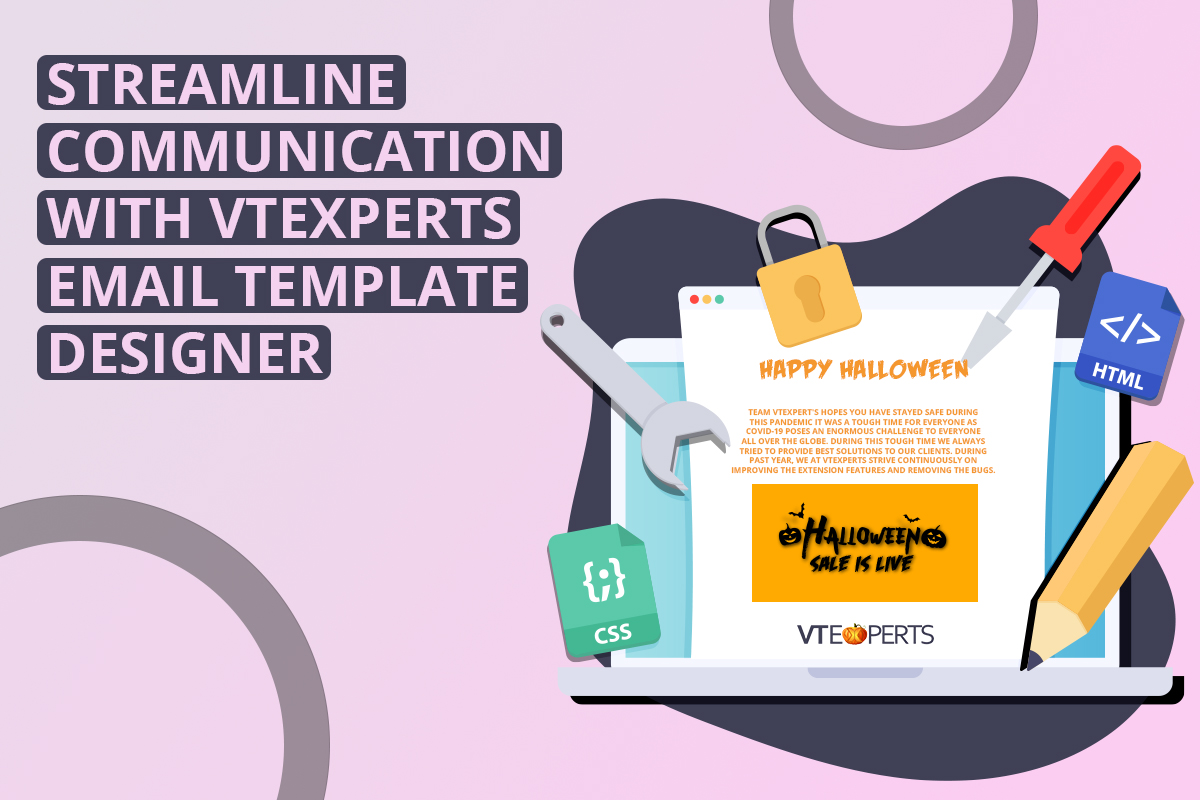
Using the email templates user can present the data, the way you want, It also allows users to customize the emails as per their requirements while keeping the amount of work and effort put to build it to a minimum. Without a doubt, email templates are an incredibly powerful digital tool. They save time and effort, and moreover increase consistency and accuracy. In addition to this, email templates can be used for a wide range of purposes, from sending out regular newsletters to email campaigns for launching a new product. In this article, we will explore the versatility of email templates and how can you streamline communication with VTExperts Email template designer Advantages of using email templates Here are some prominent advantages of using email templates The standout advantage among others is the customizability of email templates, which proves to be a powerful tool. In a world where people receive countless
Vtiger CRM 7.5.0 Changelog
December 29, 2022
Article
Vtiger CRM 7.5.0 Change Log Attention all VTiger CRM enthusiasts! The much-anticipated release of VTiger CRM 7.5.0 (open source) is finally here, packed with numerous improvements and new features. The standout enhancements of Vtiger CRM 7.5.0 include PHP 8.x support and Mail Converter Custom actions, which greatly elevate its functionality and efficiency Moreover, this update features an impressive tally of 45+ issue fixes and 30+ enhancement submissions, ensuring a more reliable and efficient experience. Without further ado, let’s dive into some of the most prominent new features, bug fixes and improvements of Vtiger CRM 7.5.0 Release Details Version: 7.5.0 Download Link: vTiger CRM 7.5.0 Release Date: November 24, 2022 Official Announcement: Vtiger CRM 7.5.0 GA Release — Vtiger Feature & Improvement Summary Features & Updates Vtiger CRM 7.5.0. now supports PHP 8.X The process of invoice creation is improved FastMail compatibility update Custom email converter actions are supported now Create recurring invoices from the detailed view reCAPTCHA v1 API
VTExperts tools to help admins better manage Vtiger CRM
December 1, 2022
Article
The system administrator is one of the most in-demand roles in the IT world. He has access to all the records of the CRM system. The primary duty of the CRM administrator is to maintain the integrity of the CRM system and ensure that the system is up and running. Vtiger CRM system provides some basic instruments, to help system administrators to better perform their duties. In this article, we will look at some of VTExperts tools to help admins better manage Vtiger CRM. First of all, we will go through some major responsibilities of a system administrator Responsibilities of the System administrator Make the system secure: On the prominent responsibility of a system admin is to make the system secure from any type of data breaches and hacking attempts. Setting up firewalls is also a part of making the system secure Preparing a contingency plan in case of system
Add related module records using tabular field entry in form builder
November 8, 2022
Article
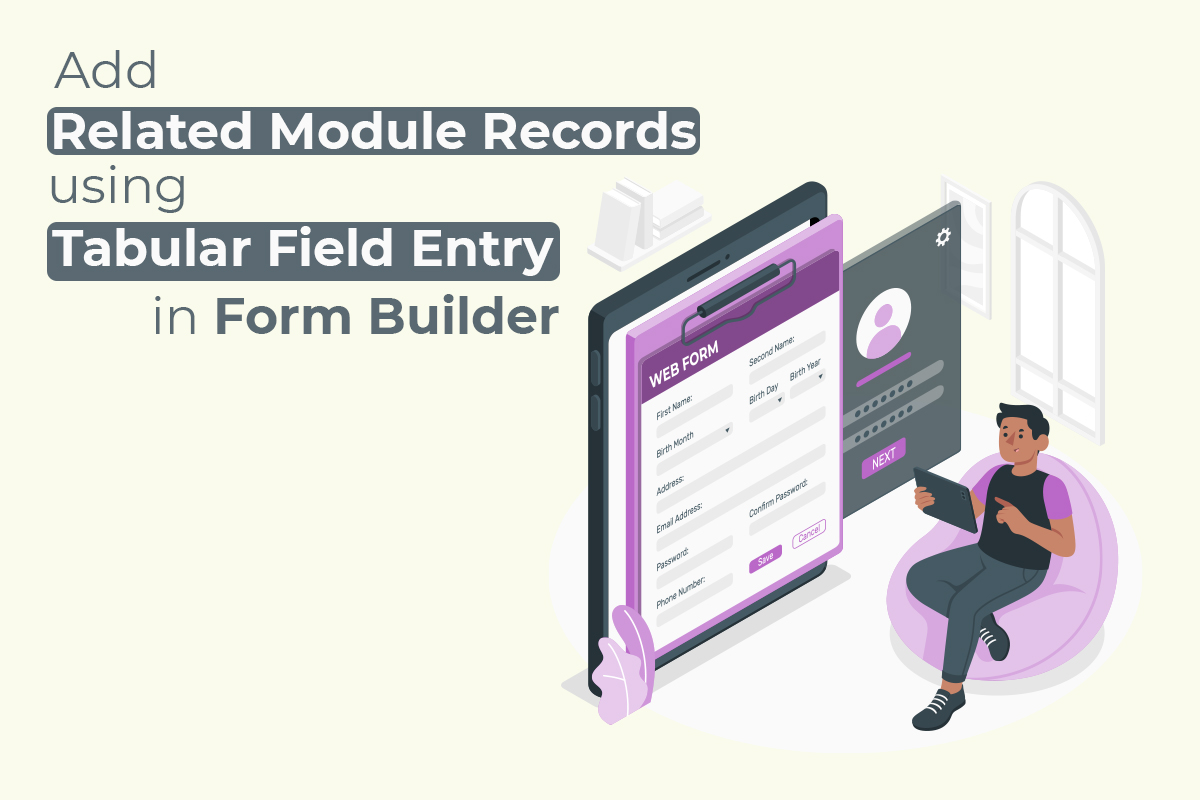
VTExperts Web Form & Landing Page Builder extension allows to the creation of related module records as well. In this article, we will look at how to add related module records using tabular field entry in the form builder Example We will check the configuration and functionality of the extension by implementing the form for the below-mentioned example. The primary module is “Contacts” and the secondary module is “Child” and they have one-to-many relationship (which means 1 contact record can have multiple child records) The form will get information from the contact regarding their children, what are their names, date of birth, and any additional information. So, we will create a web form for the Contacts module and will configure it in a manner that it can also create records in the child module. Create the form Go to the form builder and click on “+ New from” button and provide the
How Vtiger CRM assists in Sales
August 3, 2022
Article
In current corporate sector, CRM platforms are considered basic necessity for firms to manage their key functions. CRM helps to manage operations for almost every department. In this article, we will focus on the fact that how Vtiger CRM assists in sales process. As we know that Sales is one of those departments of a company that helps businesses and firms to grow. Sales department needs precise data to generate achievable goals. CRM helps to increase the proficiency of sales operations and generate revenue. Following are some of the advantages of using a CRM system for sales purposes. Advantages of using CRM for sales 1- CRM helps to boost the overall sales activities: With the help of CRM, you can check the past behavior of certain target audience. By utilizing the information created from raw data, you can easily recognize the interests and needs of your customer. Once you know
SLA use case for tickets in Vtiger7
July 15, 2022
Article
Tickets is one of the most use feature of Vtiger crm system. SLA extension by VTExperts can be used to check and regulate the processing of the ticket in Vtiger CRM. In this article we will look at a SLA use case for tickets in Vtiger7. Use case There is ticketing system, in which when a ticket is created its priority is set to “Low” . SLA starts to work when the ticket priority is “Low”. The SLA should keep on working until the ticket status is changed to “Close” But, if the ticket is not resolved in 5 minutes and priority is “Low”, then SLA extension will automatically change the status of the ticket to “Normal” Again if the ticket is not resolved in next 10 minutes after the priority is changed to “Normal”, then SLA will change the priority of the ticket to “High” Again if the ticket
How to make emails avoid going to spam
July 13, 2022
Article
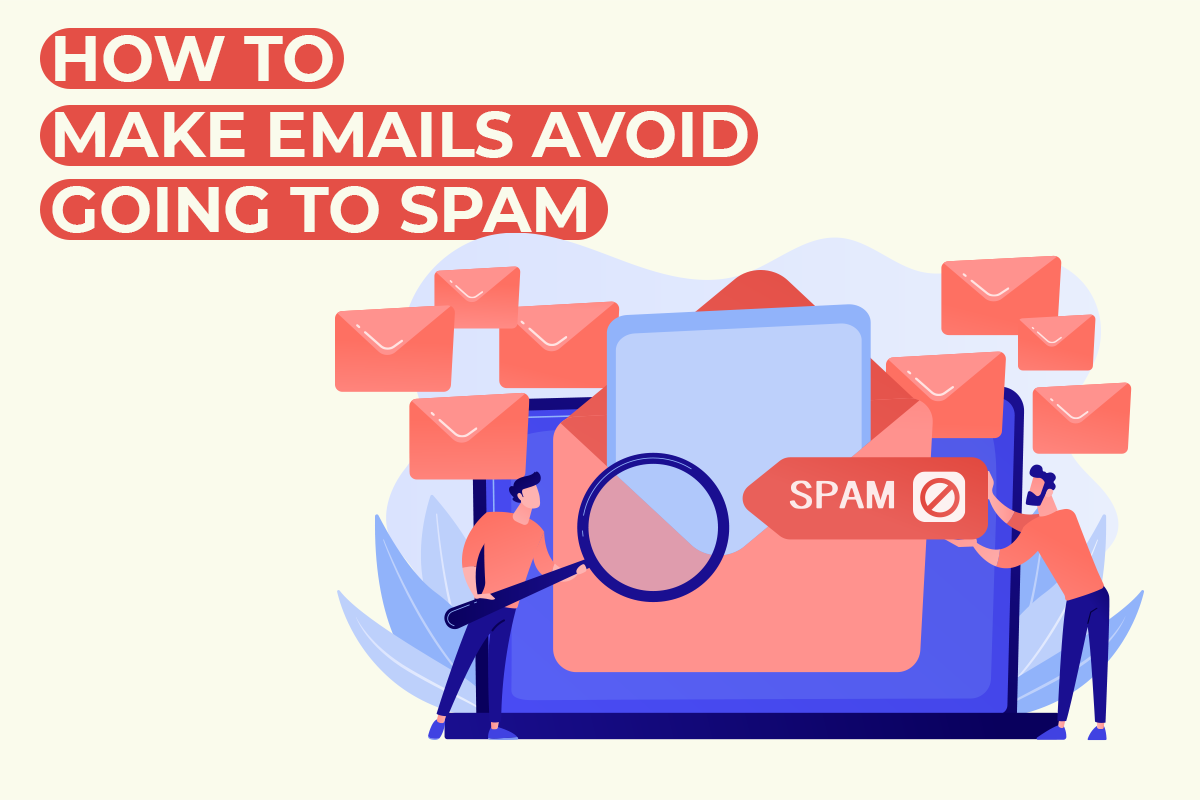
Emails are an integral part of Vtiger CRM. Vtiger can also be used to send out email campaigns using VTExperts Email marketing extension. A very common issue that email marketers face, is that the emails they send out in an email campaign are landed in the spam folder most of the time. In this article we will learn what causes your emails to land into junk folder and how to make emails avoid going to spam. Why emails land in Spam box There are a number of different factor which causes emails to land into the spam folder. Lets look at some of the most prominent reasons behind it Make sure that you have permission/authorization to send email to contacts you are incorporating in email marketing campaign. Do not buy the list of email addresses to use in you email marketing campaign as it can put you on risk of
Why Businesses are Adapting CRM
June 18, 2021
Article
The usability and benefits of a CRM system cannot be denied. It helps the growing organizations to manage their resources and time more accurately, that is why more and more firms are adopting CRM systems. Now, people are more aware of the wonders that technology can do. This sets the ground to adapt CRM systems, as it is a beneficial decision regardless of the type of business. In this article we will look at why businesses are adapting CRM and what makes the VTiger CRM system a solution that you need. The very first question that arises in the mind of the users is “how adapting a CRM system is beneficial for them?” In answer to this question, following are some reasons that will help you to understand the need of a CRM system Centralized data hub: Using the CRM, users can keep their data at one place. That makes
ERP VS CRM and Vtiger
June 4, 2021
Article
ERP (Enterprise resource Planning) and CRM (Customer Relationship Management) both are automated systems that are used to streamline and automate business processes. The difference between both the systems is areas of business where they are implemented. CRM is used to streamline front end processes of a business, while ERP is used to increase the efficiency of back end processes. Usually ERP covers alot more aspects then a CRM and in some cases the CRM used by organizations are actually a subset of their ERP. Vtiger is a great CRM system, but extensions make it more than a CRM system. This article analyzes, ERP VS CRM and Vtiger. This article analyzes, ERP VS CRM and Vwhere does Vtiger stands. ERP is used to manage overall business processes including supply chain, manufacturing, reporting, operations, human resource and accounting. It uses a centralize database to streamline the processes and workflows among the different departments of
How to Set workflow upon record deletion (Customization)
December 16, 2020
Article
A very common feature that VTiger users inquire frequently about is, can we set workflows to send an email, update a field, create record, create event etc. upon deletion of a record. Unfortunately, VTiger do not provide this feature by default. That is why, we at VTExperts provide a customized solution for this problem. For example, a user (e.g. administrator) of a VTiger CRM system wants to get notified through mail when any other user of the CRM system deletes a record. By default, this feature is not supported by VTiger CRM and hence this task cannot be performed on default VTiger configurations. This customization gives you a new option to Trigger Workflow on Record Deletion Practical Example for further explanation of this customization and how to use it An Admin user wants to get notified through Email whenever a contact is deleted Workflow Now, we will set the workflow, which will send a notification (in the form of email) whenever a record (Contact) is
New Feature In Advanced Comment Extension: Comment Modification Tracker
June 4, 2018
Article
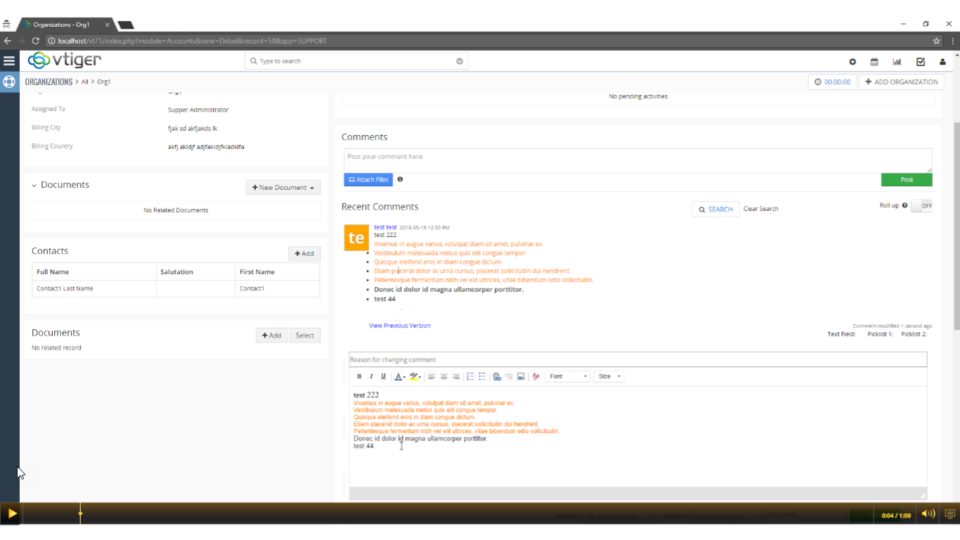
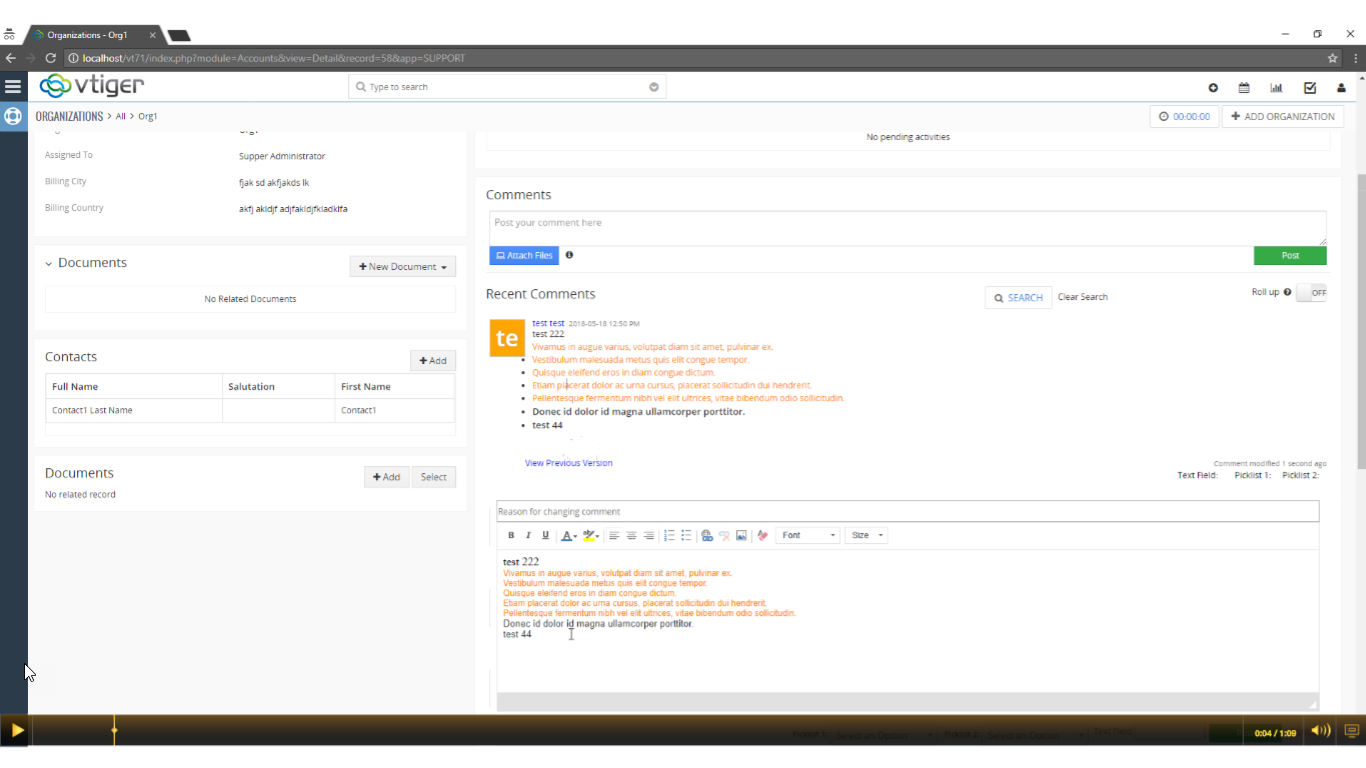
Advanced Comments extension is merely an enhancement to standard VTiger comments functionality. It adds up to two picklist fields to the comments section and allows users to “categorize” comments added. Also, these comments can be highlighted on the basis of configured picklist value, which makes it even more handy. Also, the comments can be added using RTF. We have added yet another useful feature in it, named ‘View Previous Version‘ that enables users to view the changes made in it and store them in a log. You can see the time when the changes were made along with the user who made them. To edit a comment, simply go to any module for which the comments are enabled. Click on the ‘Edit‘ button under that comment, make the changes and save. You’ll be able to see the original comment by clicking on the ‘View Previous version‘ button under the comment.

VTExperts sales intelligence tools