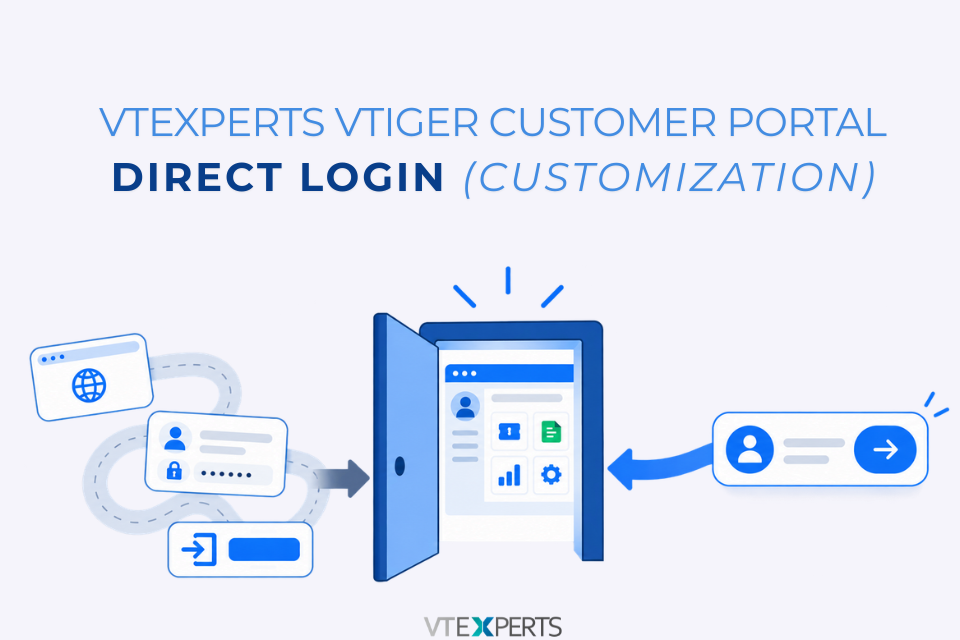
When a customer reports an issue with their VTiger Customer Portal, an administrator may need to access the portal to see what the customer is seeing.Normally, this could mean asking the customer for their portal username and password before the issue can be investigated. VTExperts VTiger Customer Portal Direct Login provides another option: an administrator can access the customer’s portal directly from the Contact record without asking for their credentials.
What Is VTiger Customer Portal Direct Login?
VTiger Customer Portal Direct Login allows an authorized VTiger administrator to open a customer’s portal directly from the Contact record.
The Login to the Contact’s Portal option is available only to administrators.
How Direct Login Works
The process starts from the customer’s Contact record in VTiger.
1. Open the Contact Record
Open the contact whose portal you need to access.
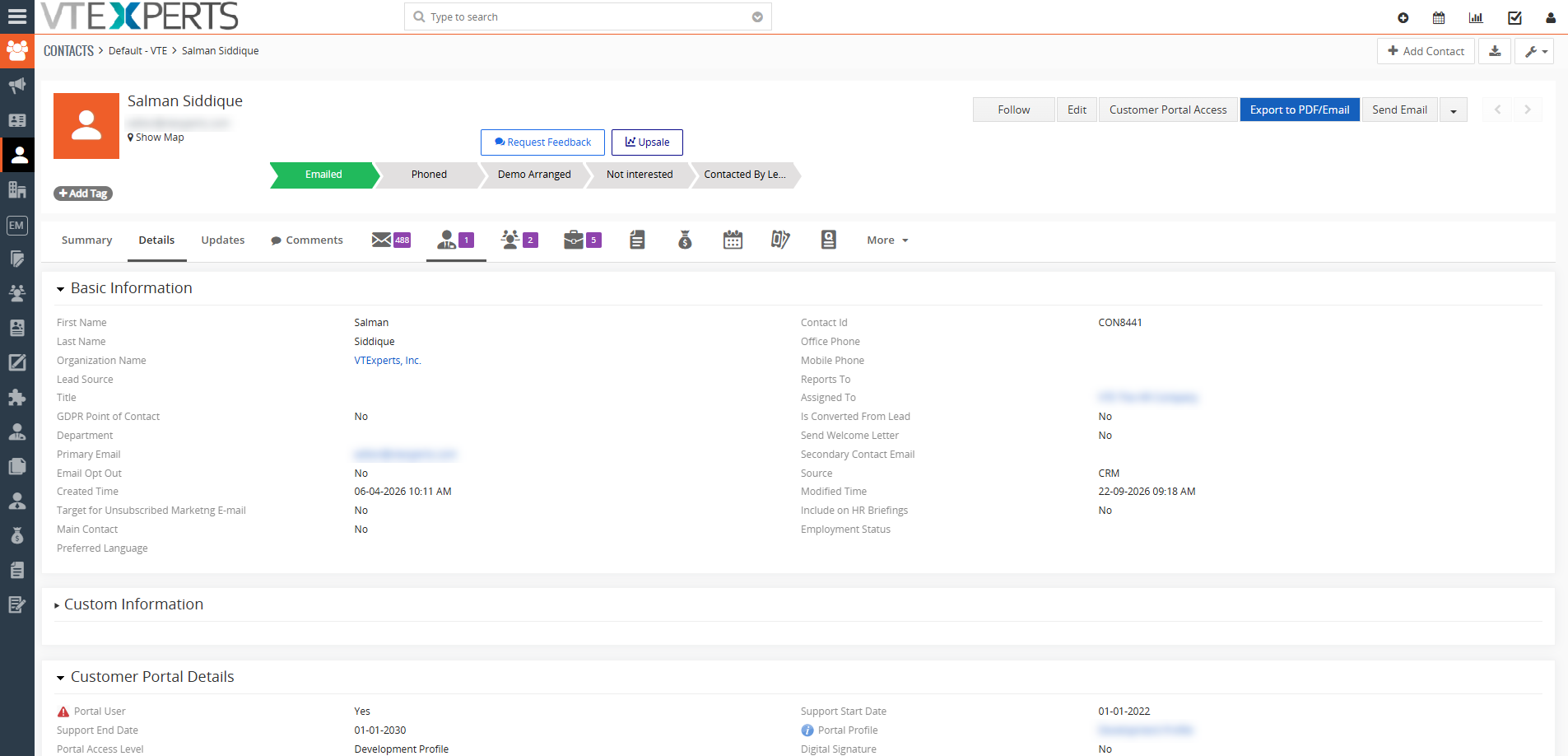
2. Open Customer Portal Access
From the contact record, select Customer Portal Access.
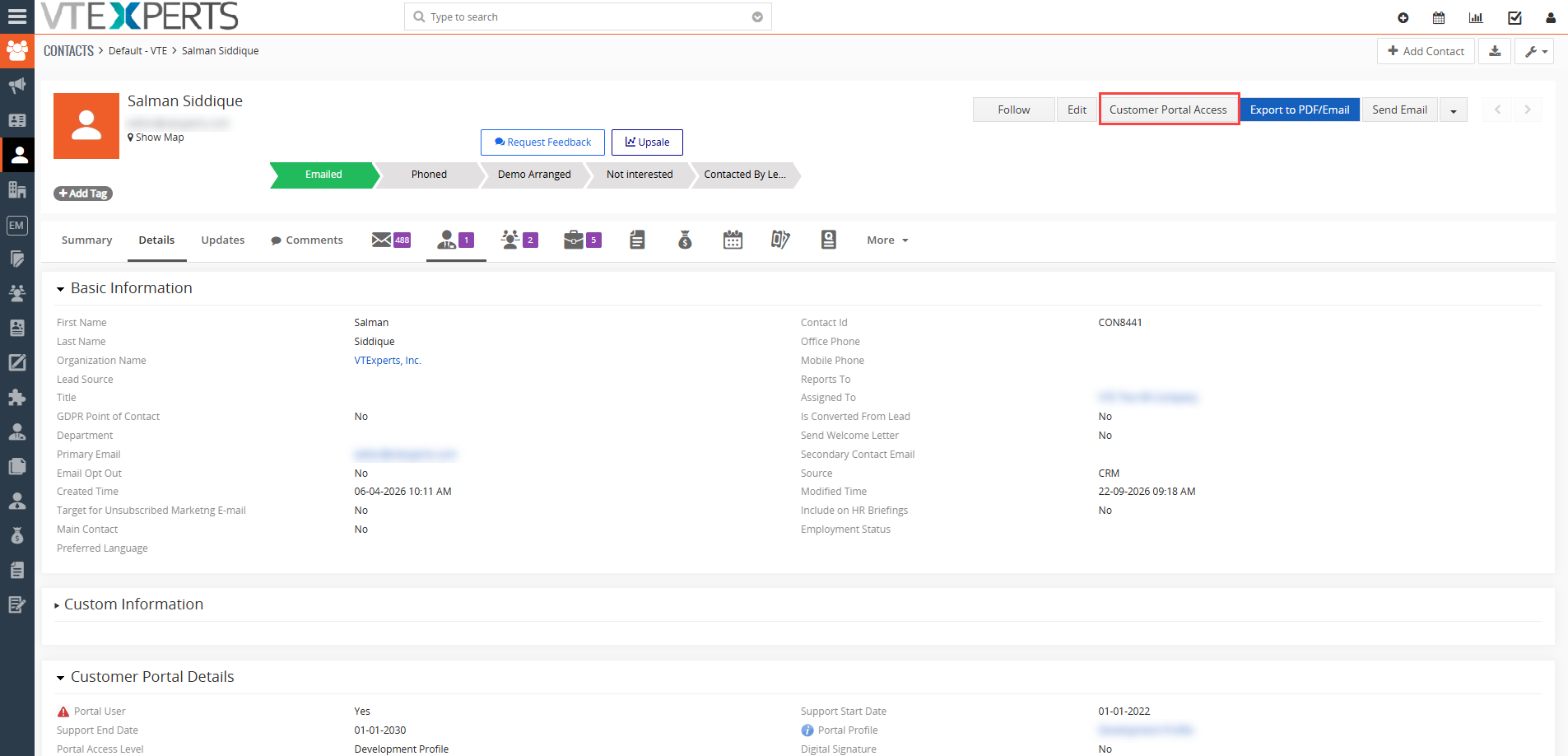
3. Select Login to the Contact’s Portal
The administrator can select Login to the Contact’s Portal to open the customer’s portal.
Note: No customer username or password is entered during the process.
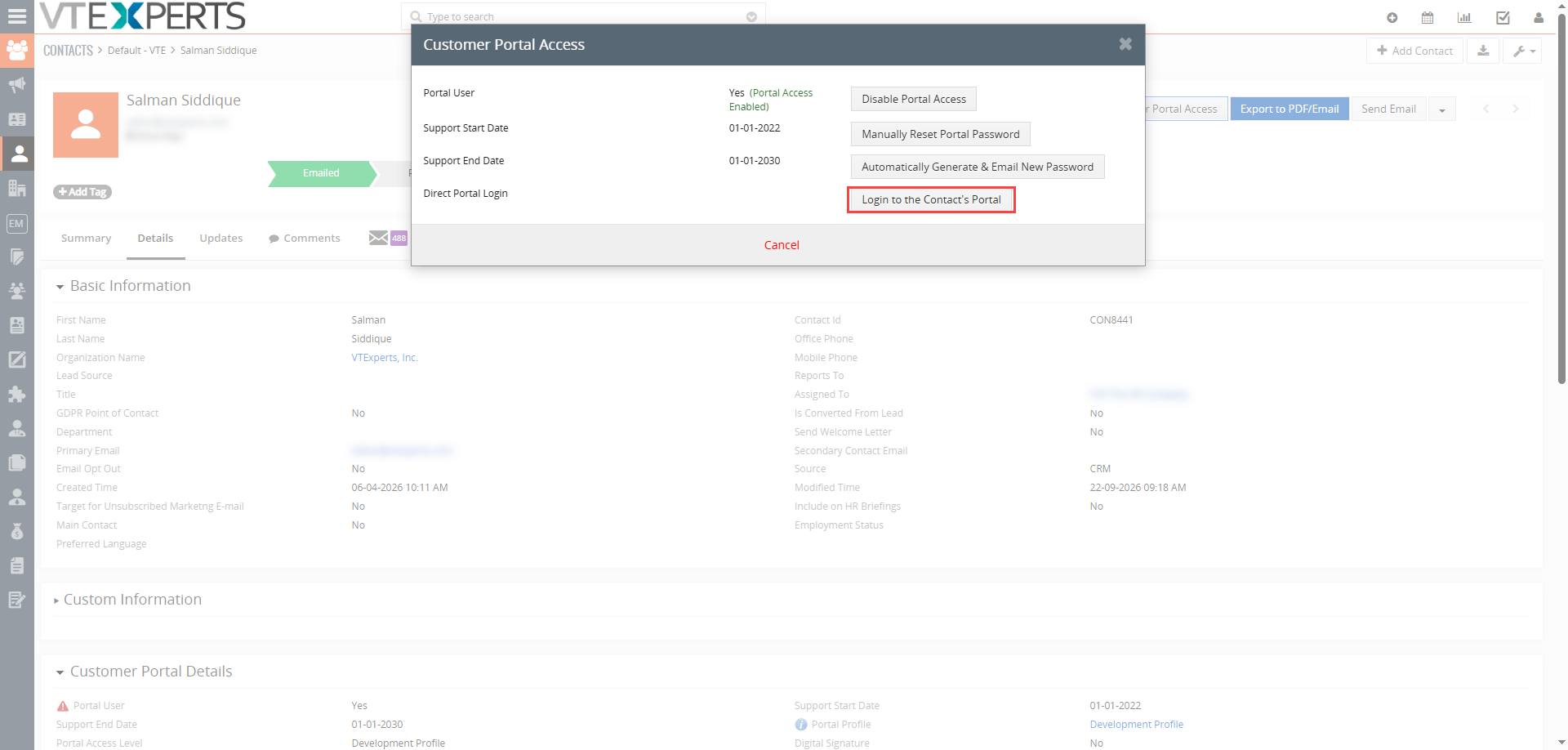
4. Access the Customer Portal
The customer’s portal opens with the modules and information available to that portal user.
The administrator can then navigate through the portal and review the information available to that customer.
Why Use Direct Login?
Direct Login is particularly useful when administrators or support teams need to troubleshoot customer portal issues.
Instead of asking the customer to provide login credentials, the administrator can access the portal directly and check:
- Which modules the customer can access
- What information is visible
- Whether a reported issue can be reproduced
- Whether the customer is seeing the expected records or information
This removes an extra step from the support process and avoids asking customers to share their passwords.
Direct Login vs. Asking for Customer Credentials
With the traditional approach, a customer may need to provide their portal login details before support can investigate an issue.
With Direct Login, the administrator starts from the customer’s Contact record and accesses the portal directly.
Traditional approach:
CRM user asks client credentials → Customer provides login credentials→ Again CRM user asks for 2FA code of Google authenticator code → Customer provides codes→ CRM user logs in → Issue is investigated.
Direct Login:
Administrator opens the Contact record → Selects Login to the Contact’s Portal → Portal opens.
Customers do not need to share their username or password, and Direct Login never exposes their password to the administrator.
Other Use Cases for Direct Login
Direct Login can also be useful for:
- Support troubleshooting: Access a customer’s portal directly to investigate reported issues.
- Verify customer access and permissions: Check whether the customer can see the expected modules, records, and information.
- Validate portal configuration changes: Verify that the customer’s portal correctly reflects profile, field, and access changes.
Who Can Use Direct Login?
The Login to the Contact’s Portal option is available only to VTiger administrators. This feature can be customized for specific roles as well
Regular VTiger users do not have access to this option.
Note: during whole process admin user is not exposed to the contacts customer portal password
VTExperts VTiger Portal Customization
Direct Login is a customization for businesses that want administrators to access a customer’s portal during support and troubleshooting.
It adds a separate administrator workflow to the customer portal without changing the customer’s normal login process.
For businesses that regularly handle portal-related support requests, Direct Login provides a practical way to check the customer portal from the customer’s perspective.
VTExperts VTiger Customer Portal Direct Login allows administrators to access a customer’s portal without asking for their username or password.
From the customer’s Contact record, the administrator can open Customer Portal Access and select Login to the Contact’s Portal. The customer’s portal then opens with the access available to that user.
Direct Login never exposes the customer’s password, making it practical to troubleshoot portal issues, verify customer access, and validate portal configurations.
Check Vtiger default and VTExperts advanced customer portal features Here