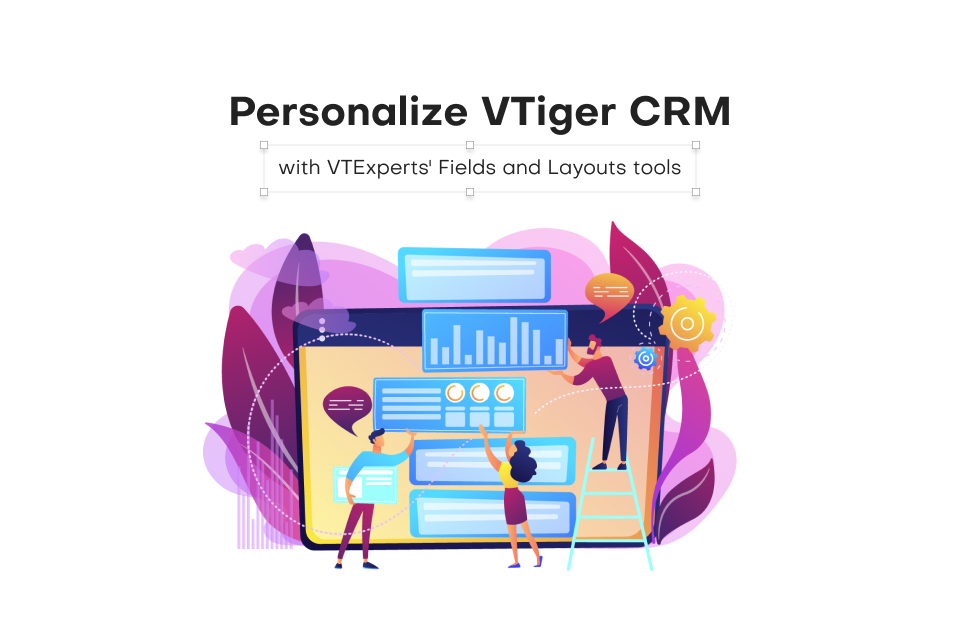
CRM systems are designed for managing and tracking customer interactions for businesses. A significant advantage of using CRM software is its capacity to store and systematize customer data in a centralized database. However, every business is different and has different data requirements, and that is where fields and layout tools become essential. Although Vtiger CRM provides default tools for fields and layouts, but extensive customization may require additional support. VTExperts is here to help you personalize Vtiger CRM with VTExperts’ Fields and Layouts tools
Fields and layout tools are crucial components of a CRM system that enable businesses to personalize their CRM based on their specific requirements. Let’s check what fields and layout tools are, how they work, and the benefits they offer.
Benefits of using fields and layout tools
- Customizability: By customizing the fields and layouts of Vtiger CRM, businesses can tailor the system as per their requirements. This can be done by adding custom fields for data collection or reorganizing fields layout.
- User adaptability: By customizing the layout of a Vtiger CRM, you can make the CRM more user-friendly. Hence, it results in better user adoption and engagement.
- Increased efficiency: Fields and layout tools can enhance productivity and efficiency by arranging data in a logical manner. Moreover, this makes it simpler for users to access the information they require.
- Improved data capturing: By customizing fields, businesses can make sure only needed data is captured and stored in the CRM. It helps in eliminating the collection of irrelevant data, which can otherwise take up valuable storage space
Vtiger CRM layout editing feature
Vtiger CRM system by default provides many tools using which you can change/edit the layout and appearance of the CRM system. The two most common default Vtiger tools in this regard are as follows
Modules layout and fields
By default, you can change the layout of the different modules using “Module layouts and fields” settings. Using it you can add or remove fields, change field labels, and rearrange the position of fields within a layout.
Vtiger Dashboard
Vtiger dashboard allows users to have the ability to personalize their dashboard by modifying its appearance and content, presenting important data and information in an attractive and easily comprehensible layout.
VTExperts layout editing tools
VTExperts offers a variety of layout editing tools to Vtiger. These tools allow users to customize and personalize their Vtiger CRM interface’s appearance and layout to meet their specific requirements.
Let’s check how can you customize Vtiger CRM with VTExperts fields and layout tools
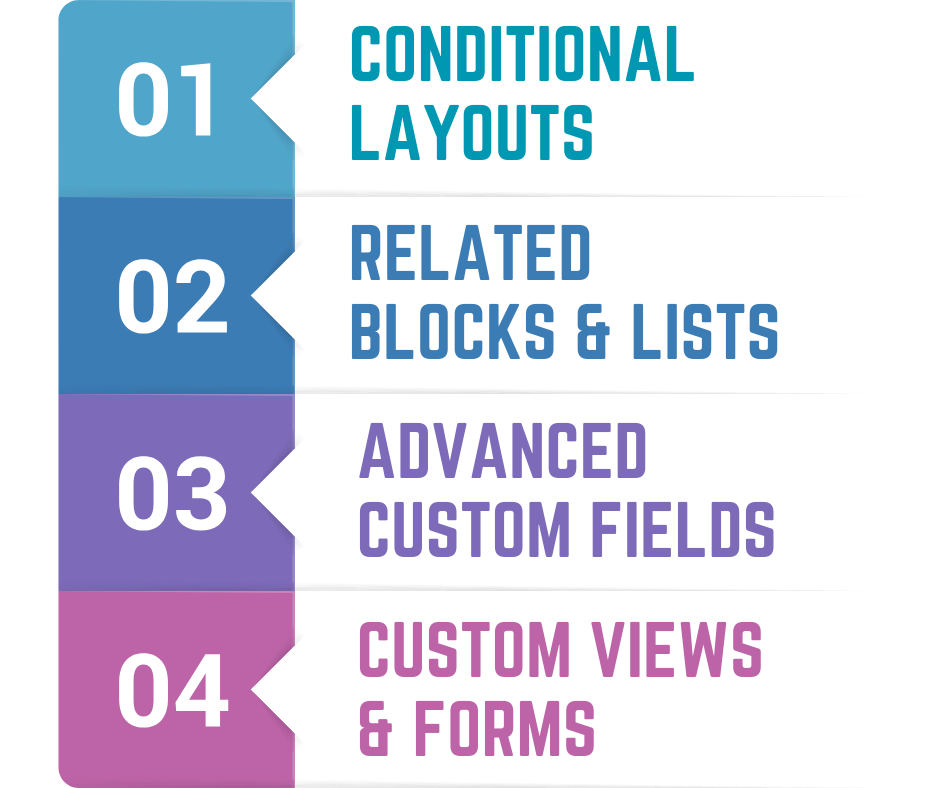
1. Conditional Layouts
The Conditional Layouts extension for VTiger is a tool that allows users to create distinct layouts for different records. Using this extension, system admin can specify which fields/values to display based on certain field values. This extension dynamically shows, hides, or makes a field mandatory, thus resulting in significant improvements to data accuracy, operational efficiency, and user experience.
Below are some of the most prominent features of conditional layouts extension
- Control Record Layouts using field values/workflows
- Supported outcomes: Hide Field, Make Mandatory, Make Read Only
- Runs with Vtiger workflows (Defining conditions)
- Compatible with Edit/Create & Detail Views
- Simple Configuration/Setup (identical to standard workflows)
- Supports All Standard & Custom Modules
- Module Manager Compatible
Check Conditional Layouts user guide Here
2. Related Blocks & Lists (Excel like rows/functionality)
The Related Blocks & Lists extension for VTiger enables users to display related records on the Detail, Create, and Edit Views of the CRM system. It comes with an intuitive configuration panel that allows system administrators to choose which modules (Related Lists) should be displayed on the Detail/Edit Views. This extension also allows users to easily create and update Related List records from within the primary record, for example, creating or updating a “Contact” record from the Organization Detail view.
Below are some of the most prominent features of related lists and records extensions
- Displays Related Lists on Detail, Edit, and Create Views
- Includes 2 types of displays: Related List & as a Block
- Allows to Edit and Create Records from Detail, Edit, and Create Views
- Supports selection of existing records
- Compatible with Standard & Custom Modules
- Module Manager Compatible
Check Related Blocks & Lists user guide Here
3. Advanced Custom Fields
- Advanced Custom Fields for VTiger enables users to create advanced custom fields, which cannot be created by default. Following are the three types of fields that system admins can add using advanced custom fields
“HTML Description” – a rich text description field that allows users to format text, upload images, and add bullet points. This field can be used to provide detailed and structured information about a record. - “Assigned To” – a picklist field that contains a list of users, similar to the standard “Assigned To” field within VTiger. This field also supports workflow emails to groups assigned to the record, making it easier to keep all parties informed and up-to-date.
- “Upload Field” – a field that allows users to store/upload any type of file or image within the CRM system.
Below are some of the most prominent features of advance custom fields extensions
- Allows system admins to create Description Fields with Rich Text Capabilities
- Supports “User List” (a.k.a “Assigned To” custom field)
- Supports File/Document/Image field
- Unlimited number of fields
- Supports Edit, Create, & Detail Views
- Supports all Custom & Standard VTiger Modules
Check Advanced Custom Fields user guide Here
4. Custom Views, Screen Layouts & Forms
The Custom Views & Forms extension for VTiger is designed for the system admins, providing them with the ability to set up different views/layouts for any module within the CRM system. Using this extension, administrators can configure multiple views for certain modules, such as trouble tickets, like “Sales Tickets” and “Support Tickets.” They can specify and display different sets of fields for each view to cater to the specific requirements of each type of ticket.. This extension supports all modules within the VTiger CRM system.
Below are some of the most prominent features of custom views, screen layouts & forms extensions
- Completely customizable screen layouts/views for any type of record
- Easy to use “drag and drop” field functionality to create the layouts
- Once the views are customized and the record is opened, it will automatically show the right view/layout.
- Supports all custom & standard VTiger fields
- Ideal solution for those businesses having to deal with different types of tickets (Repair, Support, Install)
- Supports List-views & Related Lists
- Converts “Add Record” button into multi purpose pick-list button
- Workflows, filters & built in search is supported
- Compatible with VTiger Standard & Custom Modules
Check Custom Views, Screen Layouts & Forms user guide Here