

vTiger 8
VTExperts Vtiger CRM AI Customer Portal Chat Assistant
August 20, 2026
Article
At VTExperts, we came up with a new VTExperts Vtiger CRM AI Customer Portal Chat Assistant to automate client onboarding and support workflows. Managing customer portals manually introduces recurring friction for support teams: Manual onboarding overhead: Providing live video walkthroughs for every new customer ties support capacity directly to team availability. Scattered system knowledge: Operational guidance lives informally across staff discussions rather than inside an indexed reference repository. Context separation: Support interactions lack immediate visibility into specific customer account attributes during inquiries. Numerous operational limitations can hinder support workflows. Therefore, our team engineered a targeted solution. Specifically, we built a managed integration linking Vtiger CRM with advanced generative AI. Additionally, the setup connects seamlessly to knowledge retrieval systems. Consequently, the system syncs customer account data in real time. Because of this live data sync, the assistant generates precise answers instantly. Furthermore, it automatically logs any unresolved queries as support tickets.
VTExperts Vtiger CRM AI Job Description Generator
August 3, 2026
Article
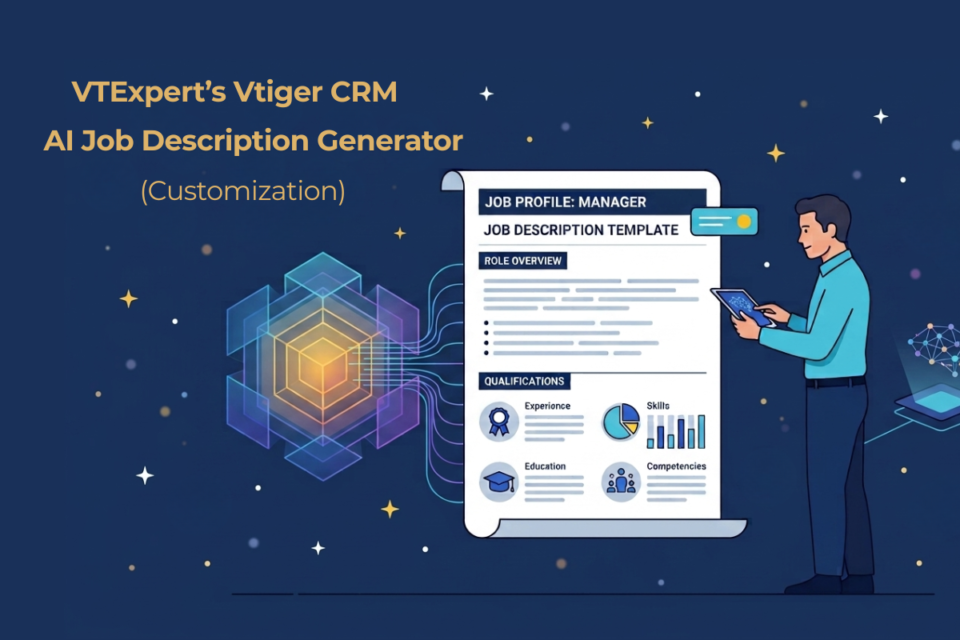
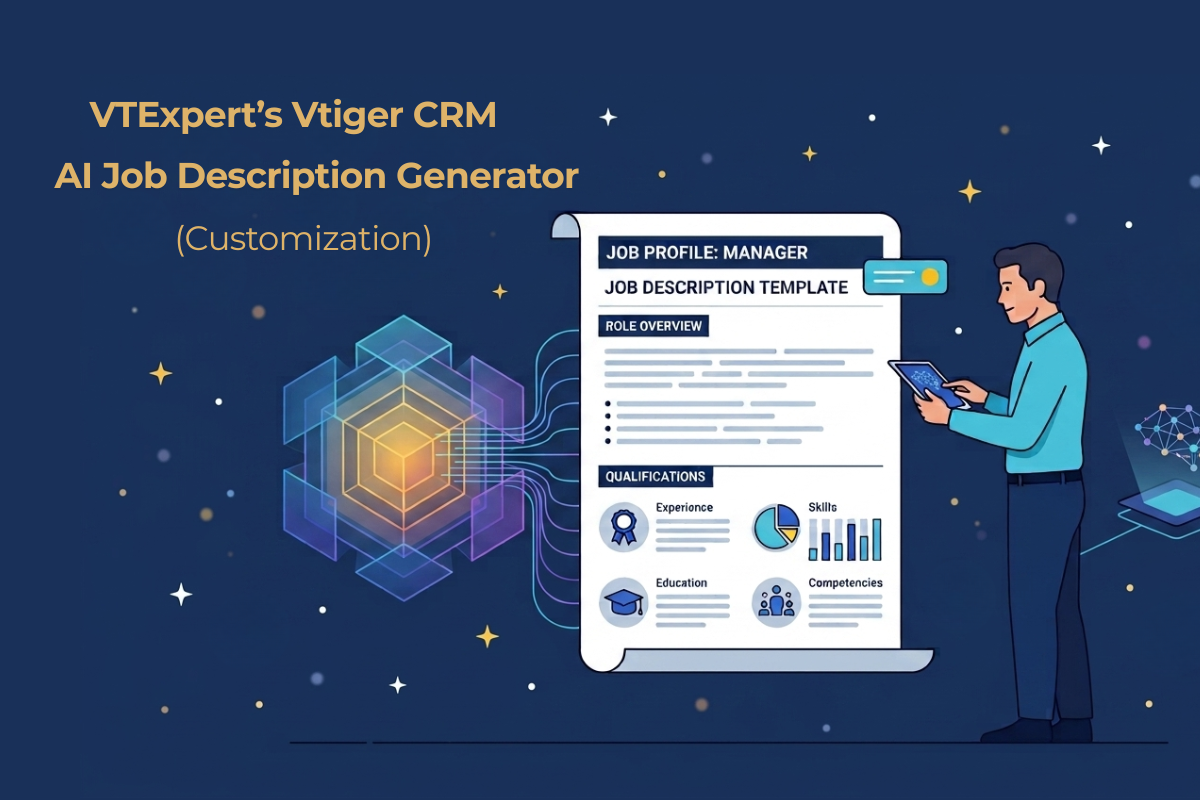
Writing job descriptions manually under tight deadlines causes friction across HR teams. When staff rush to create documents between candidate interviews and employee onboarding, outputs become inconsistent, missing structured competency levels and matching company tone. At VTExperts, we build custom AI solutions inside Vtiger CRM that solve this problem; specifically, our AI-powered job description generator allows HR teams and managers to produce standardized, professional job descriptions directly within their existing CRM portal. Let’s take a look at VTExperts Vtiger CRM AI Job Description Generator in depth The challenge of manual document creation Organizations managing job descriptions across multiple departments or client accounts face recurring challenges: Inconsistent formatting: Different hiring managers use different layouts, tone, and structures. Vague competency criteria: Defining specific skills and performance levels manually takes hours. Lost productivity: Administrative teams spend time drafting repetitive text instead of managing core HR operations. Generic templates do not fix these issues. Businesses need an
VTExperts AI Call Transcription Automation for Vtiger CRM
July 28, 2026
Article
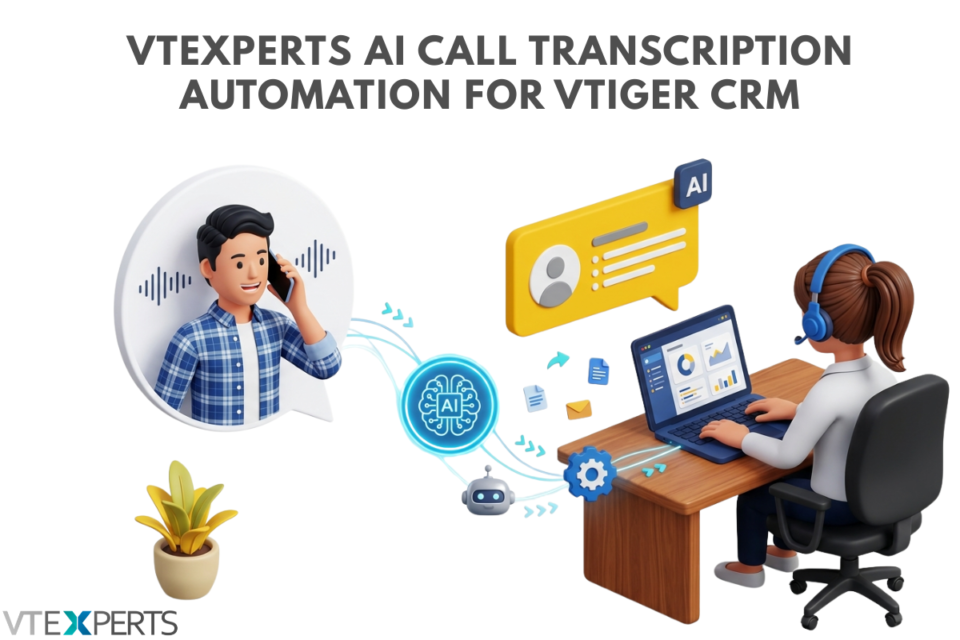
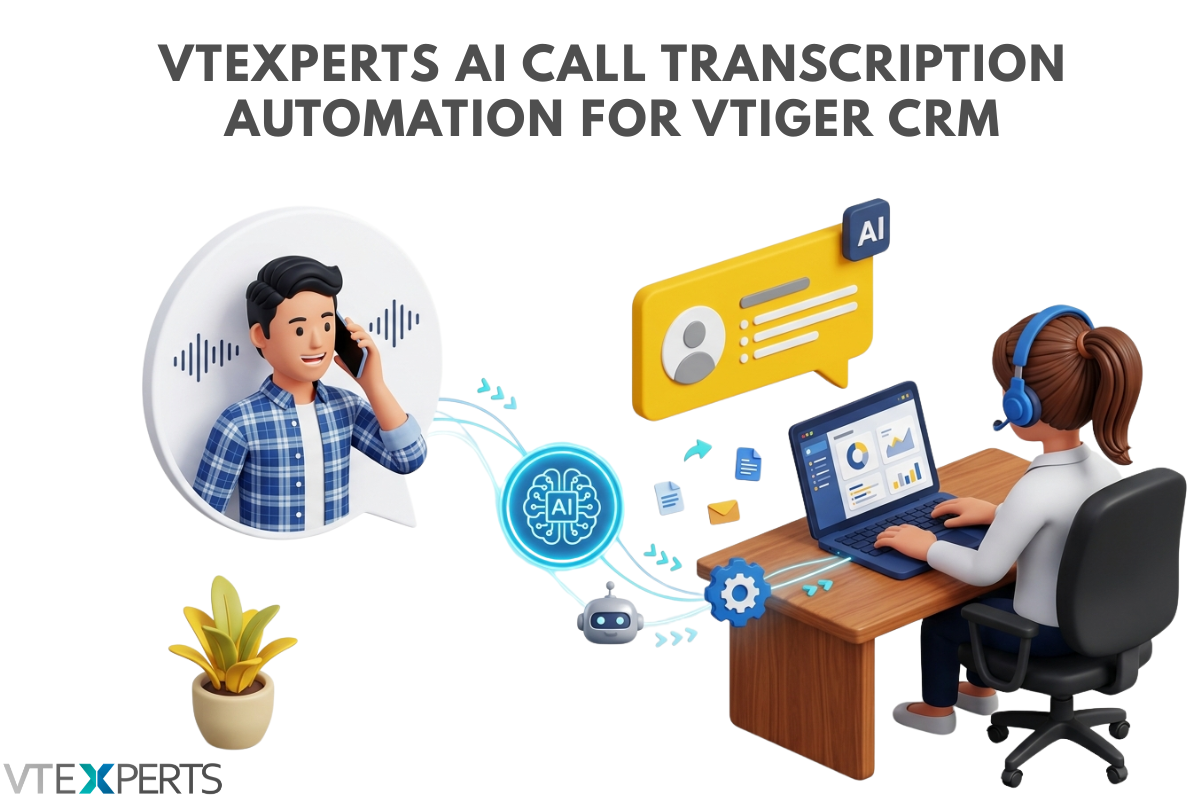
At VTExperts, we have spent years helping businesses customize, tweak, and optimize Vtiger CRM to fit their exact workflows. Currently, teams are drowning in unstructured data specifically, thousands of hours of voice notes, customer service calls, and sales meetings that get trapped in audio files and forgotten, creating a critical need for AI Call Transcription Automation for Vtiger CRM That is why our development team at VTExperts has been actively building and testing live AI integrations for Vtiger. We are not just talking about the future of AI, we are actively engineering it into the Vtiger ecosystem using modern automation and orchestration platforms like n8n, Make, Zapier, and LangChain, alongside cutting-edge Large Language Models (LLMs) such as OpenAI’s GPT-4, Anthropic’s Claude, Google’s Gemini, Meta’s Llama, and Mistral AI. We built an automated AI pipeline that listens to customer calls, cleans the transcript, extracts intelligence, and updates Vtiger CRM instantly. Here
Automate Vtiger Documents with VTExperts Document Designer’s Conditional Logic
April 23, 2026
Article
We have all been there: you are about to send a contract or an agreement, but it is filled with “N/A” markers and empty sections that do not apply to the client. It looks messy, feels impersonal, and a bit unprofessional. In Vtiger CRM (Open Source), the “one-size-fits-all” template is a thing of the past. Thanks to VTExperts’ Document Designer, you can now use Conditional Logic to make your templates “smart.” Instead of maintaining a dozen different files, you use one Master Template that automatically hides or shows fields based on your CRM data. Imagine you are managing properties. Not every tenant has a pet, so why should every lease include pet addendum? With a simple conditional logic on picklist field “Is Property Pet Friendly?” in your CRM, the Document Designer takes over: If Yes: The “Pet Policy” section—complete with pet types, deposit amounts, and specific rules—instantly appears in the
VTExperts Email Marketing Update: Attach Documents to Campaigns
January 6, 2026
Article
Email Marketing Automation extension by VTExperts is a tool that makes vTiger a real email marketing powerhouse. Need to hit thousands of inboxes? No problem! It uses batch sending to space out your emails. It is super easy, step-by-step email marketing tool that guides you through creating campaigns and sending it out. You can target exactly who you want using flexible Marketing Lists of your Contacts, Leads, and Organizations. Once you hit send, the Summary View gives you the whole picture—real-time updates on unique opens, who unsubscribed, and all the performance metrics you need. Basically, it brings true professional email marketing right inside your VTiger. VTExperts Email Marketing Update: Attach Documents to Campaigns for greater flexibility and enhanced usability. Introducing: Campaign Attachments Feature We are excited to announce a powerful new feature is now available in the Email Marketing Automation extension You can now include attachments directly in your campaigns. This feature is integrated
Personalize Vtiger CRM with VTExperts’ Fields and Layouts tools
March 7, 2025
Article
CRM systems are designed for managing and tracking customer interactions for businesses. A significant advantage of using CRM software is its capacity to store and systematize customer data in a centralized database. However, every business is different and has different data requirements, and that is where fields and layout tools become essential. Although Vtiger CRM provides default tools for fields and layouts, but extensive customization may require additional support. VTExperts is here to help you personalize Vtiger CRM with VTExperts’ Fields and Layouts tools Fields and layout tools are crucial components of a CRM system that enable businesses to personalize their CRM based on their specific requirements. Let’s check what fields and layout tools are, how they work, and the benefits they offer. Benefits of using fields and layout tools Customizability: By customizing the fields and layouts of Vtiger CRM, businesses can tailor the system as per their requirements. This can
vTiger 8.3: Merge Tags/Descriptions Bug in Email Templates
February 13, 2025
Article
A powerful feature of Vtiger CRM system is the ability to use merge tags in email templates. That enables user to personalize communications by dynamically inserting record-specific data. However, with the release of Vtiger CRM version 8.3, users have reported issues, where merge tags and merge descriptions, fail to function correctly within email templates. Lets check what is vTiger 8.3: Merge Tags/Descriptions Bug in Email Templates Let’s go through it with an example Following is a screenshot of an email template where field labels are used It does not populate the field data in the output, instead keep on showing field labels A fix for this problem has been provided by the Vtiger team. You can find the solution details here: View solution Applying this fix should resolve the merge tag and description problems, restoring the functionality needed for effective email communications. In case if you need any assistance, feel
Optimizing Vtiger’s Order Management with VTExpert’s plugins
August 6, 2024
Article
Order management is a primary function of any business that is offering products or services to its clients. Order management effectiveness ensures that orders are fulfilled accurately and promptly, leading to increased customer satisfaction and repeated sales. In this article, we will check the significance of order management in CRM and how it can assist businesses in streamlining their sales processes. Moreover, we will also explore how can we optimize Vtiger’s order Management with VTExpert’s plugins Vtiger CRM and order management Vtiger CRM is a flexible CRM software that offers a wide range of functionalities to assist businesses in managing their customer relations and interactions. One of the highlights of Vtiger CRM is its order management capability. Vtiger facilitates streamlined management of sales orders and monitoring of the order fulfillment process from inception to completion. With Vtiger CRM’s order management functionality, businesses can easily create, manage, and track their sales
Link Emails to Quotes, Invoices & Orders with Corrensa
May 20, 2024
Article
The key highlight that makes Corrensa a great tool is the number of different ways in which it interacts with the Vtiger CRM system. From attaching emails to Vtiger records to creating new records in the Vtiger CRM without leaving the email interface, Corrensa is doing wonders. Corrensa’s eliminates the need to switch between multiple applications, saving you time and streamlining your workflow. Now, you can link emails to quotes, Invoices & orders with Corresna. New Feature: Link Emails to the Quotes, Invoices and Sales Order Prepare to witness a remarkable convergence of email efficiency and VTiger CRM prowess with Corrensa’s new feature, that allows you to link emails to Quotes, Invoices and Sales Orders. Through this feature you can link the emails to the relevant Quotes, Invoices, and Sales orders without Benefits of linking emails to invoices, quotes, and Sales order Linking emails to quotes, sales orders, and invoices
Vtiger CRM 8.0.0 has been Released
September 20, 2023
Article
In the ever-evolving landscape of CRM solutions, Vtiger CRM took a significant step forward with the release of Vtiger version 8.0. This update includes stable support for PHP 8.x (PHP 8.2), MYSQL 8.X and Maria DB 10.x Following are the key highlights of Vtiger 8.0.0 Added Composer support for PHP server dependency. Upgraded libraries to achieve better security compliance. Maintenance fixes and MRs Official Announcement You can find the official announcement here: Vtiger CRM 8.0.0 GA Release Download Vtiger 8.0.0 Download the Vtiger 8.0.0 from here: Download Link Vtiger 8.0.0 & VTExperts 1. VTExperts Extension Pack Considering the release of Vtiger 8.0.0, VTExperts is actively working towards ensuring that all extensions previously compatible with Vtiger 7.x are promptly fine-tuned and made fully compatible with Vtiger 8.0.0 2. Migrating to Vtiger CRM 8.0.0 VTExperts offers a seamless CRM upgrade service that ensures a hassle-free transition to Vtiger 8.0.0. Our team of experts will
VTExperts Advanced Custom Fields: Second Assigned To Field Filter in vTiger