Maintaining an organized schedule and appointments is crucial for running a business smoothly. One effective way of doing this is by using Customer Relationship Management (CRM) software such as Vtiger. However, to get the most out of Vtiger’s scheduling features, sometimes additional scheduling tools may be necessary. VTExperts developed various extensions that extend or enhance Vtiger’s calendar features. In this article, we will look at how can you optimize Vtiger scheduling with VTExpert’s tools
Vtiger Calendar
Vtiger offers several calendar and scheduling features that help businesses manage their time efficiently and optimize their operations. Here are some of the crucial calendar and scheduling features offered by Vtiger
- Shared Calendar: Vtiger provides a shared calendar, which can be accessed by multiple users in an organization. This feature can help businesses avoid scheduling conflicts and ensure that everyone is on the same page.
- Recurring events: Vtiger calendar also allows users to create recurring events. Users can set the frequency of the recurring events as per their needs. Furthermore, it helps in the scheduling process and reduces manual effort.
- Set Reminder: Vtiger allows to enable reminders and alerts, which can be sent to remind users of upcoming appointments or tasks.
- Connect calendar events to records: Another prominent feature of the Vtiger calendar is that the user can connect calendar events/tasks with the records from different modules. Using this feature, users can create events around a specific record.
Benefits of Vtiger’s scheduler features
Utilizing Vtiger’s scheduler features can offer various benefits to businesses, regardless of their size. Some of the key benefits of using Vtiger’s calendar feature are as follows
- Time management: With the calendar feature, Vtiger offers an organized view of appointments, tasks, and deadlines, enabling users to manage their time more efficiently.
- Increased efficiency: By automating tasks such as sending reminders, creating recurring appointments, and connecting records to calendar events, Vtiger’s calendar features can help users to save time and improve the overall efficiency of operations.
- Improved collaboration: Features like shared calendars can help users to better coordinate with other team members and result in improved collaboration.
Enhance Vtiger Schedule with VTExperts
VTExperts specializes in providing Vtiger customization, integration, and support services. One of the areas where VTExperts excels is in developing tools and plugins to extend and enhance Vtiger’s default capabilities.
VTExperts scheduling extensions
VTExperts also developed various calendar and scheduling-related plugins to enhance the usability of the default Vtiger calendar feature. Following are some of the VTExperts scheduling-related plugins
1. Timesheets by VTExperts
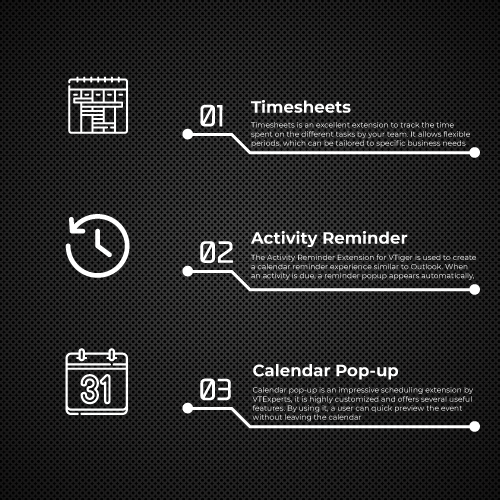
Timesheets is an excellent extension to track the time spent on the different tasks by your team. It allows flexible periods, which can be tailored to specific business needs. Moreover, once an entry is made in the time sheet, the system admin can lock it to prevent further modifications. Its straightforward layout simplifies the process of logging time, adding details such as the reason, description, and linking it to an existing record in VTiger.
Some of the key features of VTExperts timesheets that makes it unique
- Interactive & easy to use interface
- Supports Custom Periods (7 Days, 14 Days, 2 times a month)
- Lock Feature (lock periods to prevent any further changes)
- Time entered is automatically calculated and grouped by Type
- Customizable Type picklist & colors
- Related To column (link time log to any record in the crm)
- In addition, it also calculated overtime automatically (optional)
- View time entries in a list view
- Supports Imports & Exports
- Restricted views to users (Only admin can perform certain functions)
Check extension Here
2. Activity reminder by VTExperts
The Activity Reminder Extension for VTiger is used to create a calendar reminder experience similar to Outlook. When an activity is due, a reminder popup appears automatically, presenting the day’s events with important information such as subject, description, and related contacts, leads, or organizations, as well as the due In. Additionally, a snooze feature is built in, allowing the user to delay all or specific activities.
Here are some of the key features of Activity reminder
- Compatible with Events/Activities + Tasks/Todos for VTiger
- Compatible with standard VTiger Reminder Settings
- Built in Actions to Complete, Edit & Delete the event.
- Automatically pops up an alert when the activity is due
- Also, it has built in Snooze functionality
- Moreover, shortcut to open the Activity Reminder Popup manually
- Module Manager Compatible
- Check extension Here
3. Calendar Pop-up by VTExperts
Calendar pop-up is an impressive scheduling extension by VTExperts, it is highly customized and offers several useful features. By utilizing it, a user can quick preview the event without leaving the calendar. Moreover, its user-friendly tabbed popup window shows linked records, such as contacts, organizations, leads, tickets, and custom modules. Moreover, it provides the option to update, delete, create, or link existing records to calendar events.
Following are some of the notable features of VTExoerts calendar pop-up extension
Works with Daily, Weekly & Monthly Views
- It allows to see the linked records (Contact, Organization, Lead, Ticket, Opportunity) information
- Allows to update linked records (Contact, Organization, Lead, Ticket, Opportunity) information on the fly
- It also allows to see and update the linked Custom modules’ records
- Moreover, it allows to link existing records & create new records
- Indicates if there’s a record attached to an Event
- Option to send email from within the Popup
- Opens the popup from Summary/Related list views
- It also supports default Event functionality
- Works with all types of events
- Configurable GUI enables you to include or exclude modules
Check extension Here
VTExperts scheduling customizations
VTExperts offers various tailor-made solutions associated with the Vtiger calendar and scheduling functionality. Furthermore, these customizations include modifications ranging from the layout/appearance modification of the calendar to adding certain features, or even creating entirely new functions specific to a particular business’s needs.
Here are some of the examples of calendar-related customizations done by VTExperts
1. Create user groups in the shared calendar
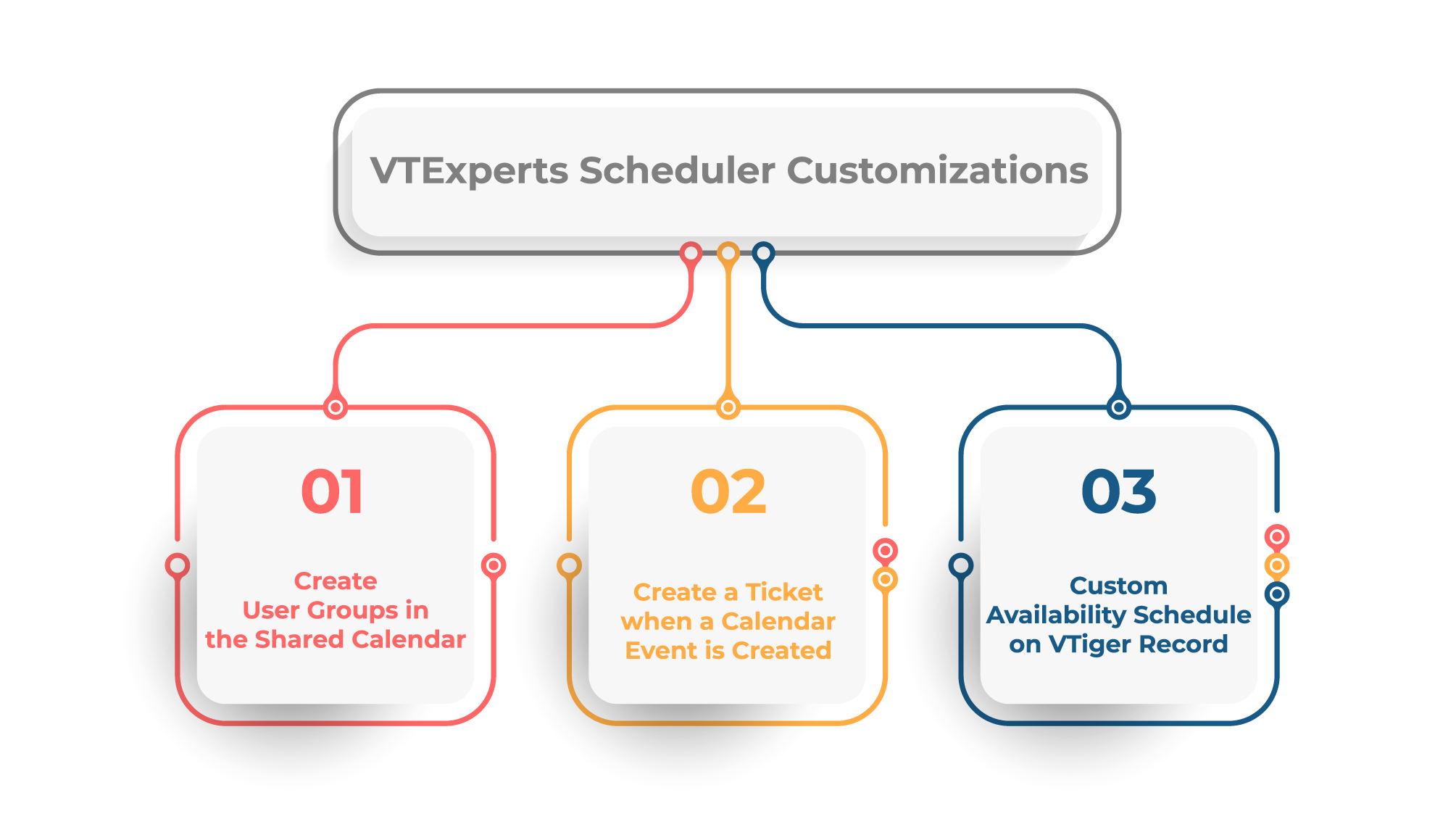
User groups in shared calendars allows to make Label Groups and add users into it, in shared calendar. Using it you can filter the calendar events based on groups.
Check customization details Here
2. Create a ticket when a calendar event is created
Using this customization an automated ticket will be generated whenever a calendar event is created
Check customization details Here
3. Custom Availability Schedule on VTiger Record
We built a custom ‘availability schedule’ within VTiger which allows the user to open the record, in this case contact, click the “Availability” section and update record preferences there. It includes the columns for all days of the week as well as the hour periods that apply.
Check customization details Here
If you have any specific requirements in regard to the scheduling and calendar feature of the Vtiger, feel free to reach us
Conclusion
In conclusion, Vtiger is an excellent CRM for managing your business schedule, and VTExperts tools can help optimize its scheduling capabilities further. Whether you need to manage resources, schedule recurring appointments, automate reminders, customize your calendar, or provide clients with an online booking portal, VTExperts has the right tools to help you achieve your goals.