• Company
  • Blog
  • Case Studies
  • Partners
  • Contact

vtexpertswplogovtexpertswplogotransp2-white-small-2transp2-white-small-2

  • Home
  • Services
    • Services [custom]
  • Solutions
    • Solutions [custom]
  • Extensions
    • Extensions [custom]
  • Managed Hosting
  • Resources
    • Resouces [custom]
  • Extension List
  • Home
  • Managed Hosting
  • Extensions
    • Get Started
    • Installation Instructions
    • Pricing
    • FAQs
    • Extension List
  • Services
    • Support
    • Custom Development
    • Integrations
    • Vtiger Upgrade
    • Data Migration
  • Support Plans
    • Monthly Plans
    • Support Plans
    • Startup Packages
  • Resources
    • Helpdesk
    • Blog
    • Contact Us
    • Partners

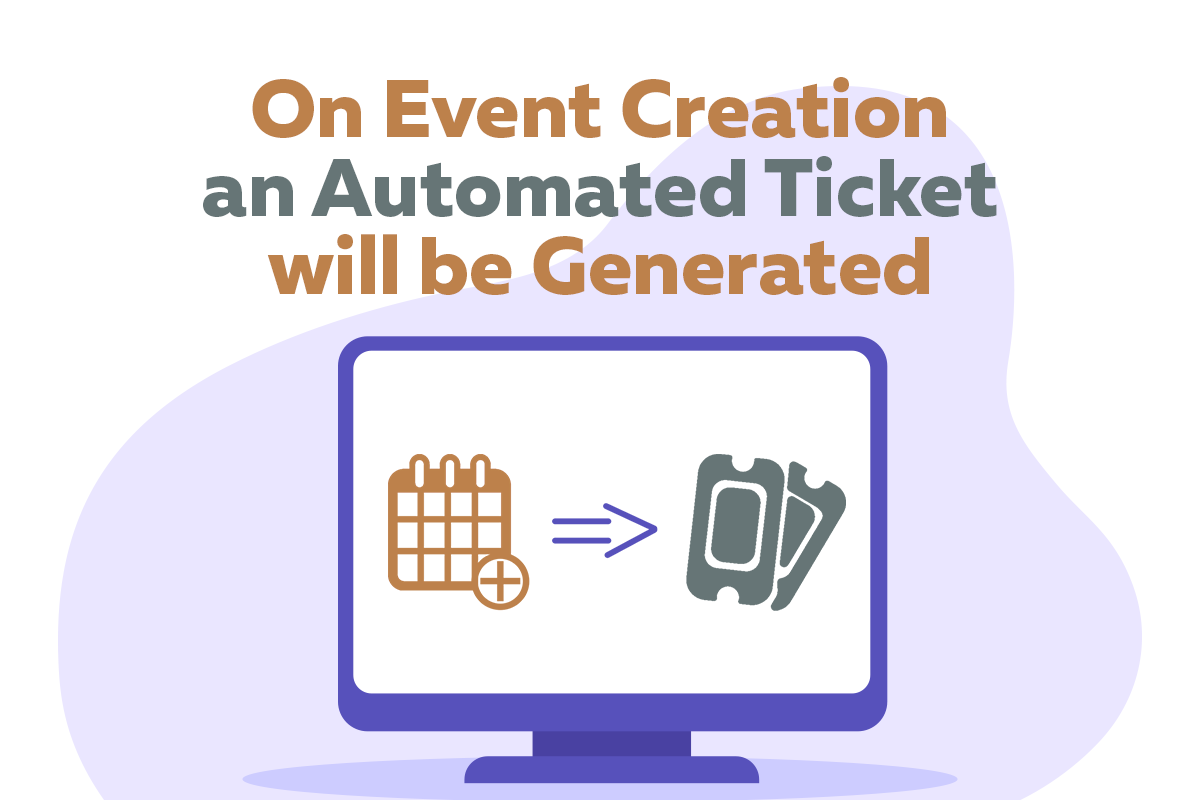
On Event Creation an Automated Ticket will be Generated

Categories
  • vTiger 7
  • vTiger Tips
  • vTiger Tweaks
Tags
  • automation
  • customize vTiger
  • vTiger
  • vtiger 7
  • vtiger CRM
  • vtiger tips
  • vtiger tricks
  • vtiger tweaks
  • vtigercrm

Can a user generate an automated ticket, when an event is created in calendar? It is one of the most common question that we face from clients. Default Vtiger feature cannot do this. But, VTExperts provides a customization using which on event creation an automated ticket will be generated

For example, Adam plans the physical meetings in organization XtraCare. But, he do not participate in those meeting as a member. To keep Adam inform, company wants an automated ticket assigned to Adam, whenever a user makes a calendar event. Adam’s can check the ticket and make the arrangements for the upcoming events without disturbing the privacy of other organizational members who are participating in the meeting

The whole process will consists of two steps

  1. Creating and Event
  2. Generation of an automated ticket in response

Firstly, an event will be created. Secondly, in response to that event an automated ticket will be generated

Lets take a look How will it work

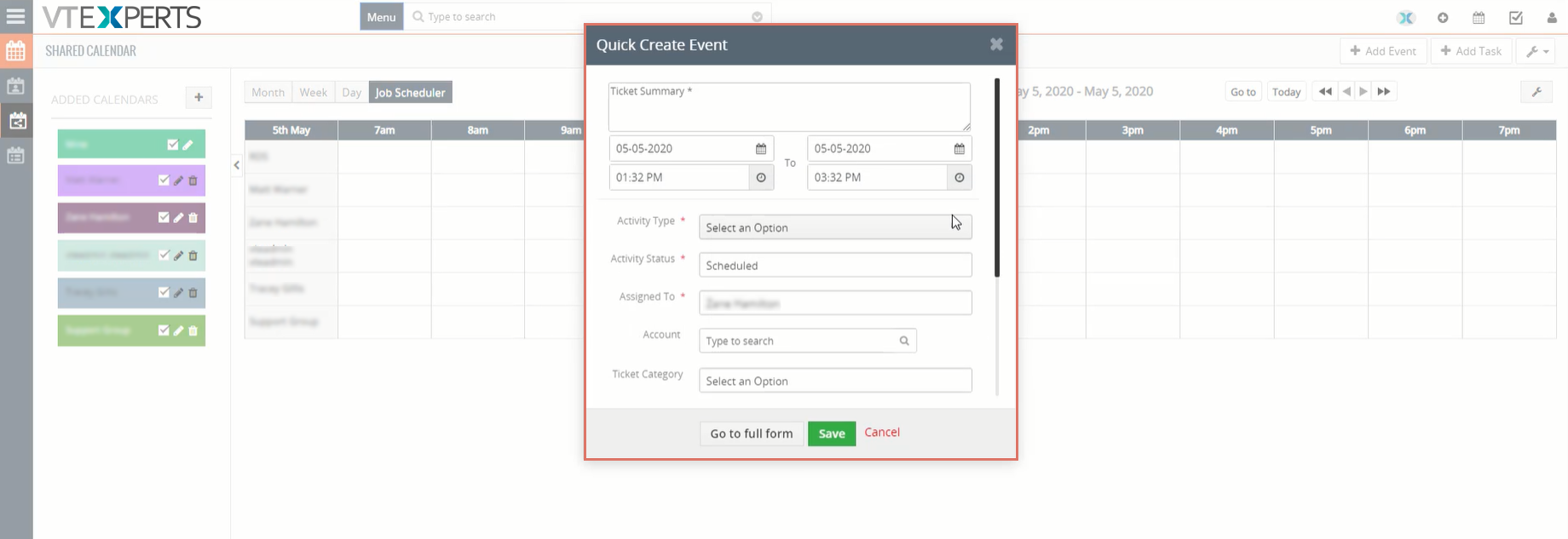
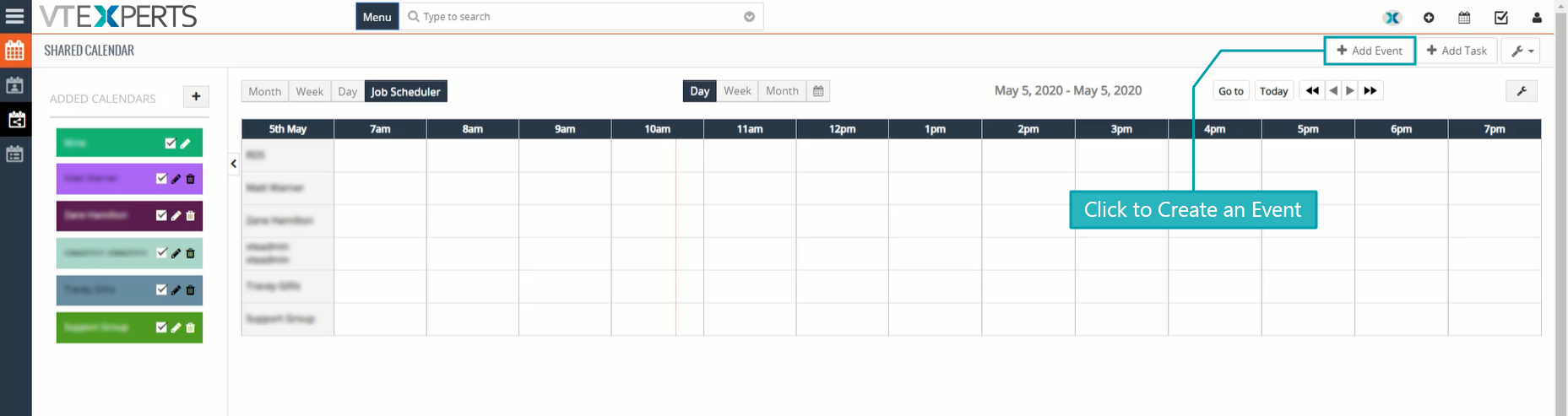
Go the the calendar and click on Add Event button to create a new event
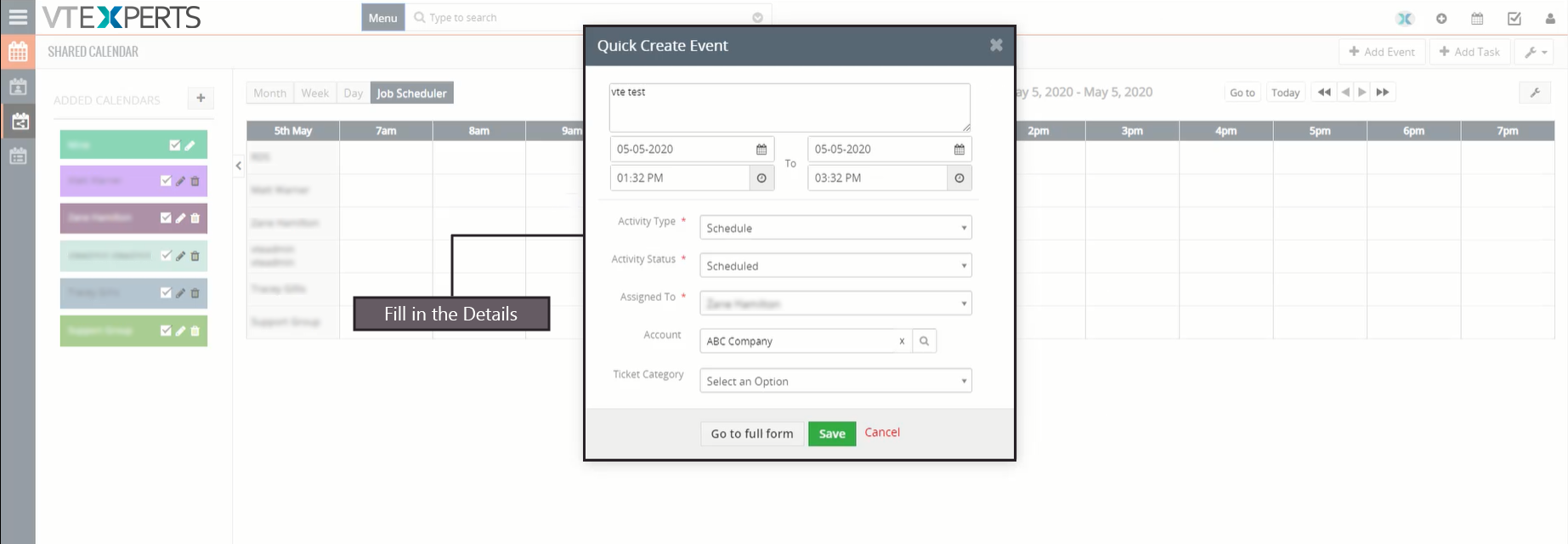
Fill in the details in event creation form
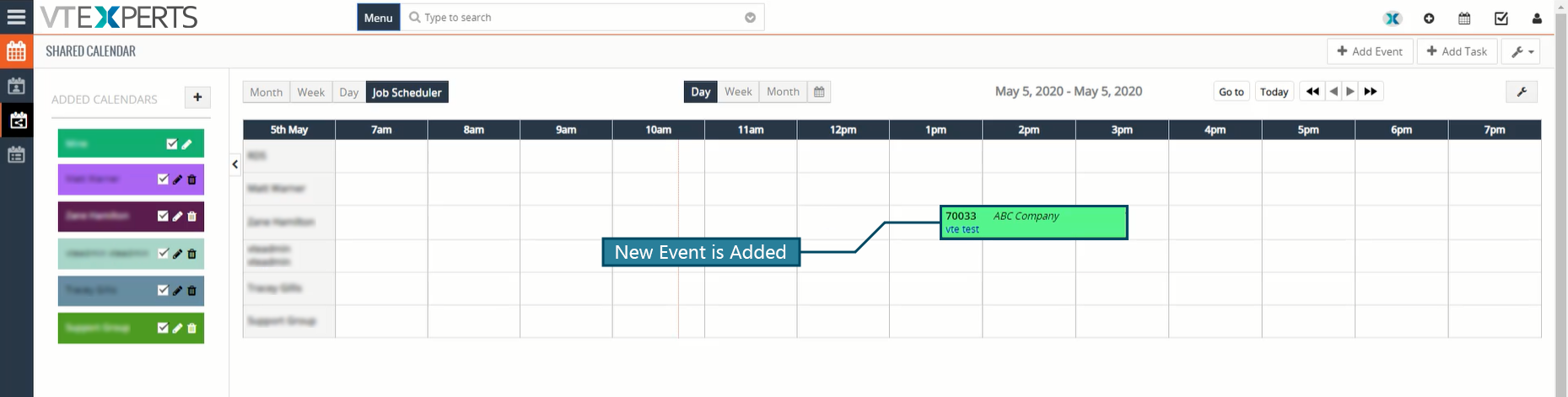
Check calendar for the new event
Now go to list view and select the event that you have created
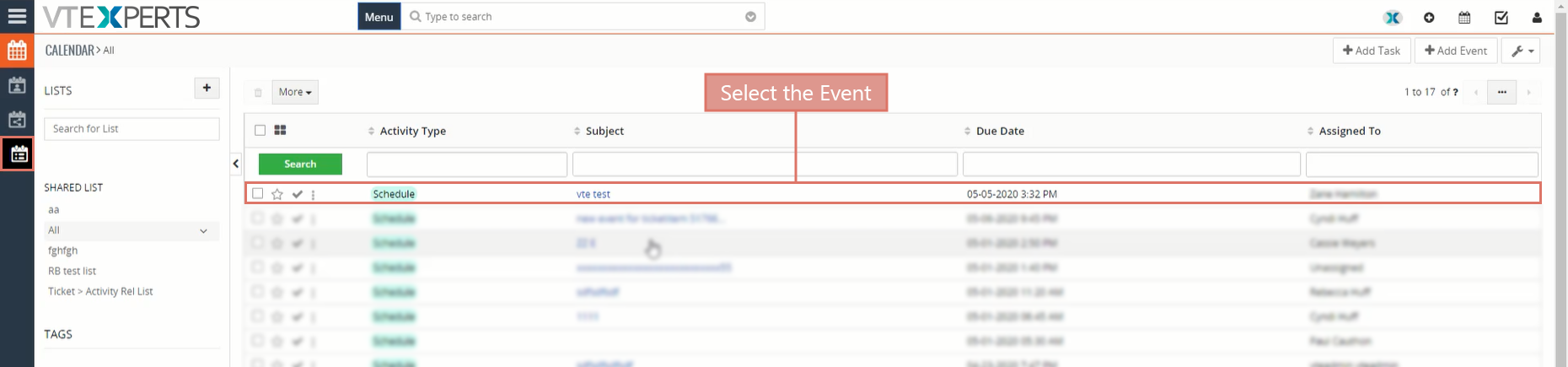
In the detail of that event you can see a ticket section with information related to the ticket.

It shows the information like ticket category, ticket status, ticket id, ticket priority etc.
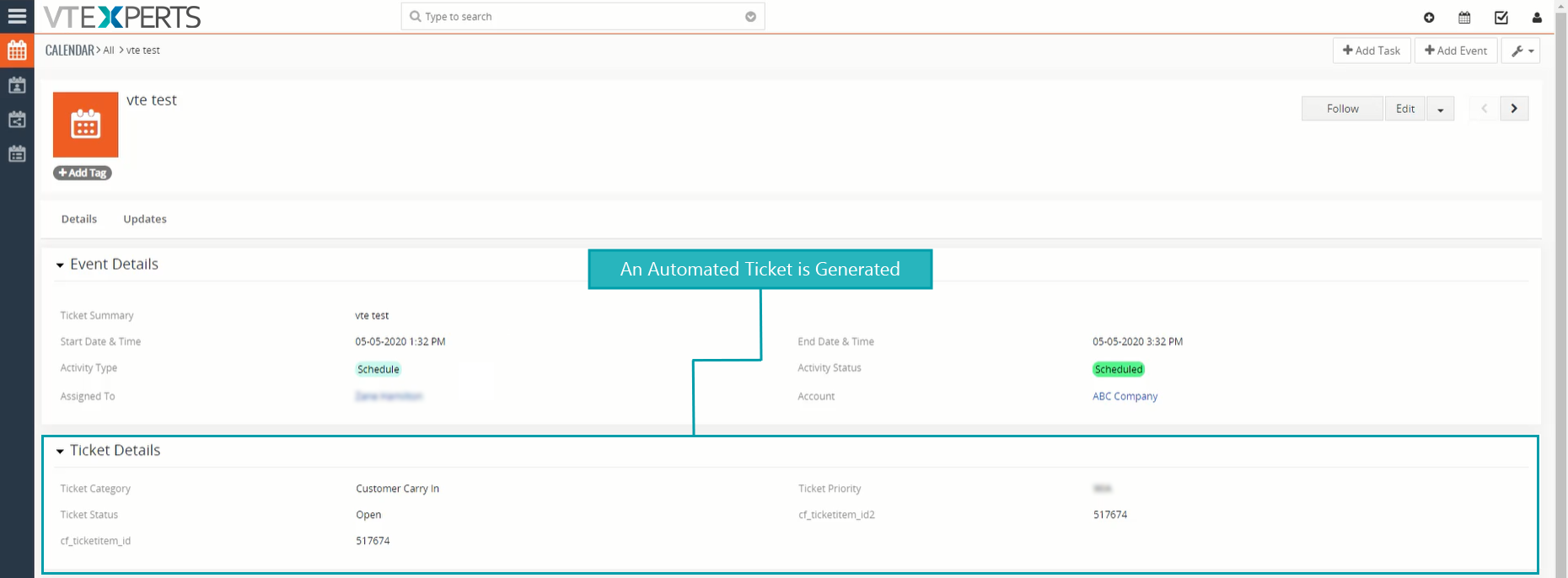
Now Lets check the created ticket through Tickets module
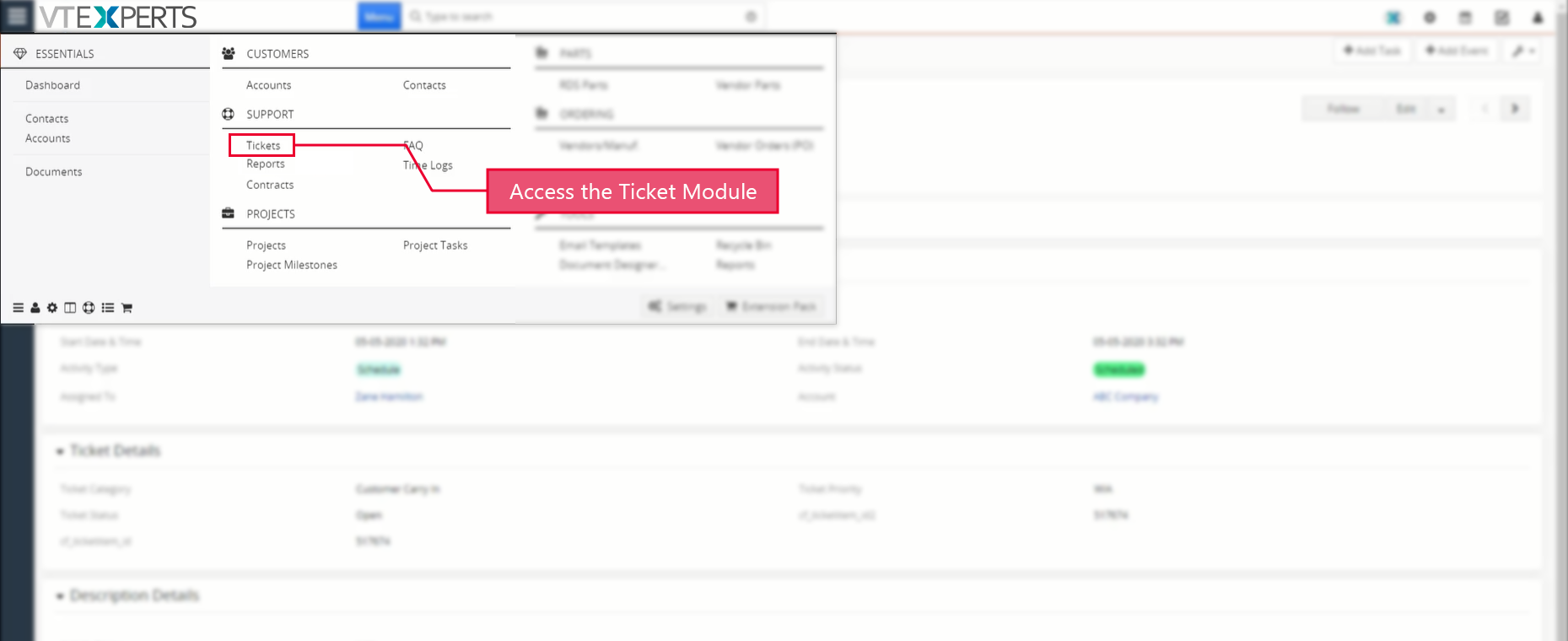
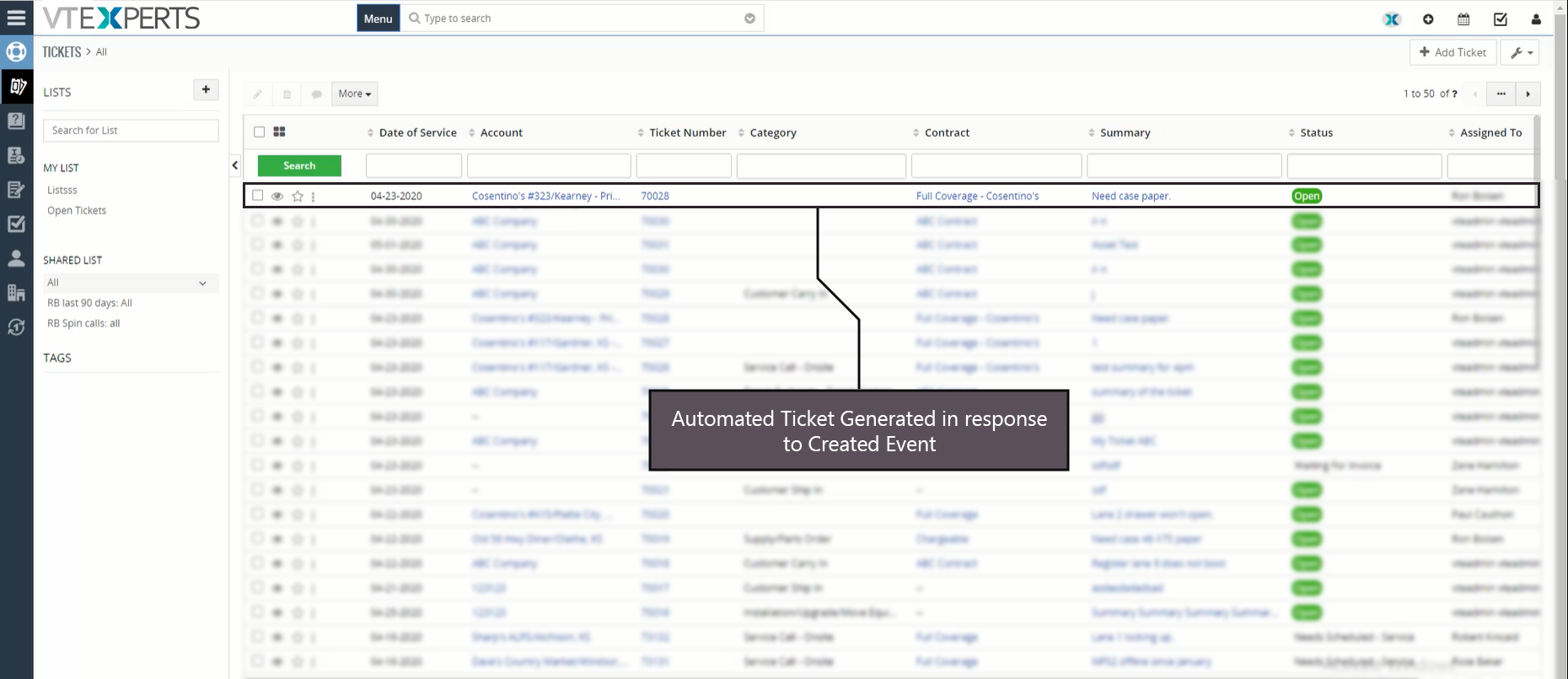
An automated ticket is
Check the ticket details

It is the same as we saw in the event module
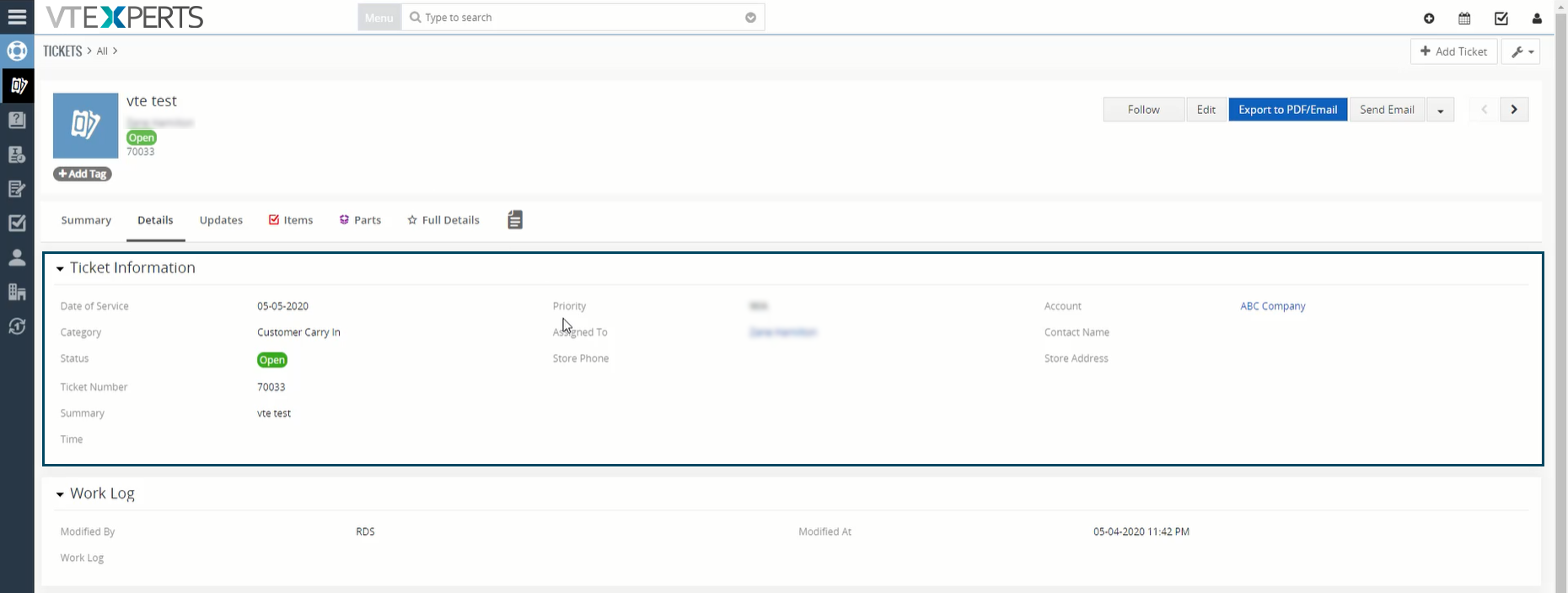
Using this customization an automated ticket will be generated when an event is created

Next Article: How to setup a Workflow on Record Deletion 
Related posts

VTExperts VTiger Customer Portal Direct Login – Customization

VTiger Advanced Customer Portal vs Default Customer Portal: What’s the Difference?

VTExperts: Vtiger Employee Contract Management Customization

Multi-Currency Vtiger Quotes with VTExperts IDCA (Customziation)

Multi-Currency Vtiger Quotes with VTExperts IDCA (Customziation)

Comments are closed.

EXTENSION PACK

  • Extension List
  • Pricing
  • Extension Pack Details
  • Setup Instructions
  • Documentation

SERVICES

  • Support & Consulting
  • Hosting (Dedicated & Managed)
  • Customization & Development
  • Upgrade & Migration
  • Maintenance & Ongoing Support

LINKS

  • Gmail Plugin for VTiger
  • Outlook Plugin for VTiger
  • Blog (News & Tips)
  • Extension List
  • Contact Us Form

VTExperts

  • 341 W Scott Street
    Chicago, IL 60610
    United States
[email protected]
+1 (818) 495-5557
© 2009-2026 VTExperts.com All Rights Reserved
0
Cleantalk Pixel