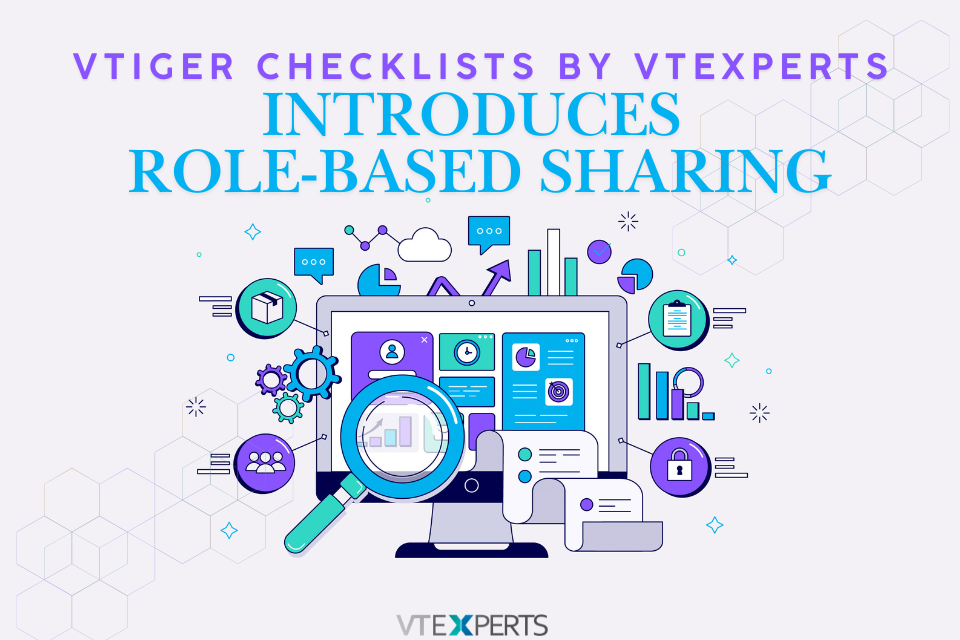
Vtiger CRM lacks native checklist functionality. The VTExperts Checklists extension addresses this limitation. Now, Vtiger Checklists by VTExperts Introduces Role-Based Sharing to help administrators restrict checklists to specific users, roles, and groups. Because different departments handle entirely different tasks, generic checklists can clutter records and expose irrelevant procedures to staff who do not need them. Consequently, the Share Checklist dropdown enables administrators to restrict visibility to targeted user roles and groups directly from the module configuration menu.
Why Vtiger Checklists by VTExperts Introduces Role-Based Sharing
Reducing Interface Clutter
Restricting checklists visibility prevents staff from scrolling through unrelated department checklists. Instead, teams interact only with the specific steps assigned to their role using the Share Checklist dropdown.
Protecting Sensitive Data
Granular permission settings lock down sensitive steps across internal approval workflows. This ensures unauthorized accounts cannot view or edit restricted tasks once administrators configure role-based access.
Configuring Vtiger Checklists Role-Based Sharing
- Navigate to CRM Settings, open the VTExperts extension pack, and select the Checklists menu.
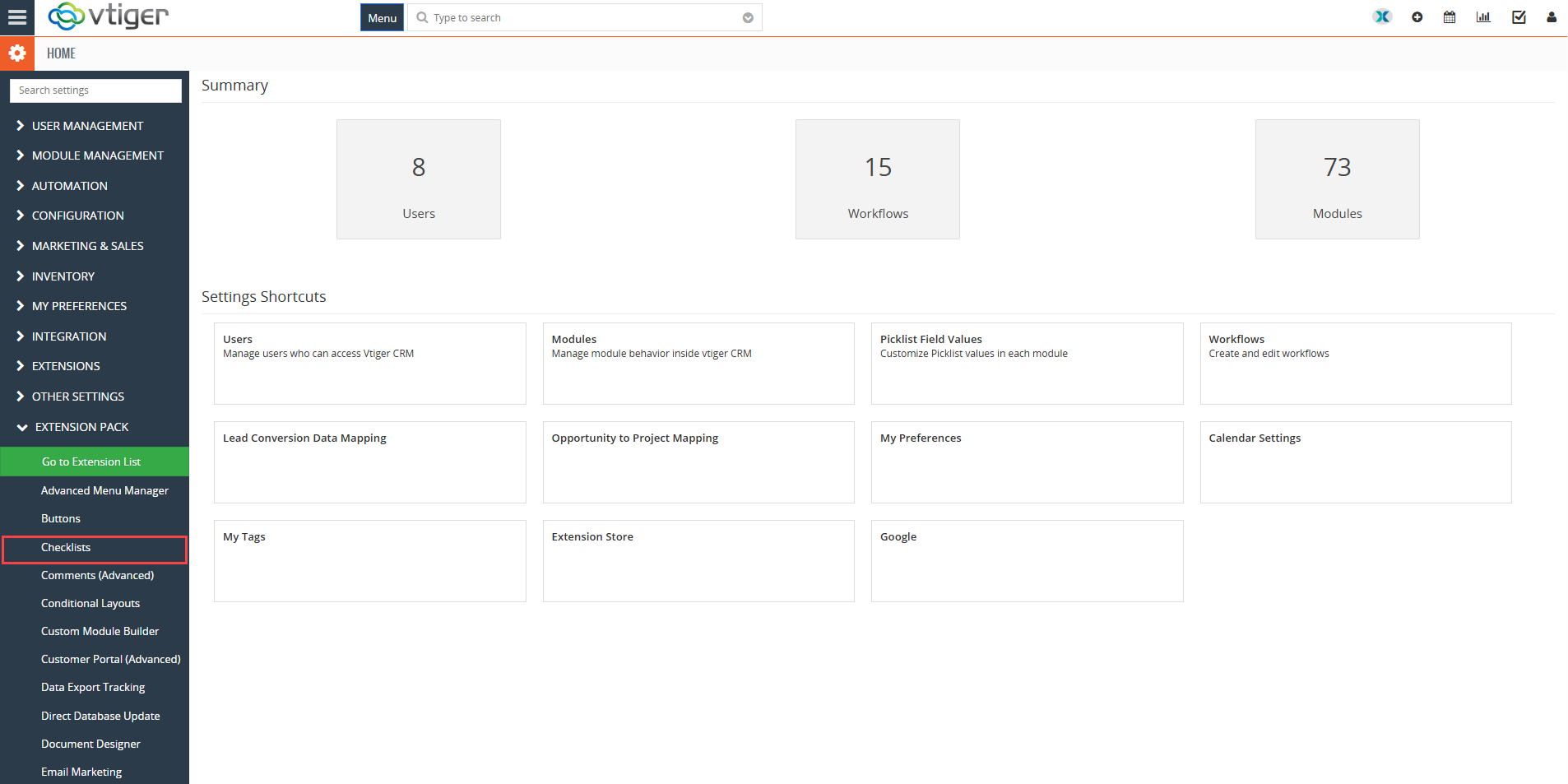
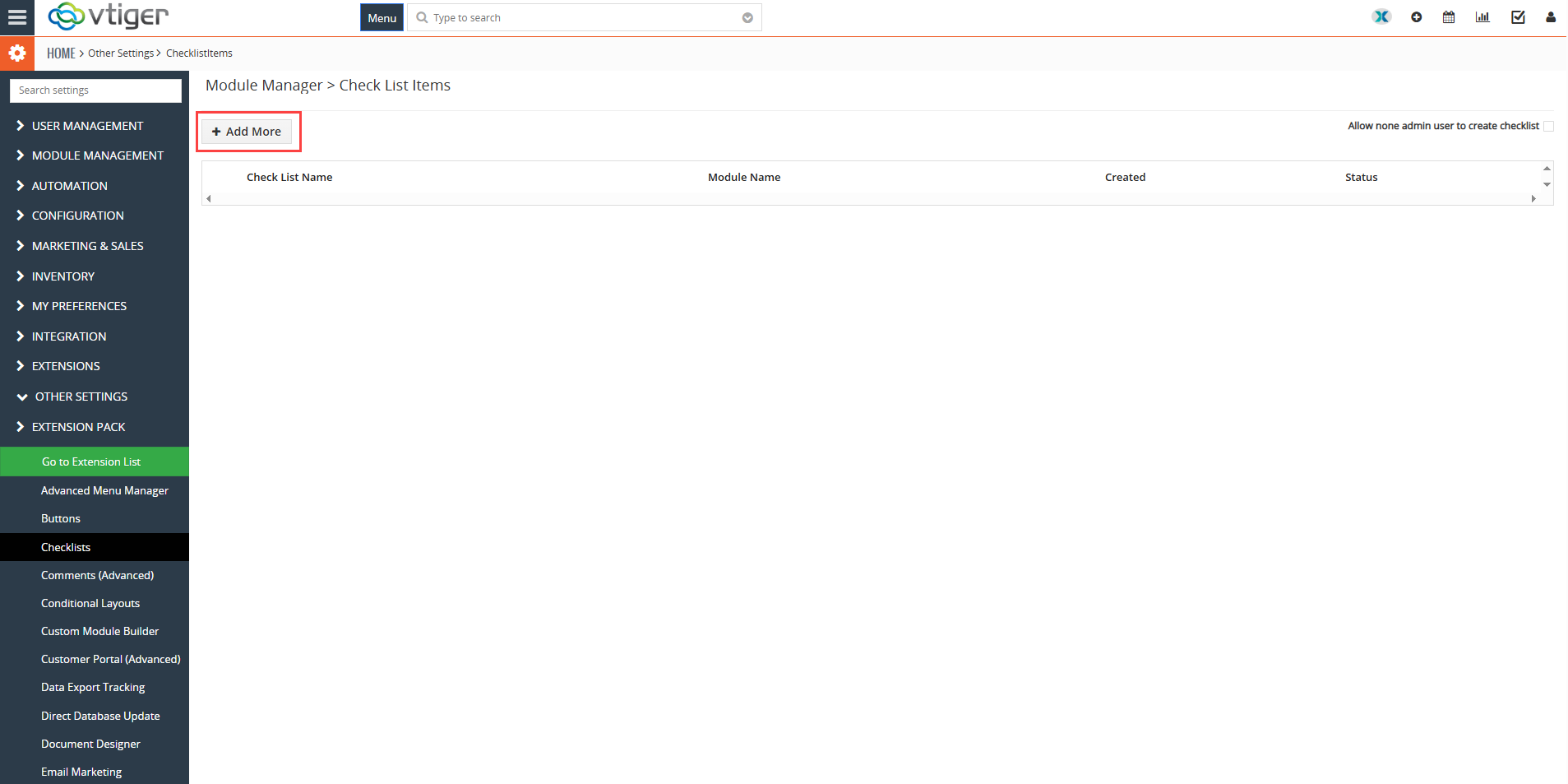
- Click the +Add More button to open the configuration window.
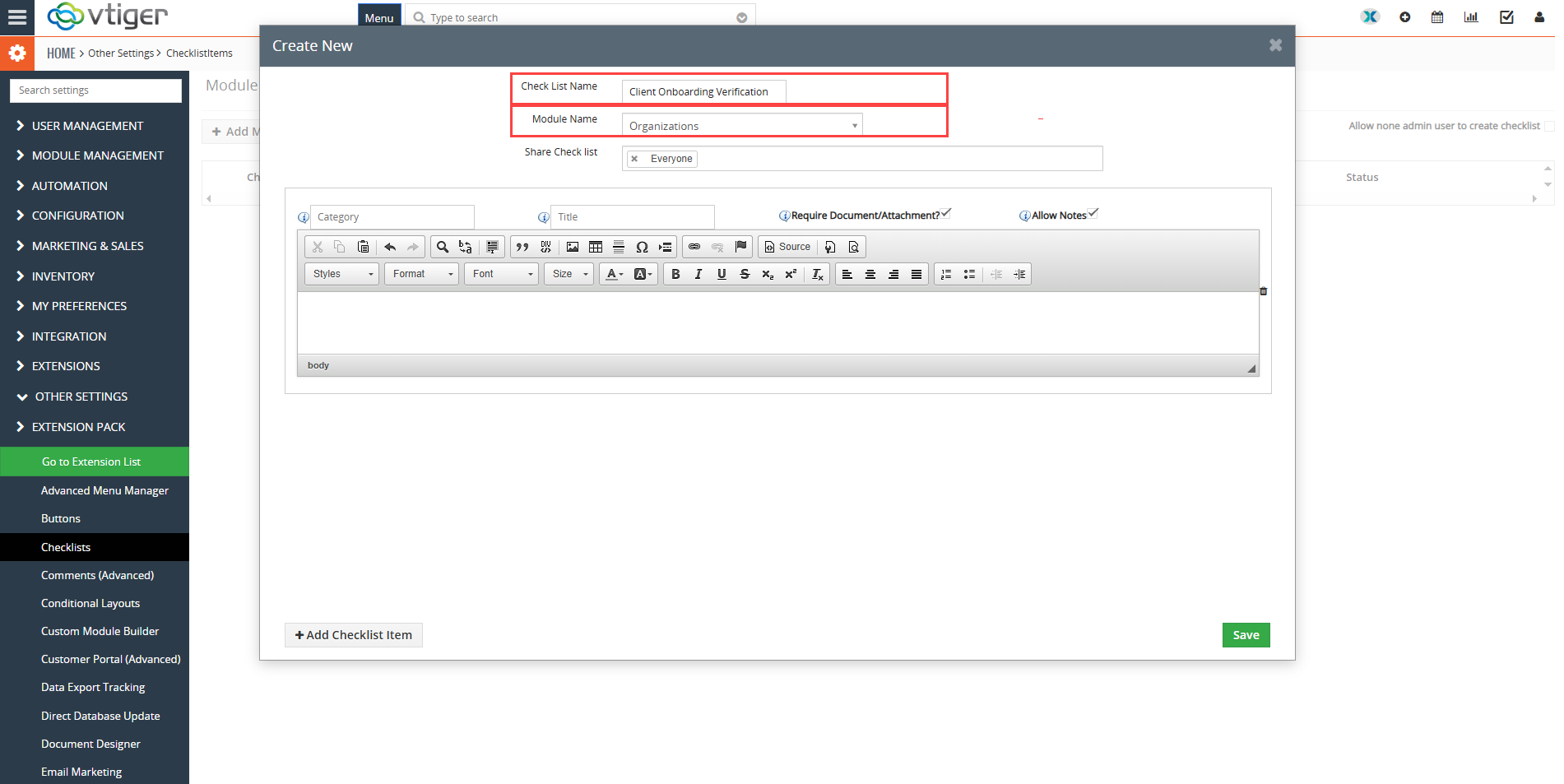
- Assign a checklist name and select the target CRM module, such as Contacts or Organizations.
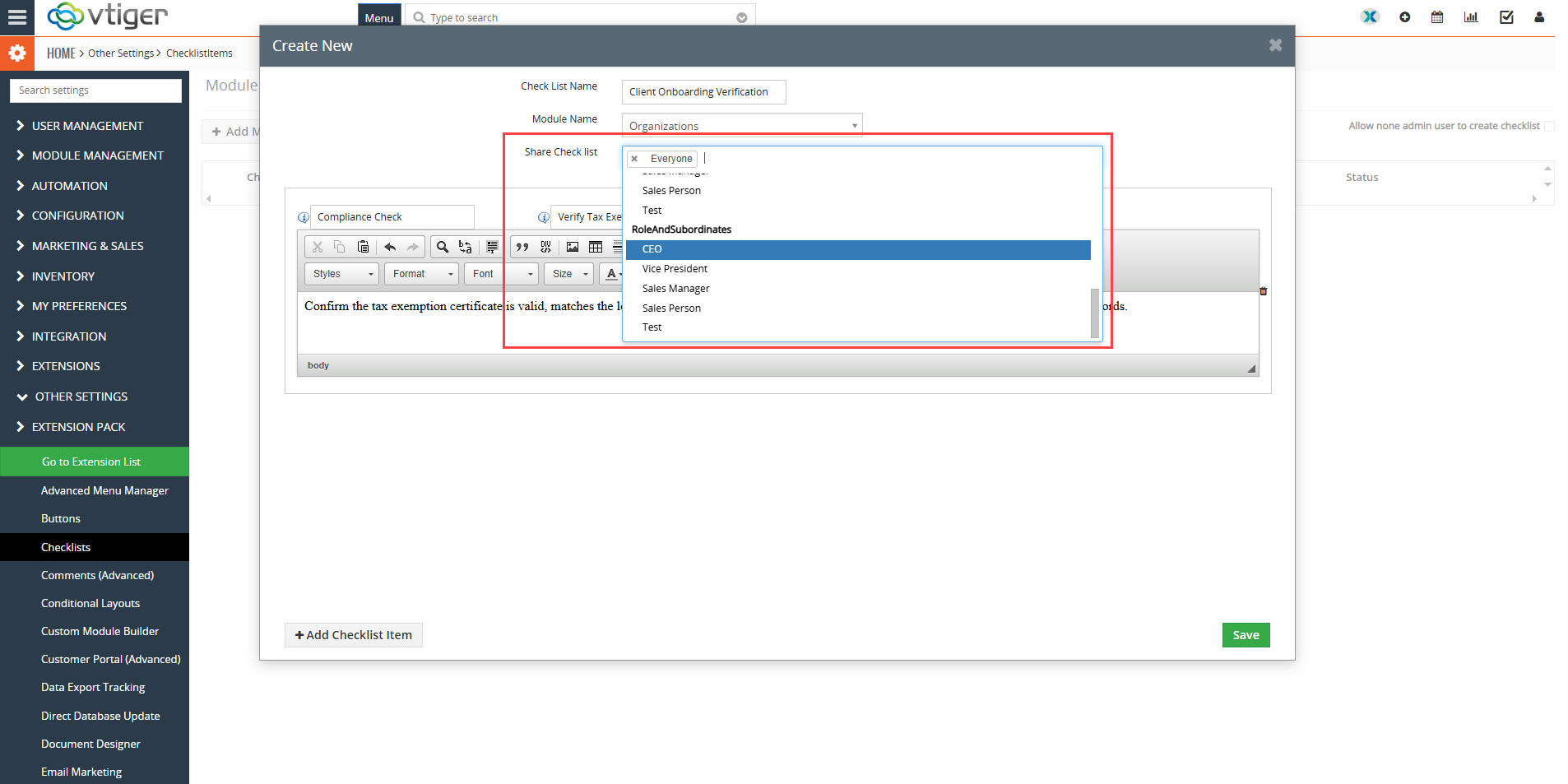
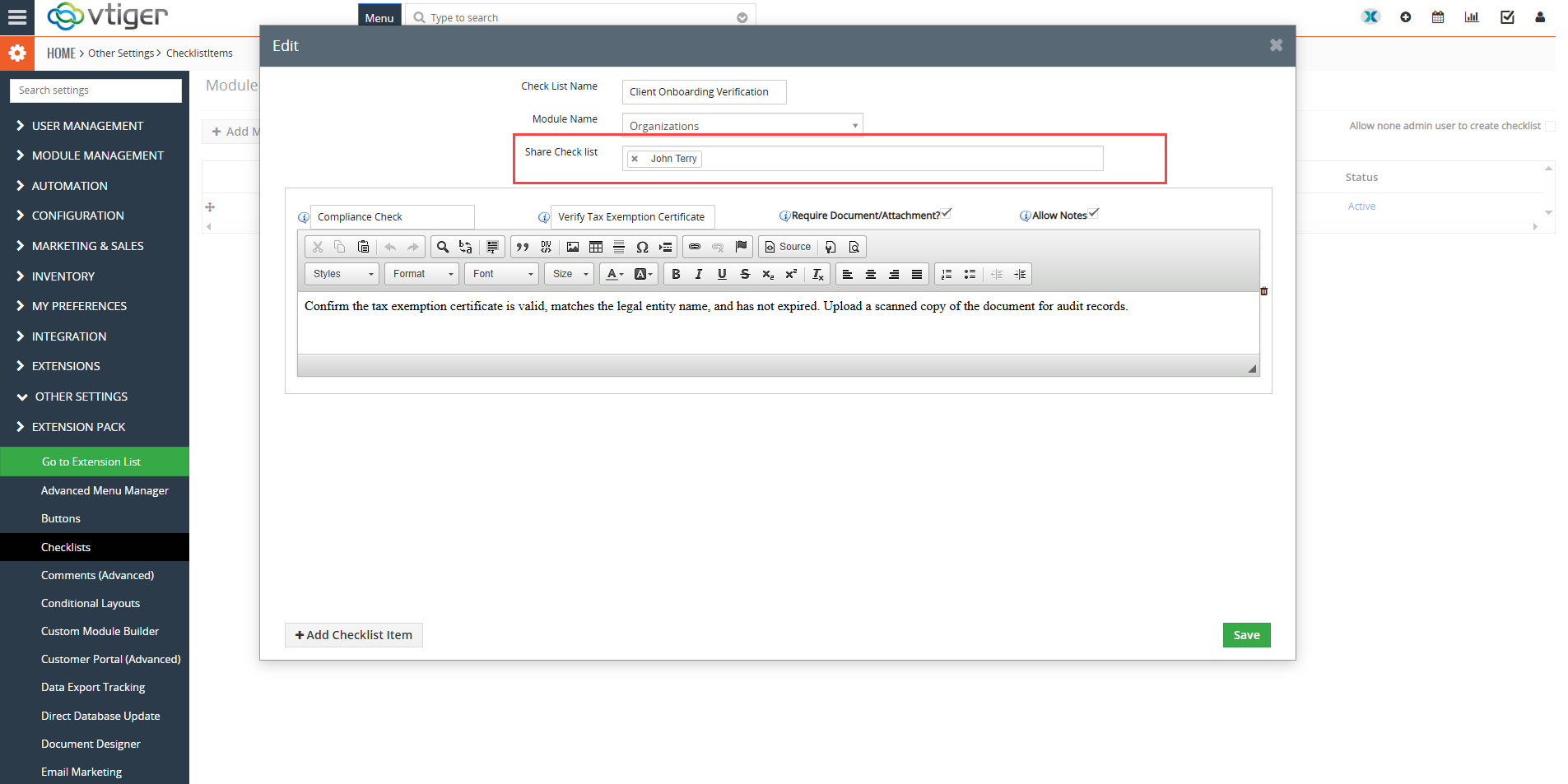
- To begin, locate the Share Checklist field. From there, select specific user accounts, organizational roles (such as Sales Manager or CEO), or groups from the dropdown menu to restrict visibility.
Note: Specifically, if no specific role is selected, the checklist defaults to public access. Consequently, every user within the module views the checklist items.
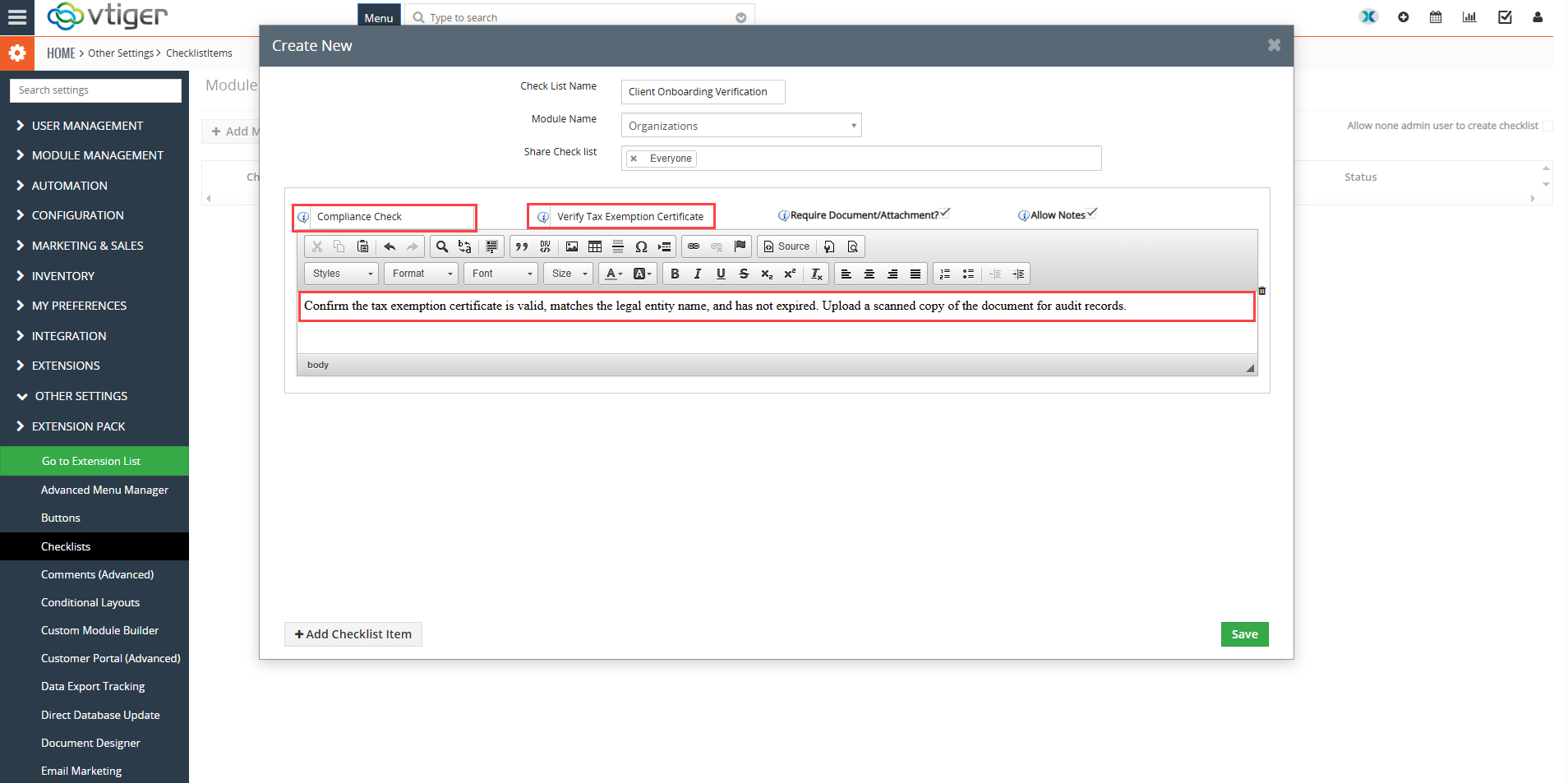
- Add your checklist categories, titles, and rich text instructions, then save the configuration.
Managing Checklists on CRM Records
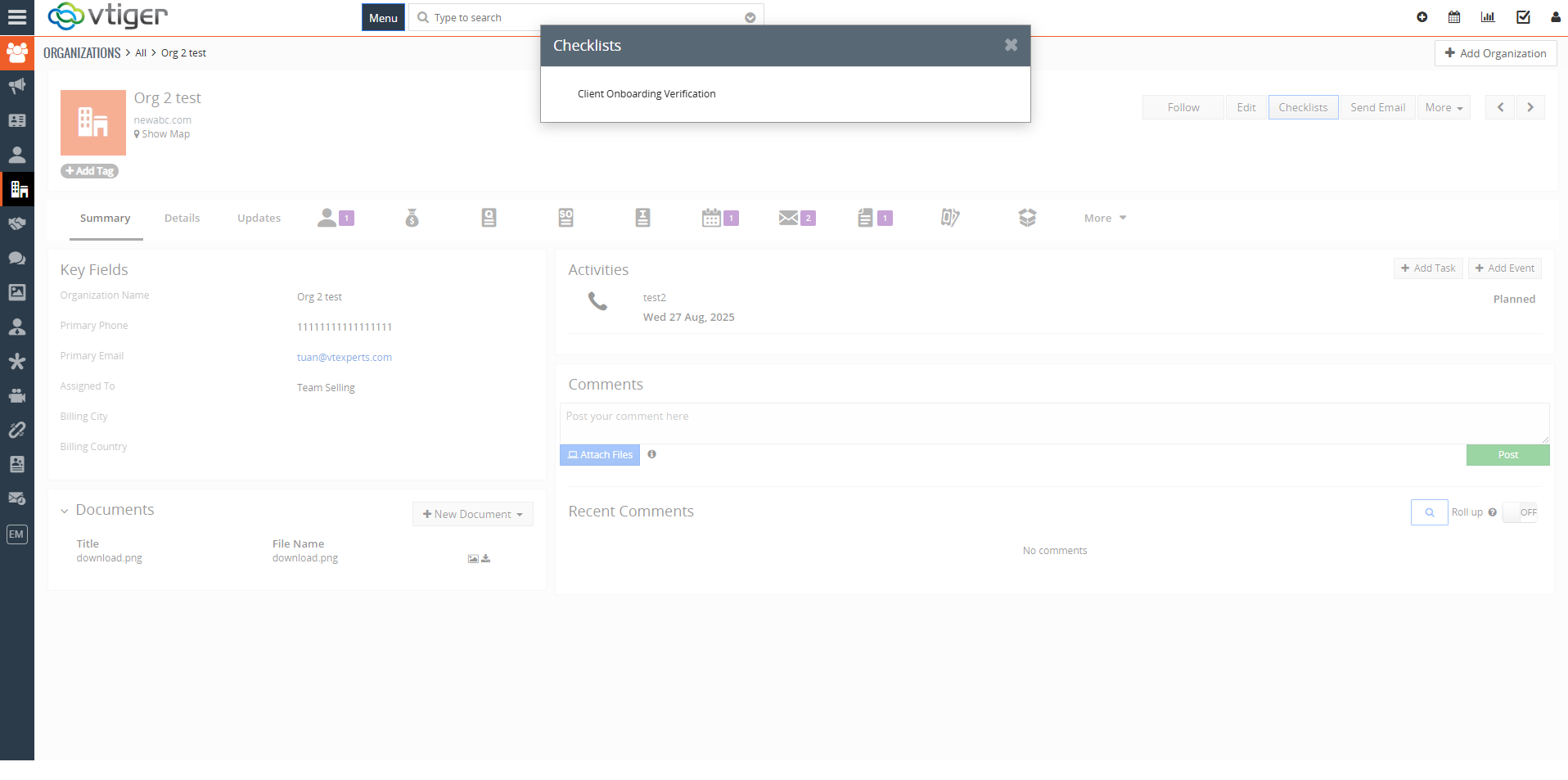
When an authorized user opens a CRM record, the checklist block appears with only the checklists matching their assigned role permissions. Specifically, authorized personnel can update checkbox statuses, attach required files, and add timestamped comments directly from the record view. In contrast, for users outside the designated role, group or user the checklist remains hidden, thereby maintaining a clean interface while protecting internal data.
Role-Based Sharing in Action
A newly created checklist by the name “Client Onboarding Verification” is shared with only user named ” Johnterry”
 It will only appear for the shared user, role or group and no one else can see it
Best Practices for Checklist Permissions
Auditing User Roles
Review user roles regularly. Update group assignments as team structures change.
Testing Configuration Rules
First, test new checklists with secondary test accounts. Afterward, confirm that unauthorized roles cannot view restricted tasks.