CRM automation is the process of automating the manual processes that are necessary but repetitive in nature. It helps in streamlining and increasing productivity. Furthermore, automation helps to track the activities and engagement efforts of the different team members. Users can automate every aspect of a CRM system. For example, the sales team can use process automation to nurture leads, convert them, and simplify the sales process. On the other hand, support teams can use automation for quick responses.
In short CRM automation means automating the redundant process of sales and customer service which are time-consuming otherwise. Vtiger CRM also provides different automation tools, like workflows, contact management, lead creation, etc, but sometimes users need more powerful tools to tackle complex process automation. Keeping this in mind VTExperts developed power full automation tools in the form of extensions. Let’s check some basic automation features of vTiger CRM and VTExpert’s advanced automation tools.
vTiger CRM automations
Following are some of the most common vTiger CRM automation processes
1. Generating automated leads : vTiger CRM allows to configure of webforms, when this form is filled by a user a lead is generated in the CRM system
2. Send out automated emails: Another frequently used automation is to send out automated emails based on different conditions. For example, the system automatically sends an email to the client based on the new sales stage.
3. Helpdesk automation: Whenever a client sends a query through email, live chat, etc., an automated ticket is created in the CRM with respect to the issue the client is facing. Moreover, even when a client replies to a closed case the ticket will be opened automatically. A relative support rep is notified regarding the reopening of the ticket.
4. Update field values: This automation is used to fill the field values depending upon the condition specified. For example, if you are creating 50 contacts for an organization. Then instead of entering the address for every contact individually, you can configure automation which will autofill the address based on the organization.
VTExperts automation tools
User require advanced tools to carry out some automation. To carry out such complex automation VT Experts designed several tools. Let’s check four of the VTExpert’s advanced automation solution
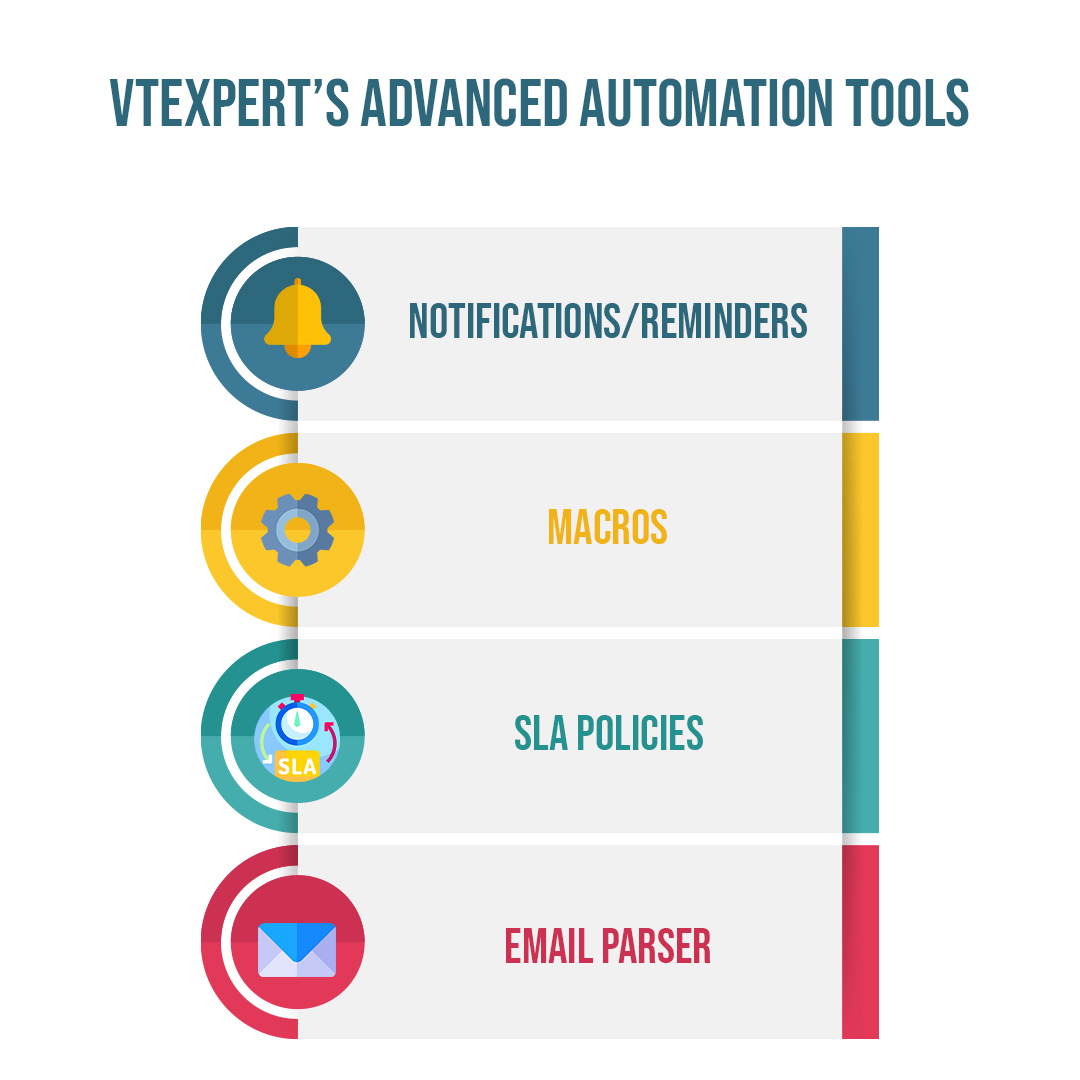 1. Notifications/Reminders: Notifications/Reminders for VTiger is an extension allowing users to trigger a simple notification using standard workflows & display it in the menu header, which can be easily accessed within a single click. The extension integrates with VTiger workflows, which makes it very powerful for any type of notification/alert.
Check extension Here
2. SLA Policies: We designed SLA Policy Extension for VTiger to improve response times and accountability when dealing with time-sensitive matters. System admins mainly use SLA in the support/helpdesk department to assign and work on each ticket by a certain date and time. The system allows administrators to create custom SLA Policy rules and automatically apply them to a record.
Check extension Here
3. Email Parser: The email parser for VTiger automatically grabs important data from recurring emails based on your own custom parsing/mapping rules. The system processes a new email and transfers your data to VTiger as a new record or an update to an existing record
Check extension Here
4. Macros: We created Macros for VTiger to gives users the ability to create predefined actions (workflows) and trigger them from the record Detail/Summary View – with just a single click. It enables a “Macros” button (Trigger) and an indication icon when the macro has been executed.
Check extension Here
Using VTExpert’s advanced automation tools you can remove the redundant processes and increase the CRM efficiency