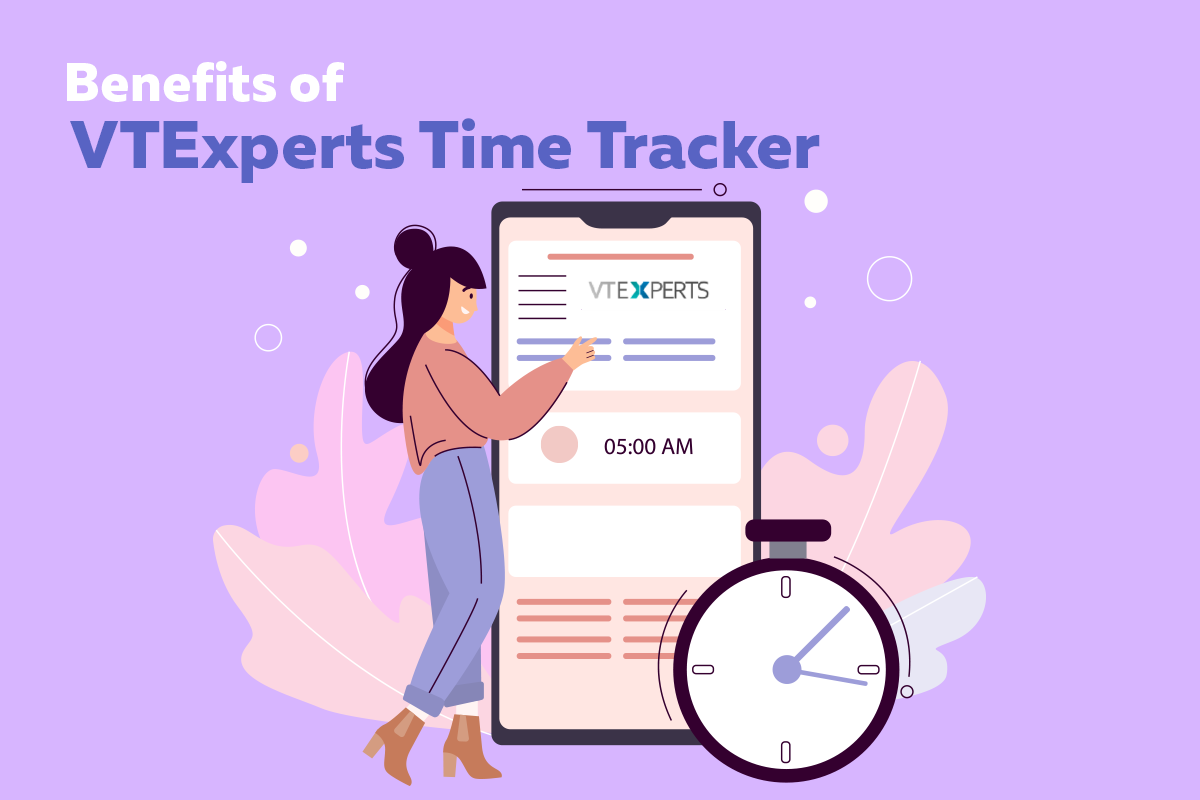
While organizing projects one of the major problem that managers face is keeping the track of time. A project consist of several tasks and every task takes different amount of time to be completed. Their is a possibility that on each tasks multiple staff member are working and the time they put on doing that task is also different. Filling so many timesheets manually not only takes a lot of time but is a task full of hassle.. Recording such an extensive time log is a task in itself. Vtiger CRM provided the feature of time tracker, which does the job quite well. But, if you need something more then take a look at long list of benefits of VTExperts Time Tracker extension.
This new and improved time tracking feature of VTiger allows to automatically log the time each employee spent on a task.

In VTiger tasks are divided mainly in two categories billable and non-billable, once a task is completed mark the task either as a billable or nonbillable. it will help your accounts department to generate reports based on billable and non-billable tasks. It helps in better estimation of billable tasks, invoicing and scheduling
Following are some advantage of using VTiger Time tracker
- More accurate quotes for projects with improved estimates
Using historical data from previously generated reports, managers can better evaluate and estimate the schedules and budgets for upcoming projects. Using time tracker the project managers can accurately estimate how many hours of work is required? and according to that how much human resource will be deployed on the project.
Once the human resource is estimated based on hour, the budgeting of the project becomes easy. Now, managers are better prepared for budgeting for the new projects and setting up the deadlines.
- Accurate invoicing and billing
Cost is one of the major concern of a customer, that is why bills are closely monitored. So, do not give a chance to your customer to create a dispute as it will not only create a bad impression but will also hurt the reputation of your business. So, try to provide accurate invoices and billing to your customer and that can only be done if your work hours are estimated accurately. Another aspect that should be kept in mind while billing is that, while generating the bill or invoice make sure that every task of a project is billed separately. Make sure to mention how many hours were put on each task and at what rate they were charged.
By doing it a more transparent picture of the bill will be represented to the customer and no doubts will be created in the customers mind. It can only be done if you know how many hour were put in completing a task and this can be dine using the time tracker. Using the reports created on the basis of time tracker, accounts department can create more accurate invoices and bills
- Improved processes & tasks
Using time tracker, managers can spot which tasks are taking more hours as compare to the others. They can evaluate why those tasks take more time as compare to the other tasks of the same category, after that they can tweak those process and tasks and improve them both in terms of productivity and time consumption.
If you need advance time tracker features then it is quite possible that you will face some limitations using standard VTiger time tracker. That is why we developed VTExperts Time Tracker extension.
What is VTExperts Time Tracker?
Time Tracker extension is designed in order to track time spent on a task easily. What makes it stand out from rest of the time tracker features is its state of the arts features. With a single click, user can start and stop the timer, without even leaving the page. A user can also run multiple timers at a time and switch between them. It also offers manual time log option.

List of Benefits of VTExperts Time Tracker are as following
- Enables users to track their time within VTiger
- The time spent & timer icon is always displayed on the header
- Open or close time tracker with a single click without leaving the page
- Integrates with VTiger Standard Activities (Events)
- Option to create a comment when completing the time log
- Allows to Pause, Stop, or Restart the timer
- Allows to manually input Start/End Date/Time (can be restricted as well)
- Displays list of active timers on the same popup
- Allows to switch between timers with a single click
- Allows to run concurrent timers at the same time
- Compatible with Organizations, Contacts, Leads, Opportunities, Tickets, Projects, & Project Tasks
- Intuitive Configuration panel allows to create and show custom fields on the timer
- Integrates with Billing/Invoicing (with a single click, you can pull in all time logs into invoice).
- Includes the ability to specify hourly price for each time log type as well as custom rates for each client
- Includes Intuitive Configuration Panel
- Module Manager Compatible
Next Article: Inventory Deduction in Vtiger CRM