Display More Information On Calendar Activities In VTiger 7
In Vtiger 7, User can add mode information on Calendar Activity by using our VTiger Job Scheduler/Calendar extension which is a must-have for organizations that rely on calendar.
How to Display More Information
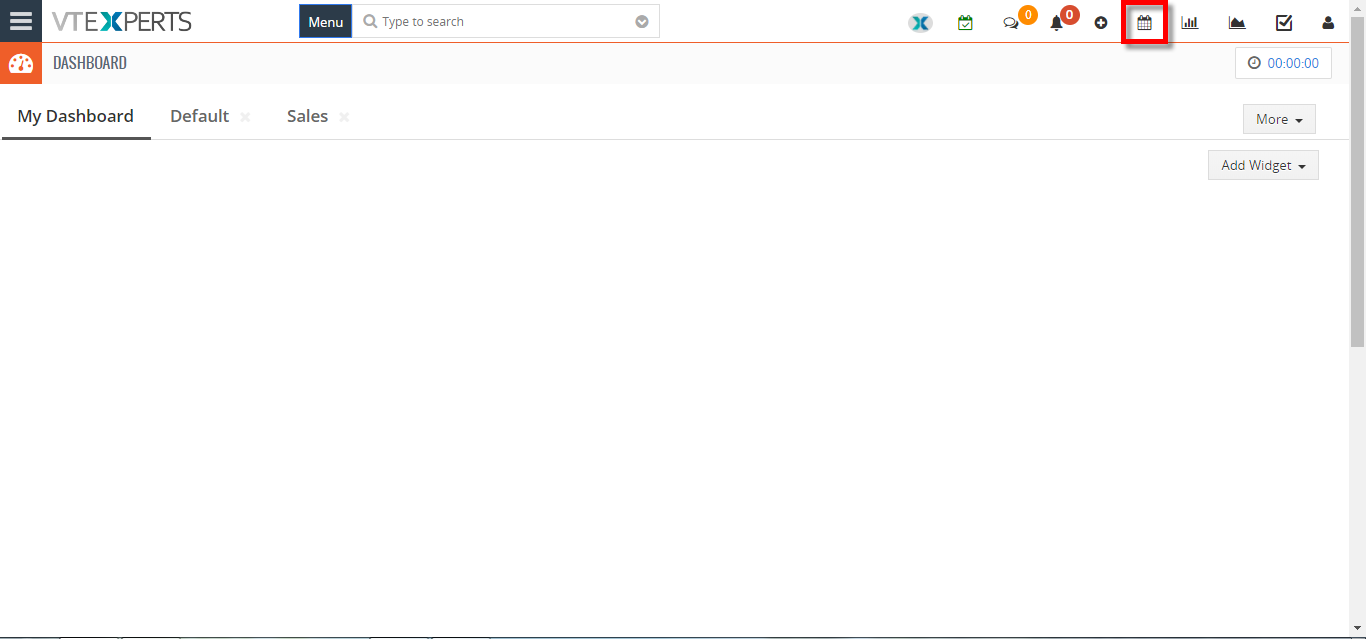
- Click on the “Calendar” icon on the top right corner of the screen.
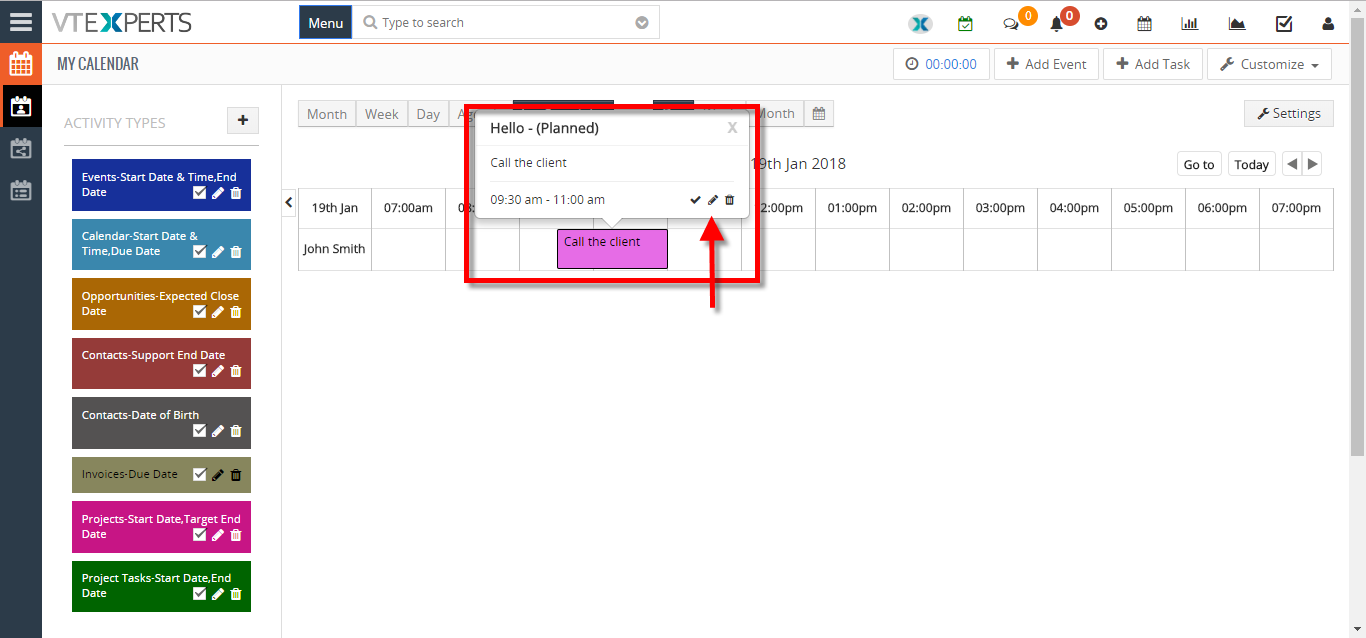
- Hover the cursors on the “Activity” and click the “Edit” icon in the popup area.
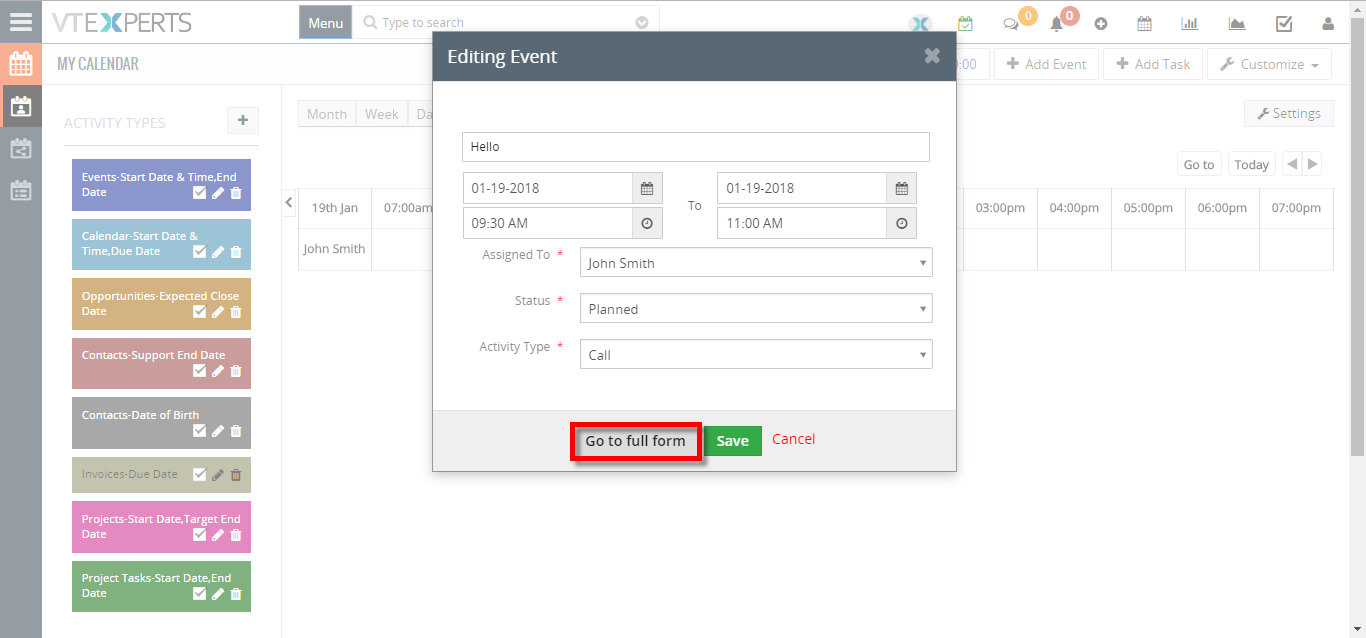
- Click on the “Go to full form” button.
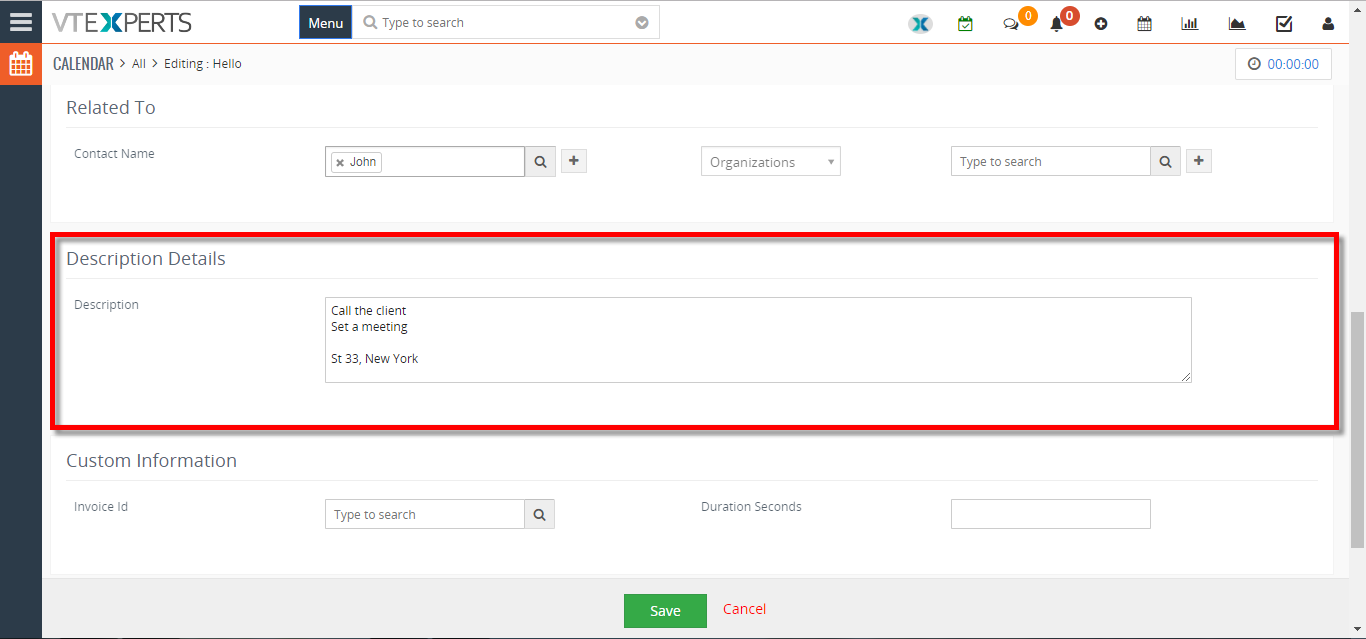
- Add the information in the “Description Details” area.
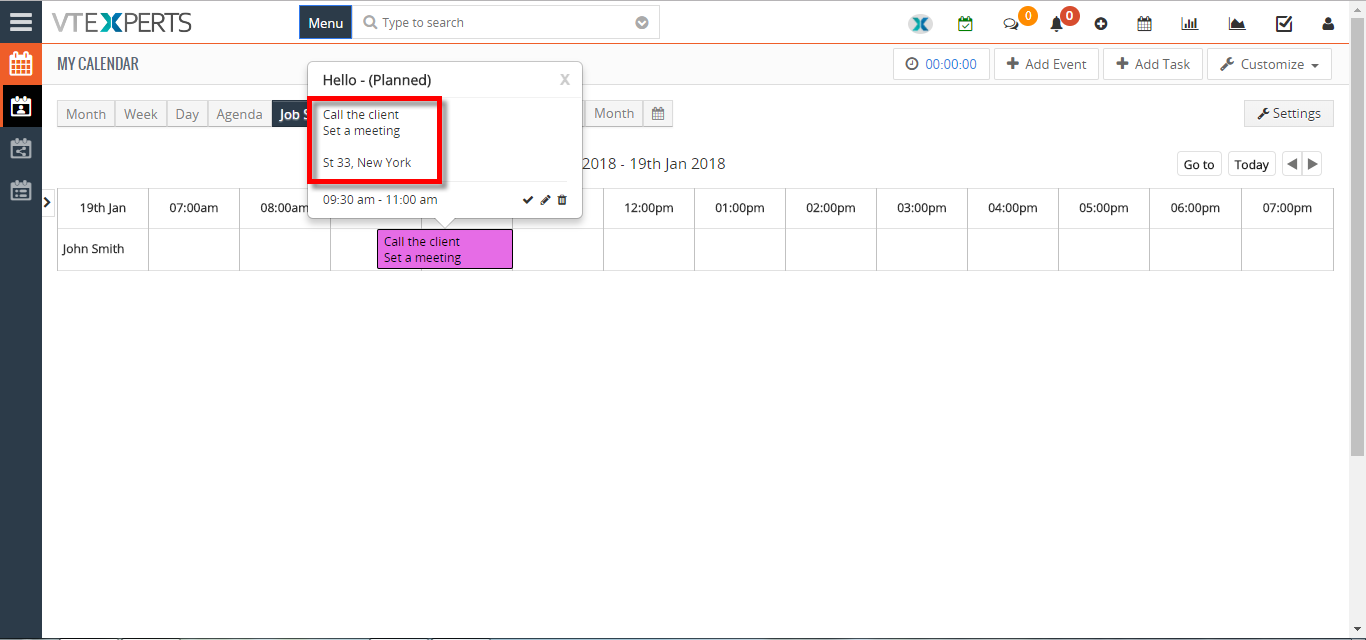
- You can see the “Description Details” whenever you hover the cursors on the Activity.
For further help, contact us on [email protected]. We’ll be glad to be of service.