vtiger CRM
Explore The New Opportunities With Vtiger Extension For Thunderbird
June 23, 2016
Article
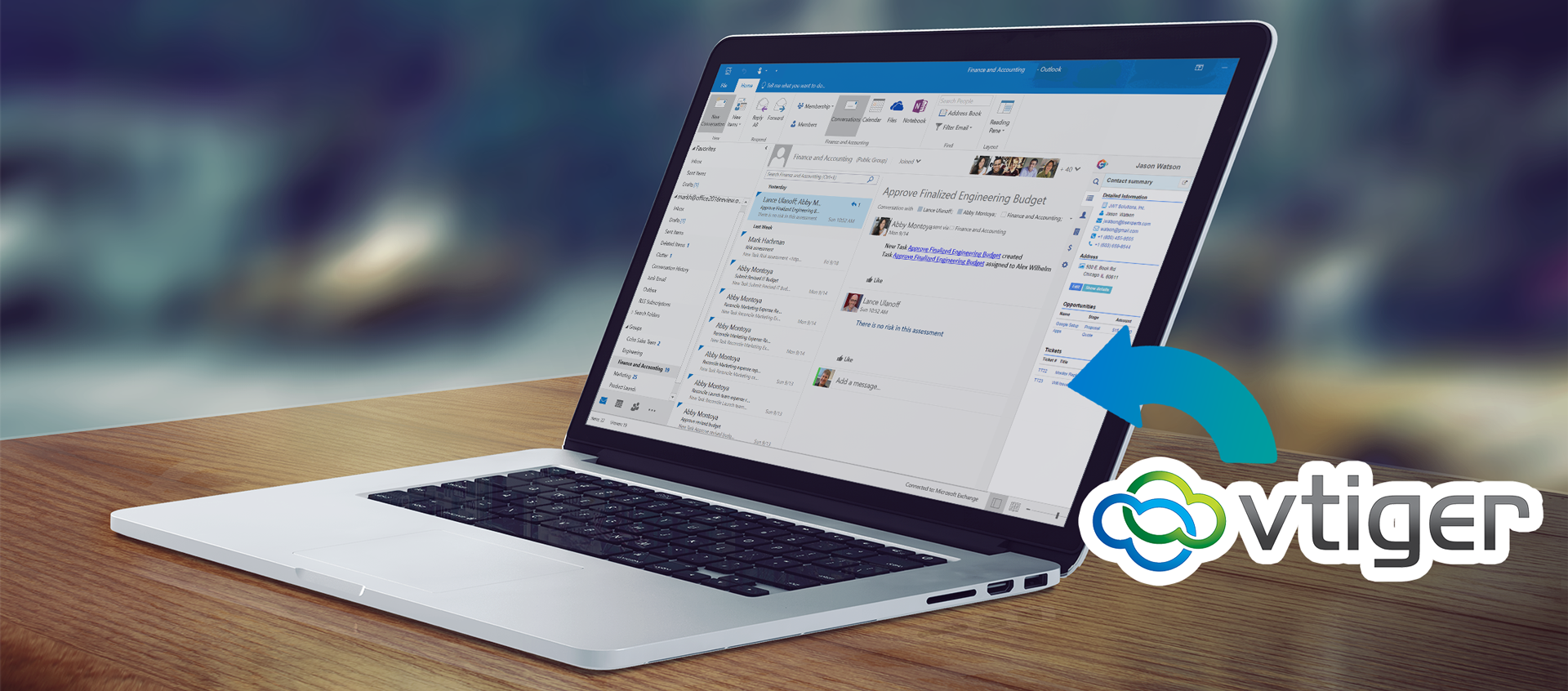
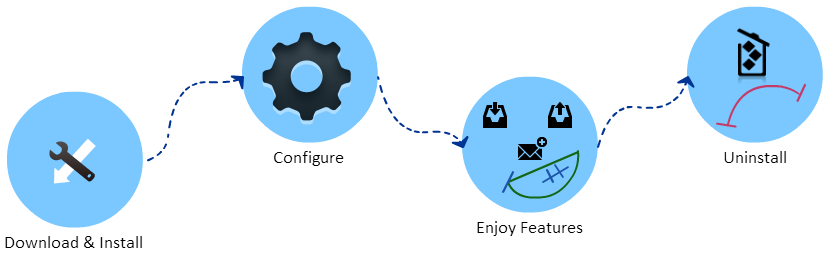
If you and your organization use one of the best email manager Mozilla’s Thunderbird, there is a great deal of options in Vtiger 7 for you. Vtiger 7 Thunderbird extension allows attaching emails to leads & contacts, import/export contacts and create records in Vtiger CRM from thunderbird. Limelight Features The information between Vtiger CRM and Thunderbird can be easily harmonized with Thunderbird extension of Vtiger. With this extension, you can: Attach Emails Create new contacts Create new leads Import/Export contacts Add new contacts or leads from thunderbird address book to Vtiger database And lot more. And all of these features can be availed without even the necessity to log in to your Vtiger 7 account. Learn more: Our new extension Corrensa is available with same features for Gmail, Outlook, and Office365. Thunderbird Extension’s Services The extension is designed for high tech business email administration and its features are not limited
An Advance Guide About VTiger’s Customer Portal’s Functionality
April 29, 2016
Article
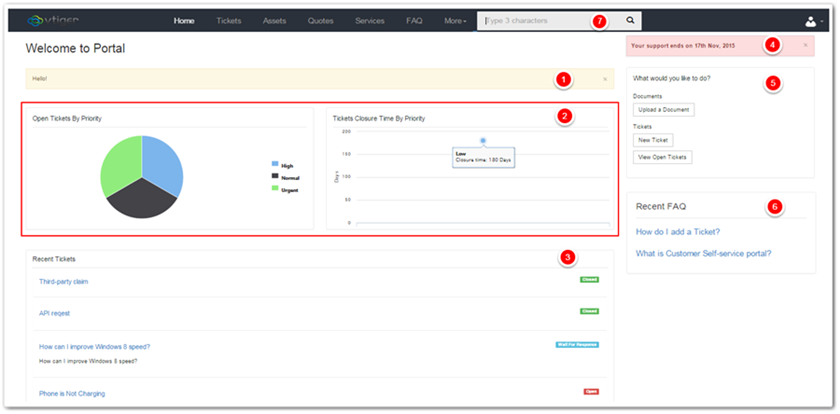
Customer Portal is a highly customizable tool of Vtiger 7, with which you can facilitate your clients by providing remote support. With this portal, users can report cases, view Knowledge Base (FAQs), Invoices, Quotes, Products, Services, Documents, Contacts, Accounts, Assets, and Projects related to them and their organizations if any, all without any assistance of a support officer. You can read more about Vtiger 7’s Customer Portal and the opportunities it provides in this article: Customer Portal Is A Vastly Customizable Platform For Remote Solutions. Login To avail the endless opportunities provided by the portal, users need to login to the account using the URL, username, and password received via email. Once logged in, the main screen of portal will be displayed in front of the user These following sections comprise the main screen: Announcement Widget Charts Widget Recent Cases Record Widget Support notification Portal Shortcuts Widget Recent FAQ Record
VTiger Customer Portal Establishment On A Website And Enabling Or Disabling It For Contacts
April 28, 2016
Article
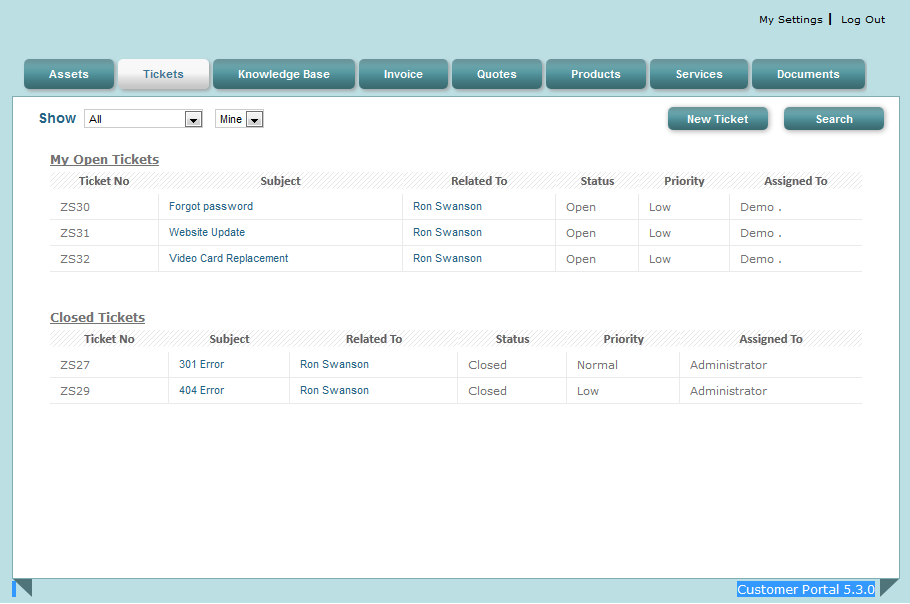
While we had thoroughly discussed the Customer Portal’s basic setup for Vtiger 7’s dashboard in this article, the versatility and customizability of the tool to a company’s requirements was also explained. As much as the Portal is productive, it would be of no use if your company’s clients cannot reach it. The best possible way to do so is to host the customer portal on your company’s website. So it would be accessible to the customers when they’d visit the site. How is the Customer Portal Hosted on a Website? As much as it sounds complicated, the task is no rocket science, as Vtiger 7 has made it easiest as it could be. The procedure is explained here step by step: First of all download this product Then you need to modify the config file (<web root>/portal/config.inc.php) $site_URL : CRM instance path $CompanyName : Enter the name of the company
Coalesce Gmail, Outlook, And Office 365 With Vtiger Using Corrensa
April 12, 2016
Article
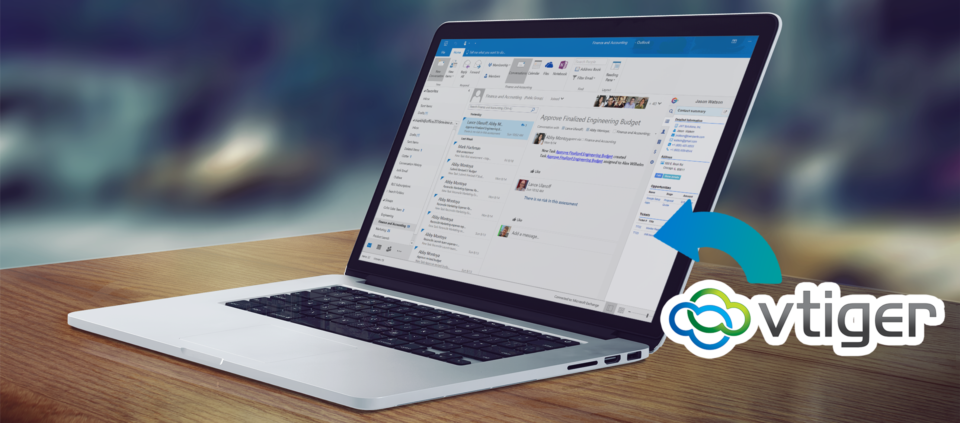
There are a number of ways to customize emails. Many tools let you login with your credentials and bring the sent, received, draft, and trash sections into the software. And there are systems that let you manage your email services in productive manners. Vtiger itself is packed with features that take your business to another level. Making new contacts and leads, creating cases, predict new opportunities, keeping contacts histories and lot more can be accomplished just upon the arrival of an email. But there can be a number of reasons to avail all these facilities through your own favorite email client. What if I told you that you could enjoy all of the Vtiger’s features right from your Gmail, Outlook, or Office 365 interface? Yes it is possible, and the solution’s name is Corrensa. Corrensa is an extension/plugin for your Gmail, Outlook, and Office 365, that gives you the capability
VTiger’s Modern Social Module Refines Support, Marketing, And Sales
April 7, 2016
Article
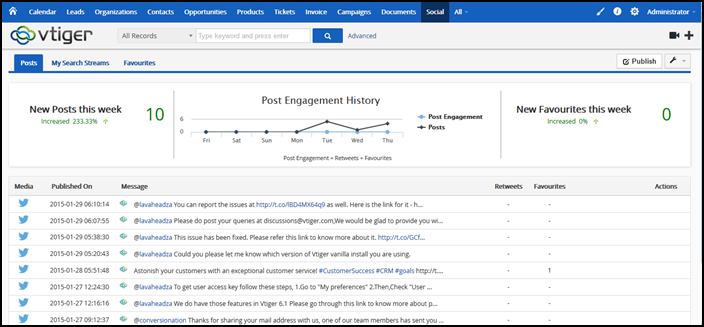
Users make and break brands. And with the current modes of communications at disposal, it happens rapider than expected. Until a few decades, customer could not have thought of actually interacting with a representative of a company, but the sales rep only. Then the system evolved giving clients the facility to at least make the companies listen them out. Recent criteria for customer support were also not challenging enough for businesses, which let users to register their complaints and organizations had to fix those. Modern system of customer care is getting more responsive, active, and reliable. Tough competition and social media awareness are the sources of this outcome. Past stories clearly state that it’s not going to be the same. People are going to judge at social media, companies then will try harder to meet their needs, top players like Amazon and Fedex have already raised their standards. And it
Release the Full Power of vTiger CRM with Custom vTiger Extensions
April 28, 2015
Article
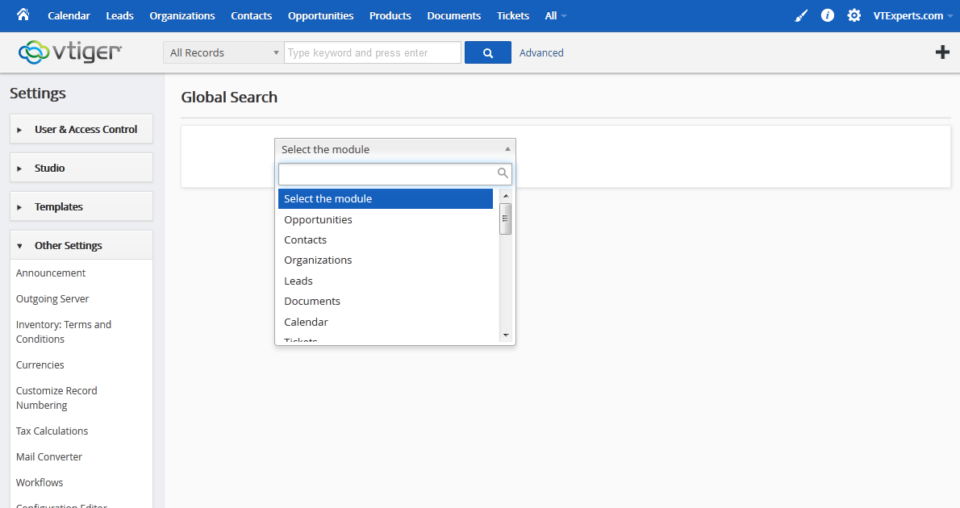
If you want to get the most out of your business, you need the best in customer relationship management. The vTiger CRM suite is one of the most powerful ways to keep track of all your leads, sales, and customers. However, it doesn’t always meet your business’s needs right out of the box. In order to get the full power of vTiger CRM, you need to have the right vTiger extensions. vTiger Extensions Help You Do More Every business has unique goals and different ways of operating. That’s why a standard vTiger installation often won’t give you everything you need. With custom vTiger extensions, you can turn your CRM into an individualized platform that will improve your efficiency and grow your sales. There are a wide variety of vTiger extensions available to help bring your CRM up to speed. vTiger extensions allow your business to integrate other programs into
Merging Duplicate Data in vTiger CRM with Tools Like vTiger Duplicate Check & Merge
April 16, 2015
Article
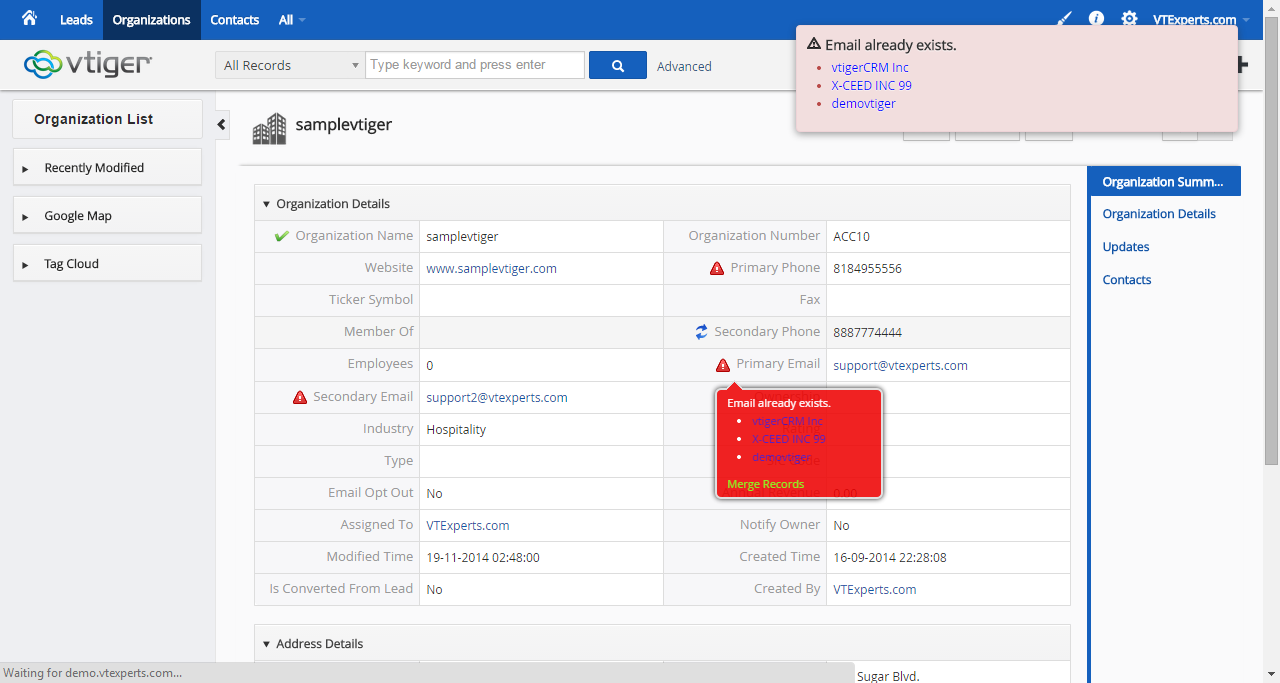
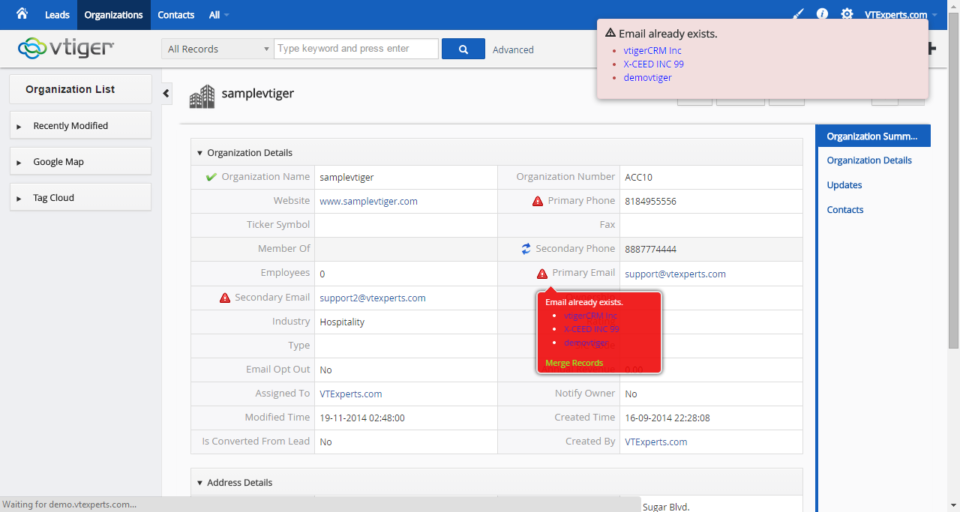
To get the most out of your vTiger CRM platform, you need to keep your data as accurate as possible. Having duplicate entries and any inconsistencies can throw off all of your numbers. That’s why it’s important to keep your data clean and check it on a regular basis. Over time, your vTiger CRM may become polluted with duplicate data and inaccuracies. When this happens, it can be difficult to maintain control over your customer relationships. This can mean lost leads and fewer conversions. Regular maintenance of your data to prevent these duplicate entries and other errors is essential. vTiger Duplicate Check & Merge Improves Your Data When you have a duplicate entry, you need to be able to merge that data. If this isn’t done properly, you can end up losing everything you’ve collected. Of course, manually checking and fixing your data isn’t really feasible. Fortunately, tools
vTiger Customer Portal Demo
July 11, 2014
Article
Customer Portal VTiger Customer Portal is a controlled, private, and secure platform that allows your customers to interact with their related records in CRM as well as your team. The Contacts and Organizations can access their tickets, invoices, assets, product details and order information, calendars, and what not. It also allows the Portal users (Contacts and Organizations) to easily search, view, and edit their relevant information in the VTiger CRM. The Customer Portal also enhances customer relationships by providing access to complete and up-to-date information 24/7. The Customer Portal is convenient and relevant – it contains everything that customers need in one place online. Through the well-designed customer portal, we provide customers only to access to the modules and records that is needed. Features of Customer Portal Here is a list of some of the most prominent features of VTiger Customer Portal: Controlled and secure access to Customer data from