Upgrading VTiger CRM from version 7.1 to 7.2 is quite similar to the earlier versions. Firstly, you must download the patch file, extract it, make a backup for your files/database and then finally run the migration wizard. Through this article you will be able to migrate your VTiger CRM 7.1 to 7.2.
Note: You cannot upgrade VTiger CRM directly from version 7.0.1 to 7.2. You have to follow the upgradation path 7.0.1 > 7.1.0> 7.2
Migrating to newer version of VTiger CRM all by yourself is not an easy but doable task. If you have good enough knowledge regarding how migration works, then you will be able to do it by yourself. But if you think your data is too valuable and you do not want to take the risk, then we will suggest you to let our skilled developers and highly experienced team do it for you.
Step by Step procedure to migrate VTiger CRM from version 7.1 to 7.2
1. Backup database and CRM files
Make sure to create a backup for your database and CRM files. There are instances when users tried to migrate data to a newer version, but because of some technical glitches they lost all their valuable data.
2. Download Patch Files (for VTiger CRM 7.2)
You will need patch files for the newer version i.e. 7.2, these patch files can be downloaded from the official Vtiger CRM website https://www.vtiger.com/open-source-crm/download-open-source/
3. Upgradation pre-stage
Make sure to place the downloaded patch files in VTiger directory. The directory depends on the hosting provider, so it is quite possible that for two different users (using different hosting providers) this directory exists in different locations. By default, the VTiger directory look like “/var/www/vtigercrm/”. Make sure to copy downloaded patch files in this directory.
After that extract vtigercrm-710-720-patch.zip, it will ask you to overwrite data in multiple folders (migrate, modules, Migration)- allow it to overwrite the files.
Next, change the permissions of vtiger7.zip to “777” using FTP/SSH client or the CPanel.
For unix servers, just do ‘chmod -R 777 vtiger7.zip’
4. Updating VTiger CRM from 7.1 to 7.2
Once you have executed all the previous steps successfully. It is time to start migration
- Open VTiger CRM in the browser (Google Chrome or Firefox). Do not use internet explorer for this task
For chrome users it is recommended to use the incognito mode
- Make sure to sign out your VTiger CRM account
- Clear the browser’s cache (delete it)
- Go to the link https://www.yourvtigercrm.com/migrate/. (Your own vtiger crm upgradation link)
- Once the migration page is opened. Perform following steps
- Check the option “I have taken the backup of database”
- Check the option “I have taken the backup of source folder”
- Provide Admin’s username, if not disabled
- Type in the password
- Click the tab “Start Migration”
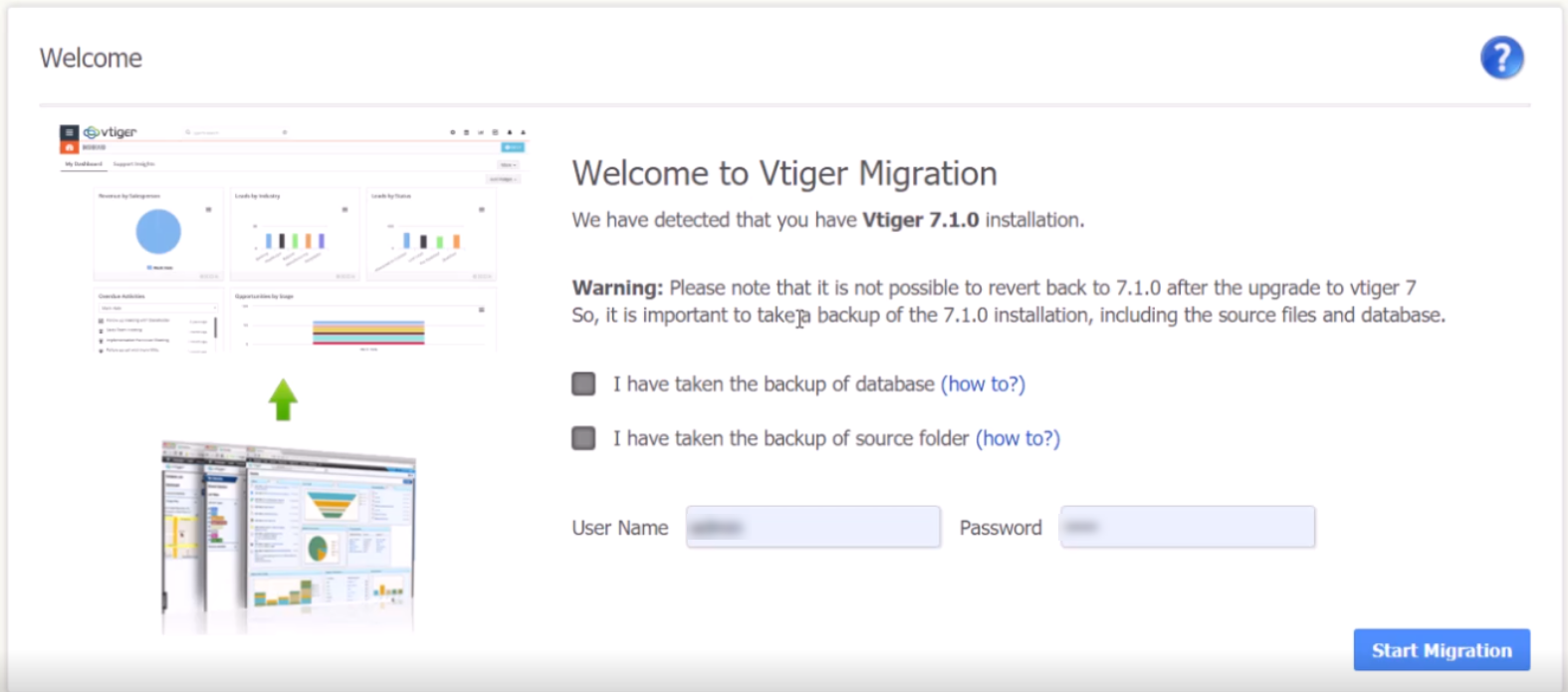
Note: Before hit to button “Start Migrate”, we need to hit key F12 to see result of progress bar step. Because this step run by ajax and some time take long time or have problem. If we dont hit F12 we cannot see result if it broken
Note: On pressing the “Start Migration” tab, it might ask for your Vtiger login details. In this case, login and repeat the step 4 to proceed the migration
The time taken for migration depends upon the size of database, usually it takes about 5-10 minutes to migrate to the Vtiger 7.2. Through the progress bar, you can check how much work is done and how much is left.
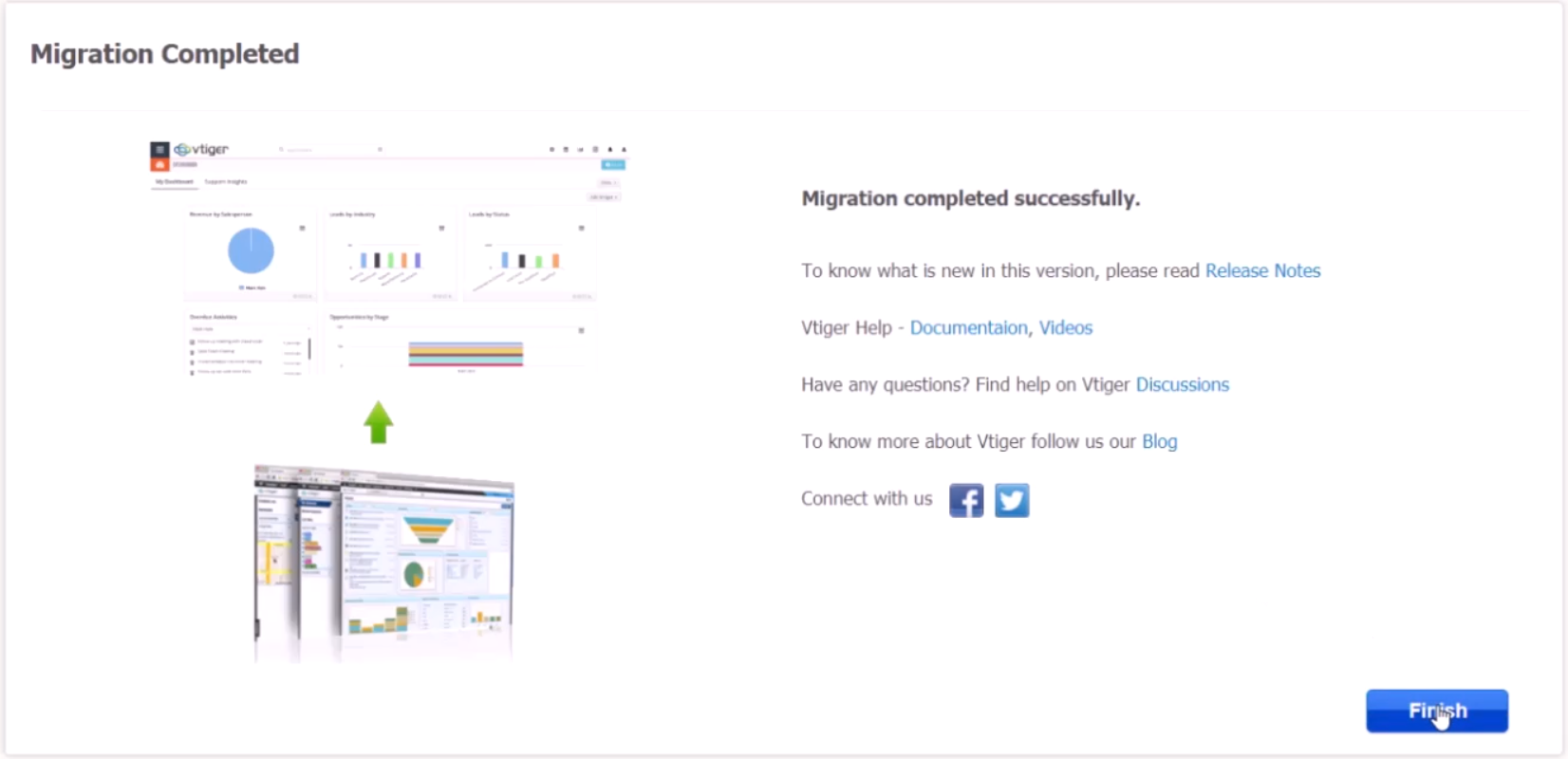
Once the migration is completed, it will show you post-upgrade log. Though this log you can check for the errors and successful completion of the update.
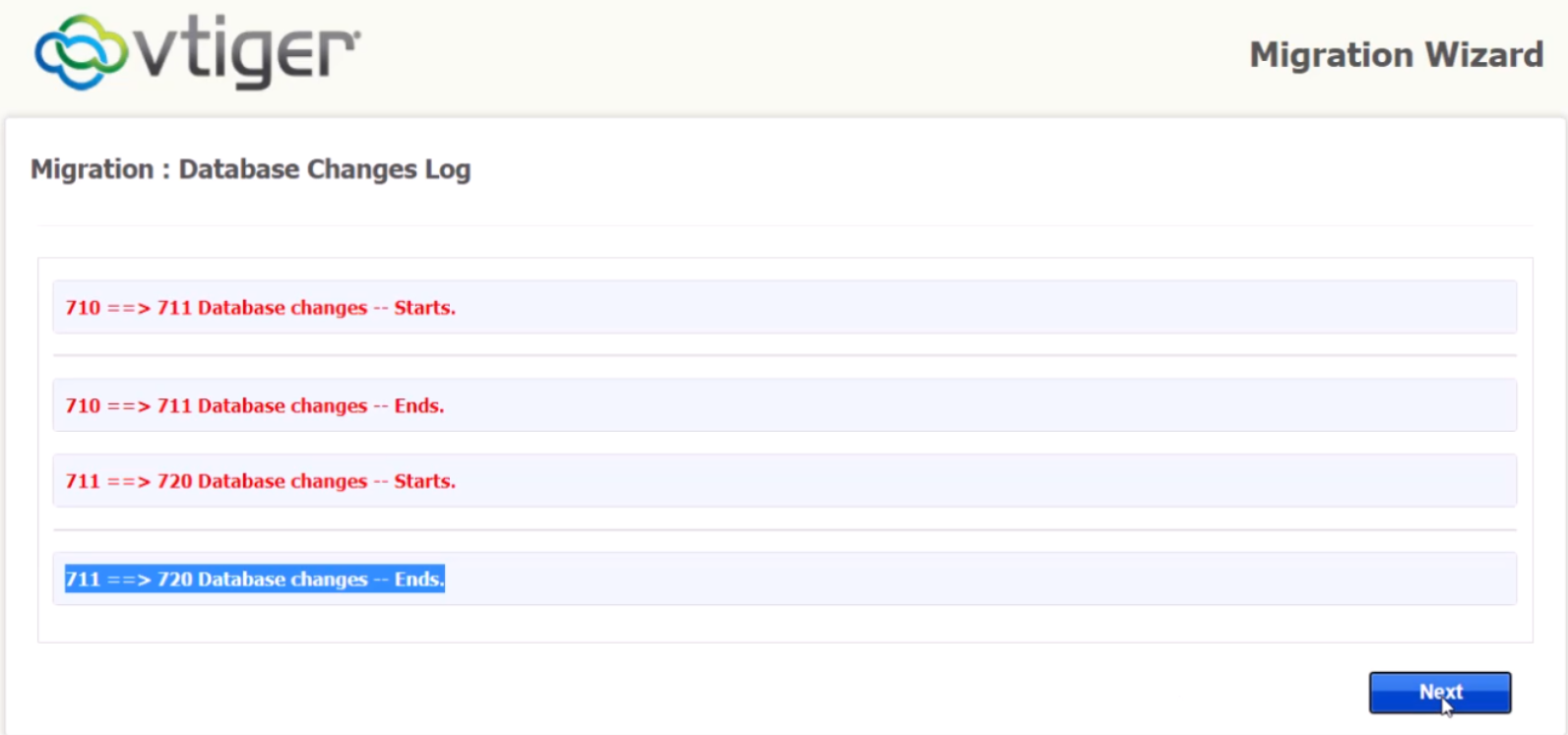
Note: In case of any errors displayed in the post-upgrade log, we advise you to take a screenshot/save the log. We can analyze it and confirm whether the error is caused by a common mistake or your database structure.
Help Upgrading VTiger CRM 7.1 to 7.2
If you need any kind of professional assistance in migrating to the latest version of the CRM, feel free to contact us. We do not charge for consultation
- Email: [email protected]
- Phone: +1 (818) 495-5557
- Contact Form: Contact VTExperts Support
- Chat: Gmail/Skype/Chat via website