Customize Menu In VTiger 7
Administrators can completely redesign standard VTiger menu and transform into an easy to use and intuitive menu by using our Advance Menu Manger extension.
How to Customize Menu
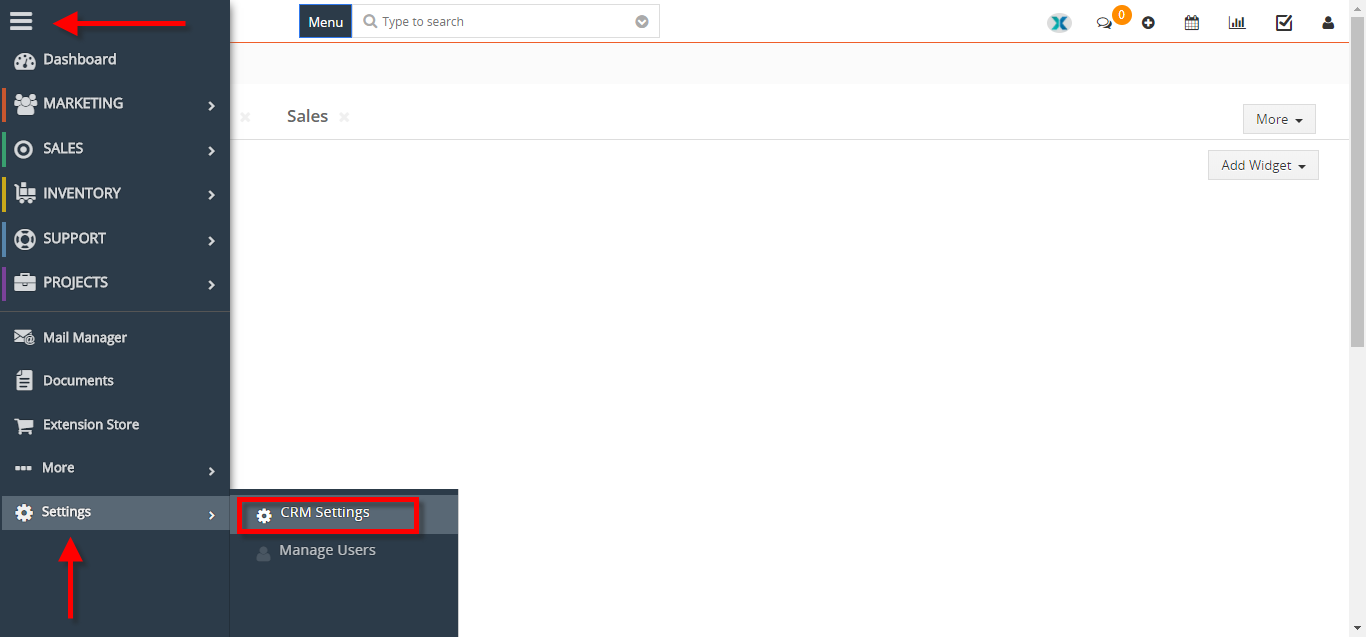
- Go to the “Menu” and click on the “CRM Settings“.
- Click on the “Advance Menu Manager” under “Vtiger Premium“.

- You can “Edit” the existing Menu item by clicking on the “Edit Icon“.


- You can add a new “Module” in the list.


- You can “Rearrange” items by using drag and drop.

For further help, contact us on [email protected]. We’ll be glad to be of service.