Increase the Number of Records Shown on the List View In VTiger 7
Take a look on how you can modify the number of records to show in the list view. This feature helps you to adjust the number of records to be shown on a single page according to your requirements. You can increase or decrease the number of records shown on the list view.
How to Increase the Number of Records Shown in the List View
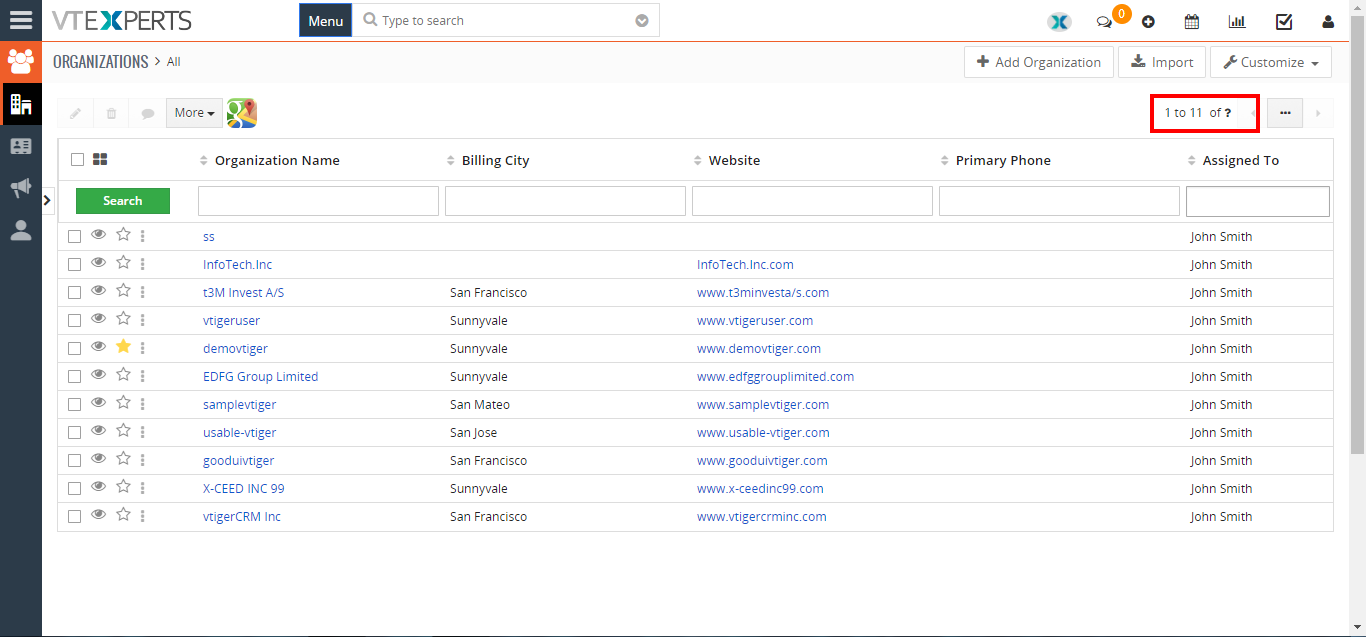
- You can see how many records are currently shown on a single page
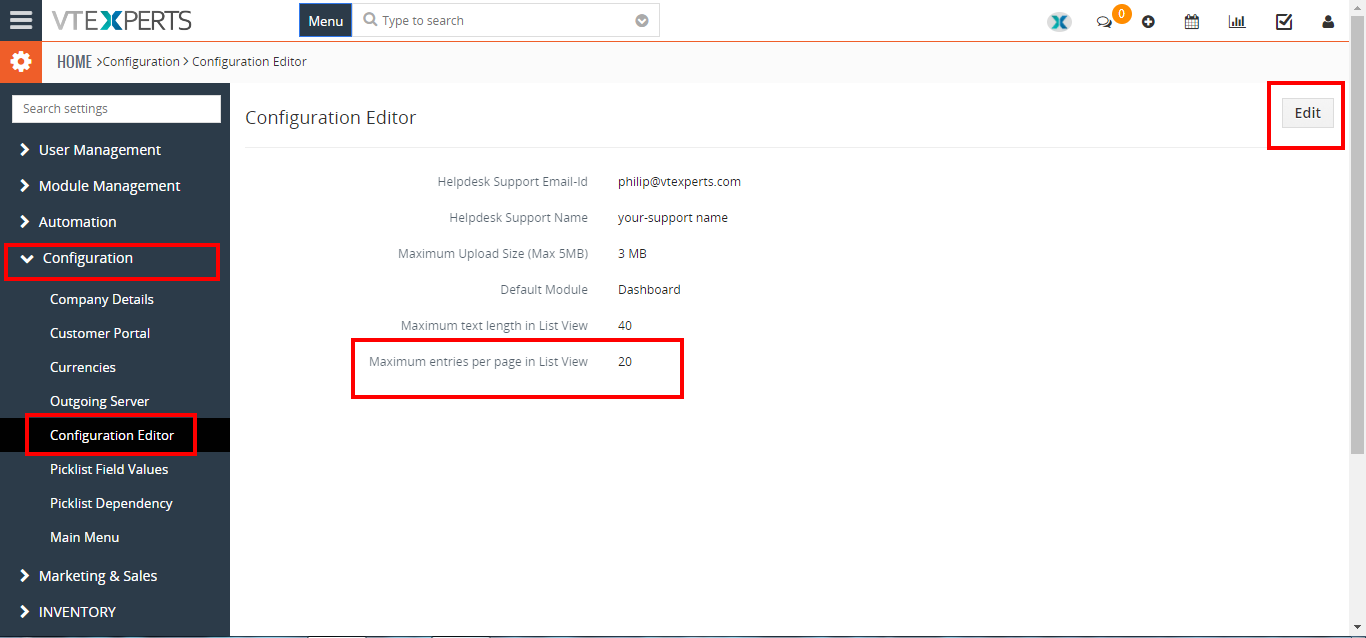
- To increase the number of shown records click on the “Menu” button and select “CRM Settings“. Under the “Configuration” select “Configuration Editor“, and click on the “Edit” button to change the current number of shown records.
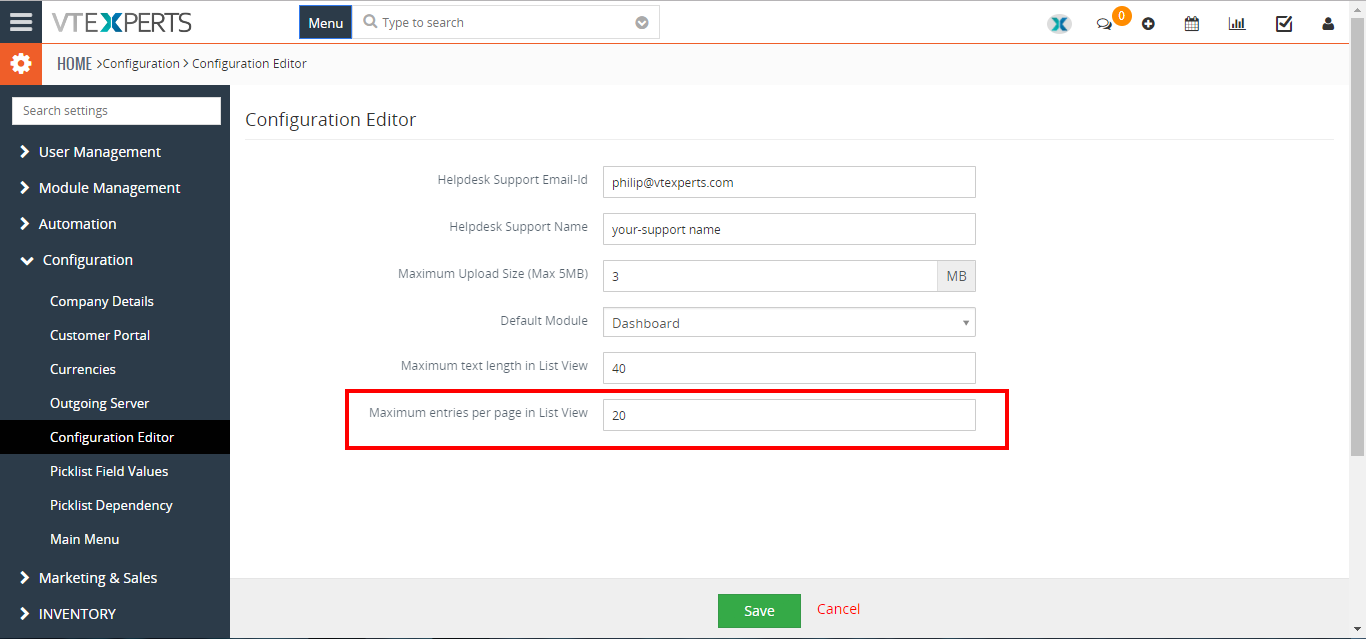
- Enter the desired number on the given space and click on the “SAVE” button to change the current number of shown records.
For further help, contact us on help@vtexperts.com we’ll be glad to be of service.