

Collaboration Board chat
Associate Chat/Conversation To Customer In VTiger 7
October 16, 2018
Article
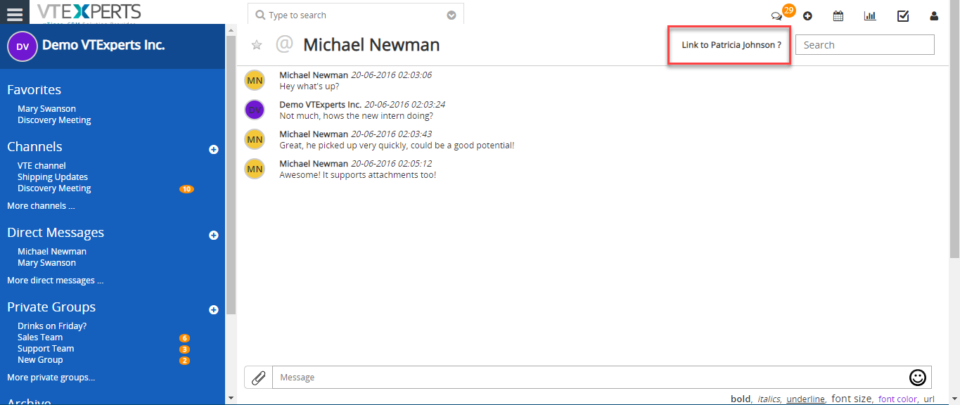
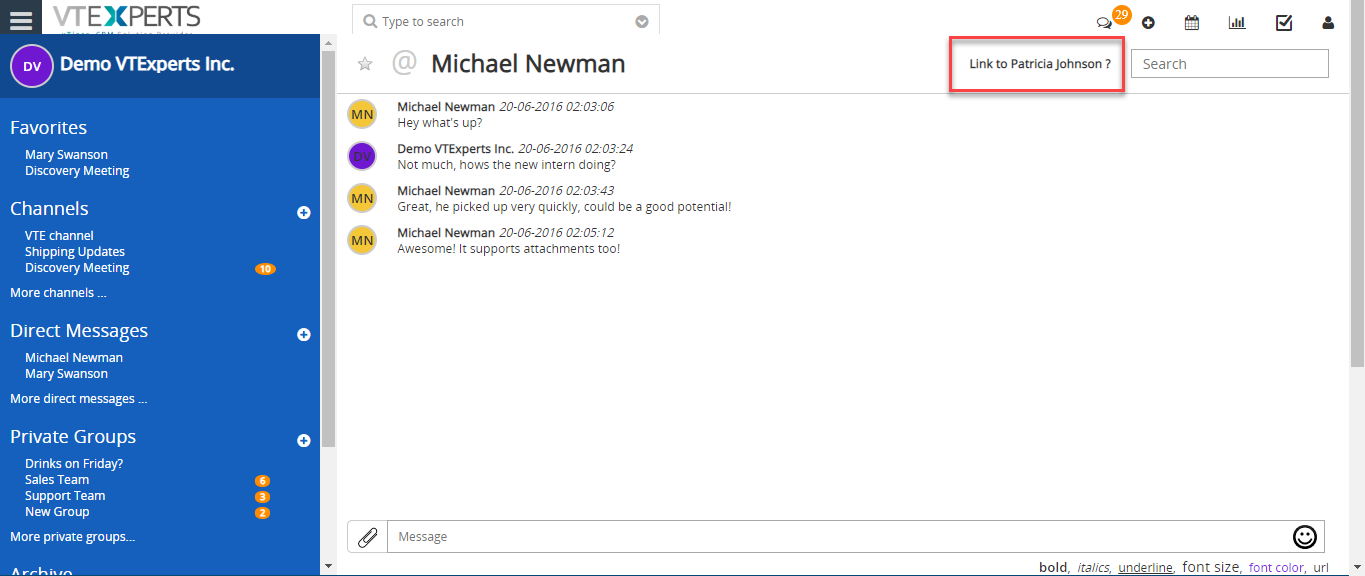
Collaboration Board/Chat tool integrated within VTiger allows users to send direct & private group messages, create public channels/chat rooms and keep track of all the communication within VTiger. It’s a great tool for a team looking to collaborate within VTiger. How to Associate Chats/Conversations Open a customer record (you must be in customer record). Click on the “Chat” icon. It will give an option to link this chat to the opened record (Contact/Organization). Click on that option to link the chat. It has now been linked. You can then see the chat in the record as well. For further help, contact us on help@vtexperts.com. We’ll be glad to be off service.
Chat (Realtime) With My Staff (VTiger users) In VTiger 7
September 14, 2018
Article
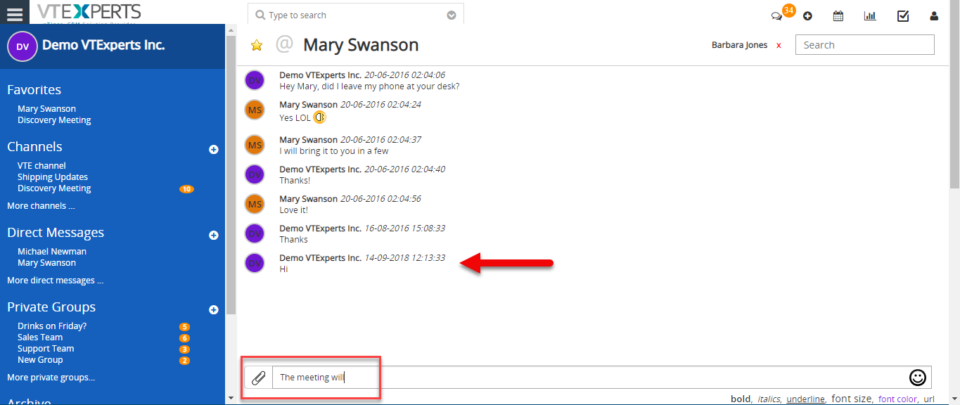
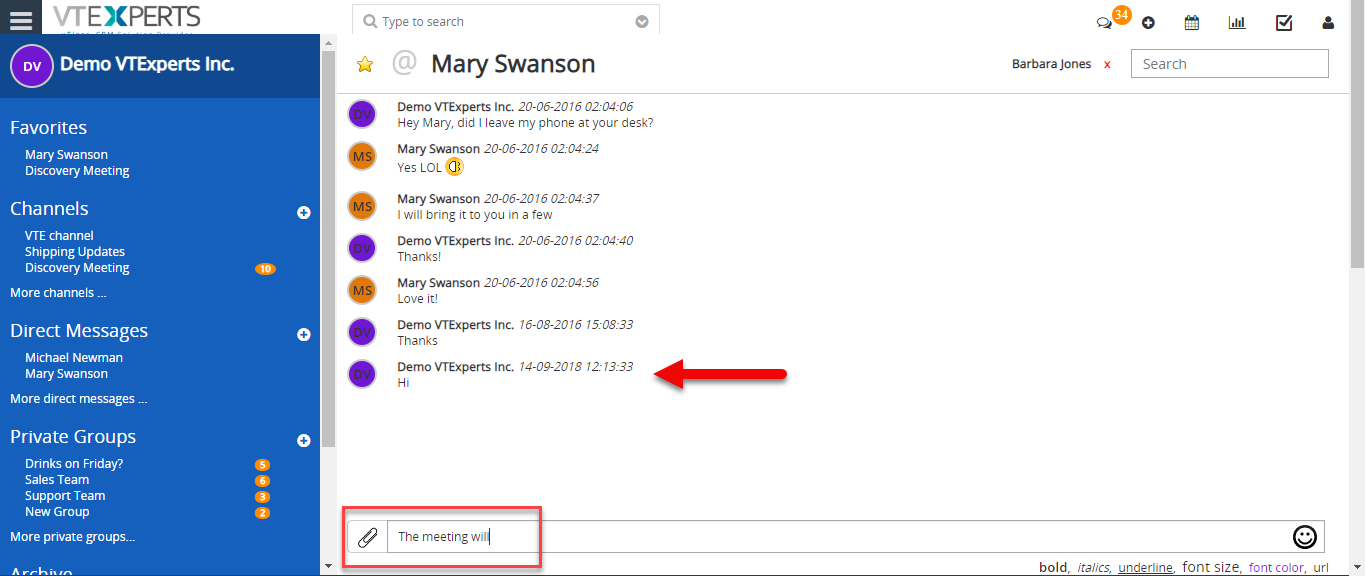
Collaboration Board/Chat tool integrated within VTiger allows users to send direct & private group messages, create public channels/chat rooms and keep track of all the communication within VTiger. It’s a great tool for a team looking to collaborate within VTiger. How to Chat with my Staff Click on the “Chat” button on the top right corner of the screen. Simply type a message and send. Here you can see the sent message. For further help, contact us on help@vtexperts.com. We’ll be glad to be off service.