


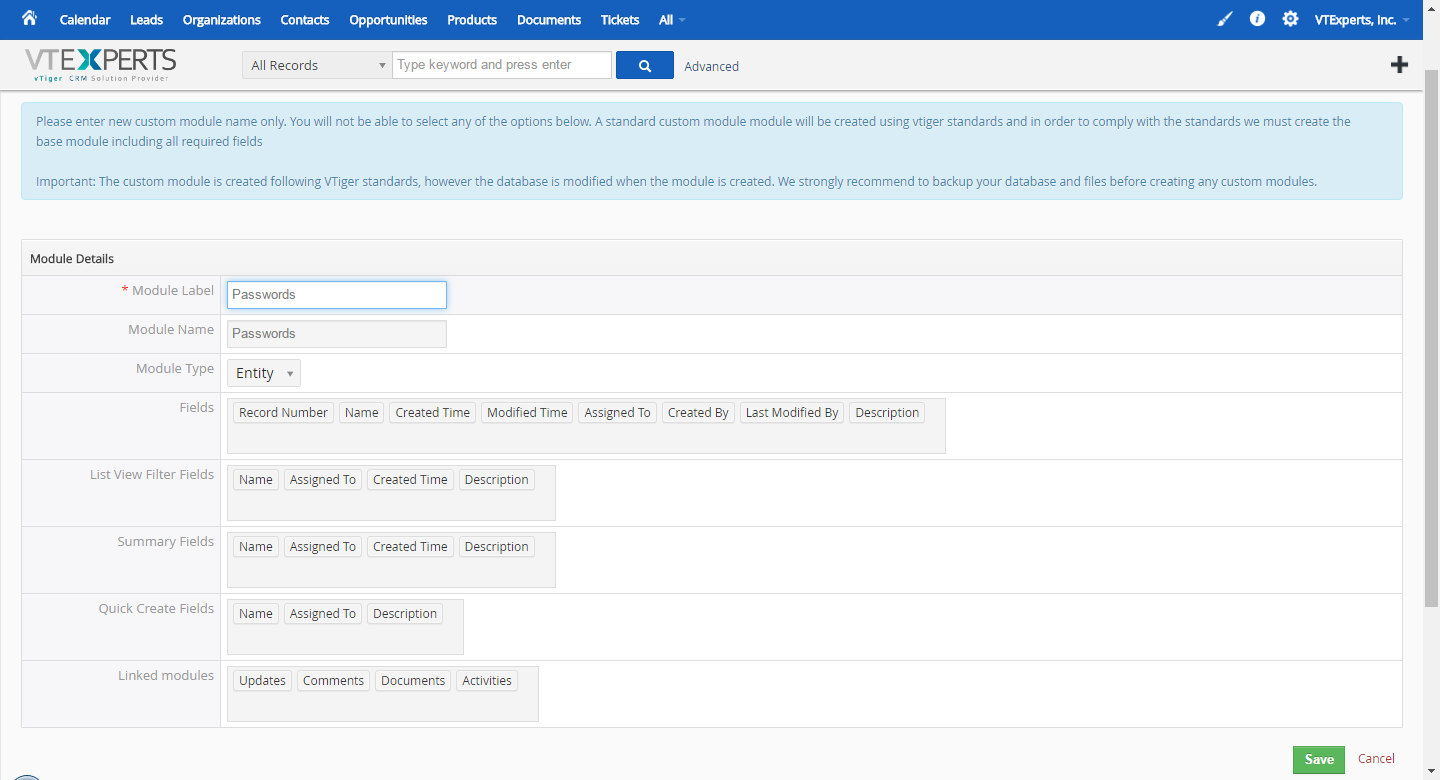
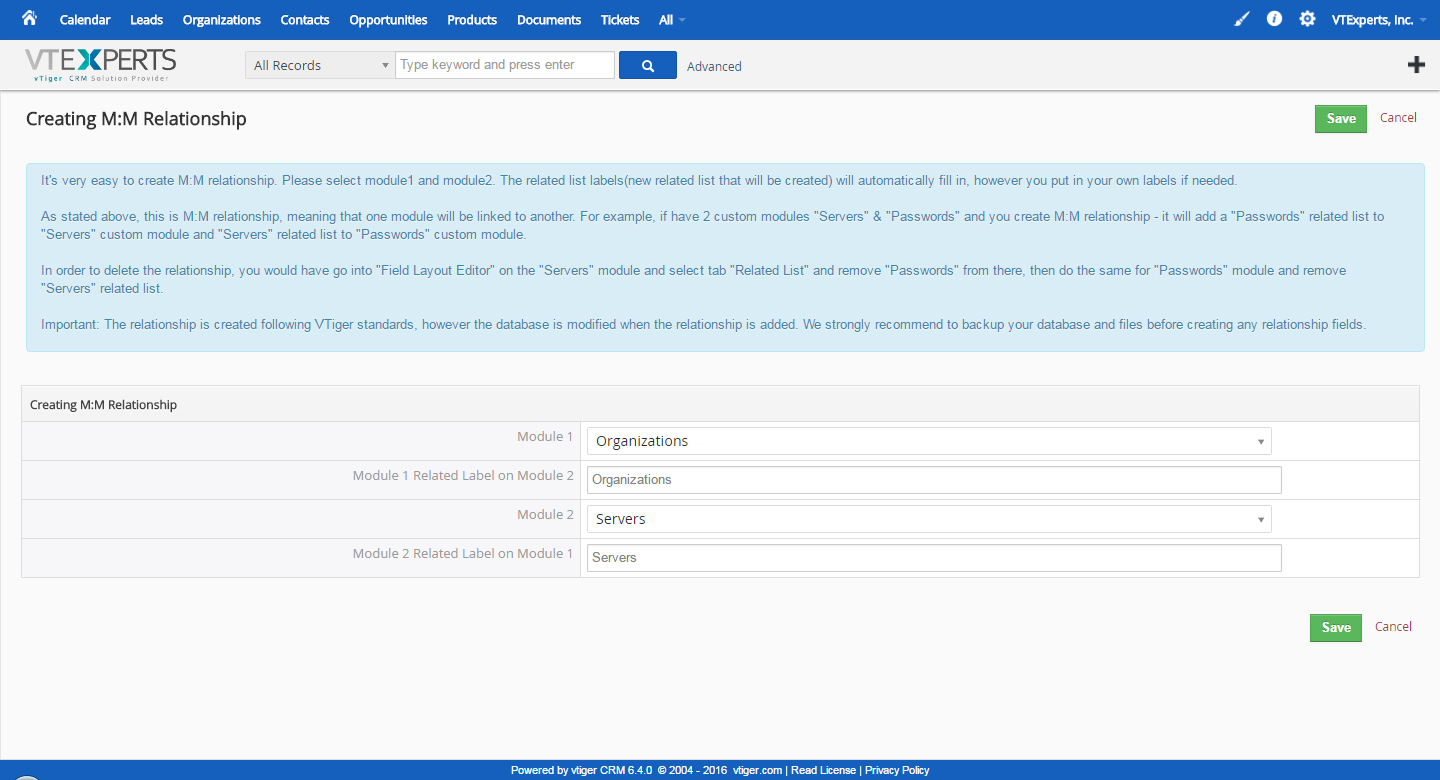
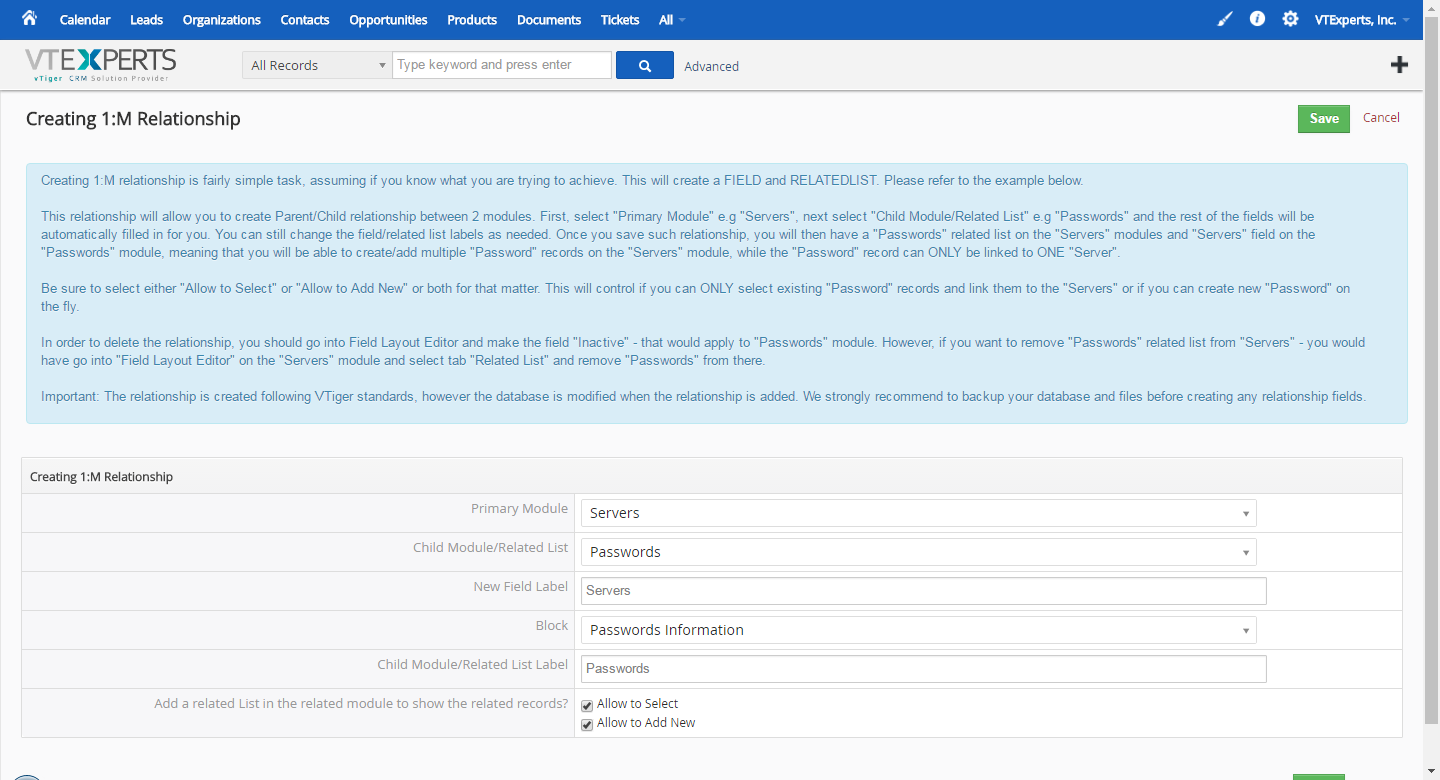
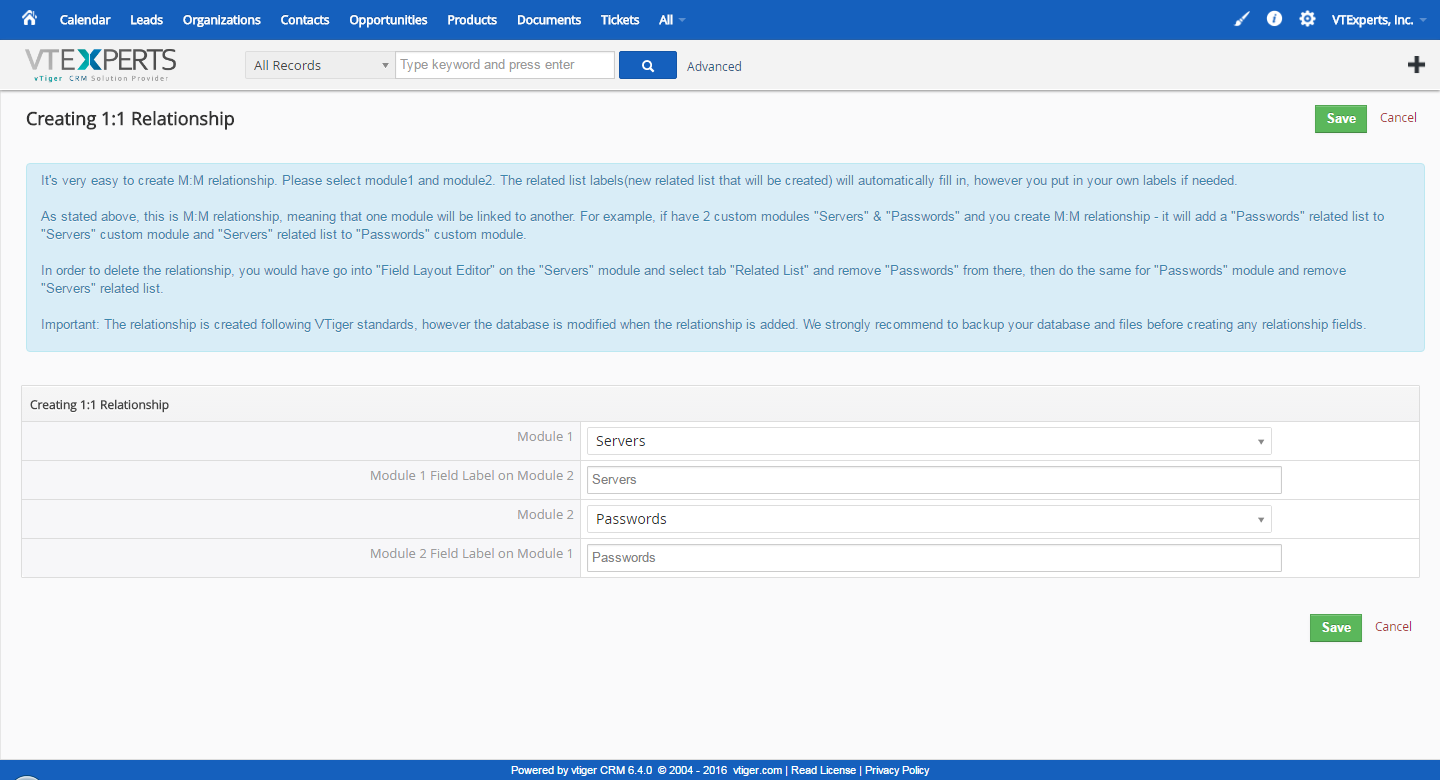
Custom Module & Relationship builder for VTiger is an extension that allows crm administrators to create custom modules within few clicks. All custom modules are created following strict VTiger standards. In addition, the relationship builder allows crm admin to link together existing modules as well as new custom modules. It supports 1:1, 1:M and M:M relationships.

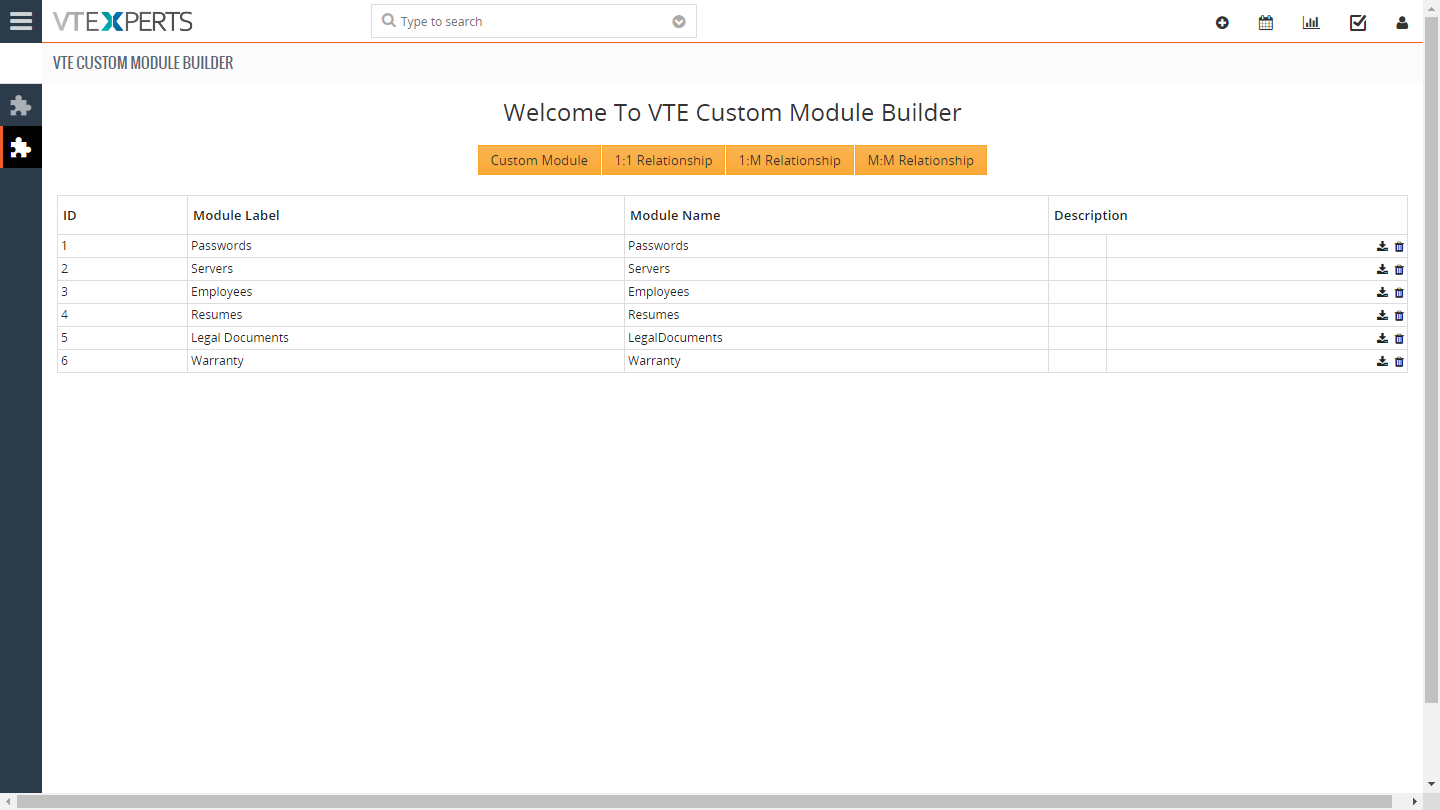
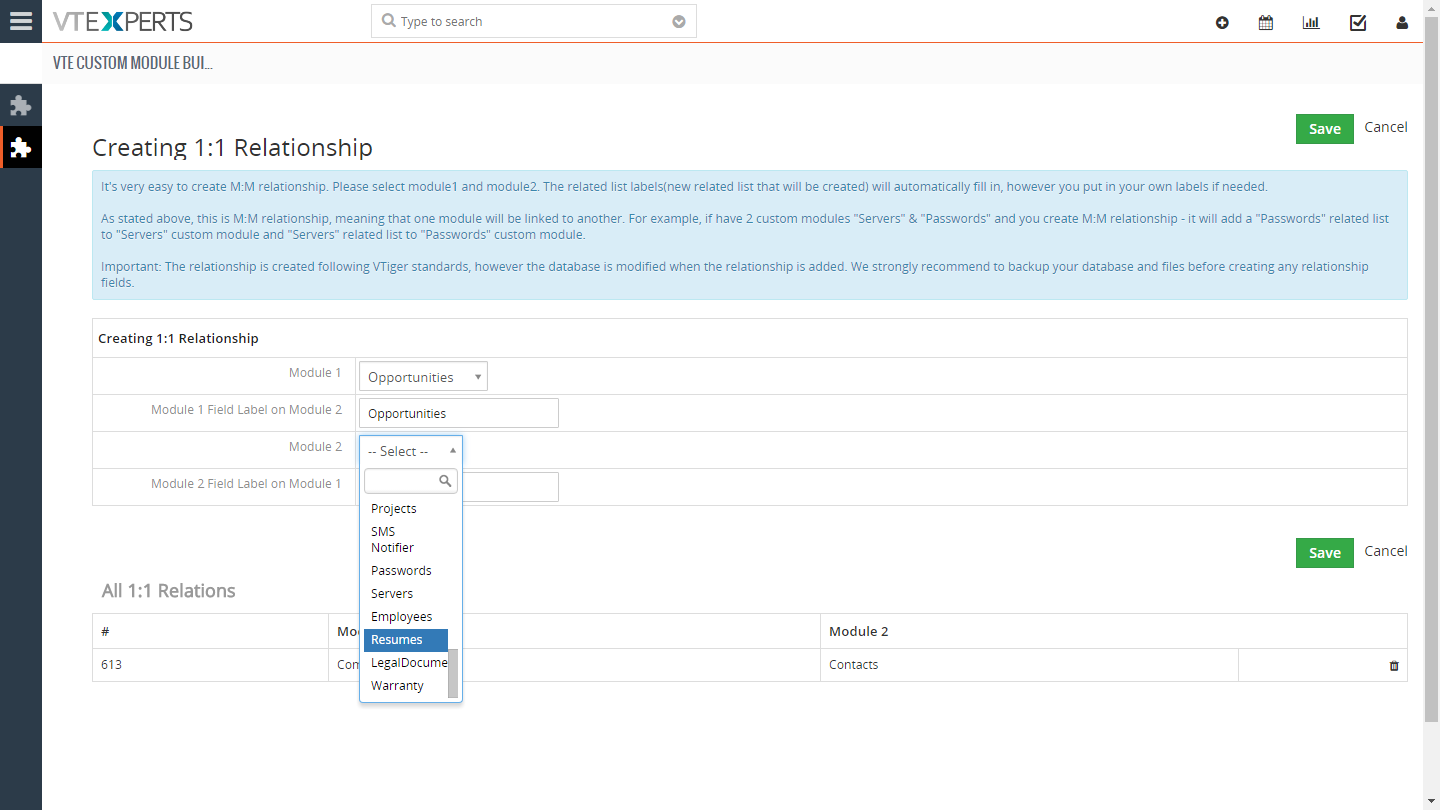
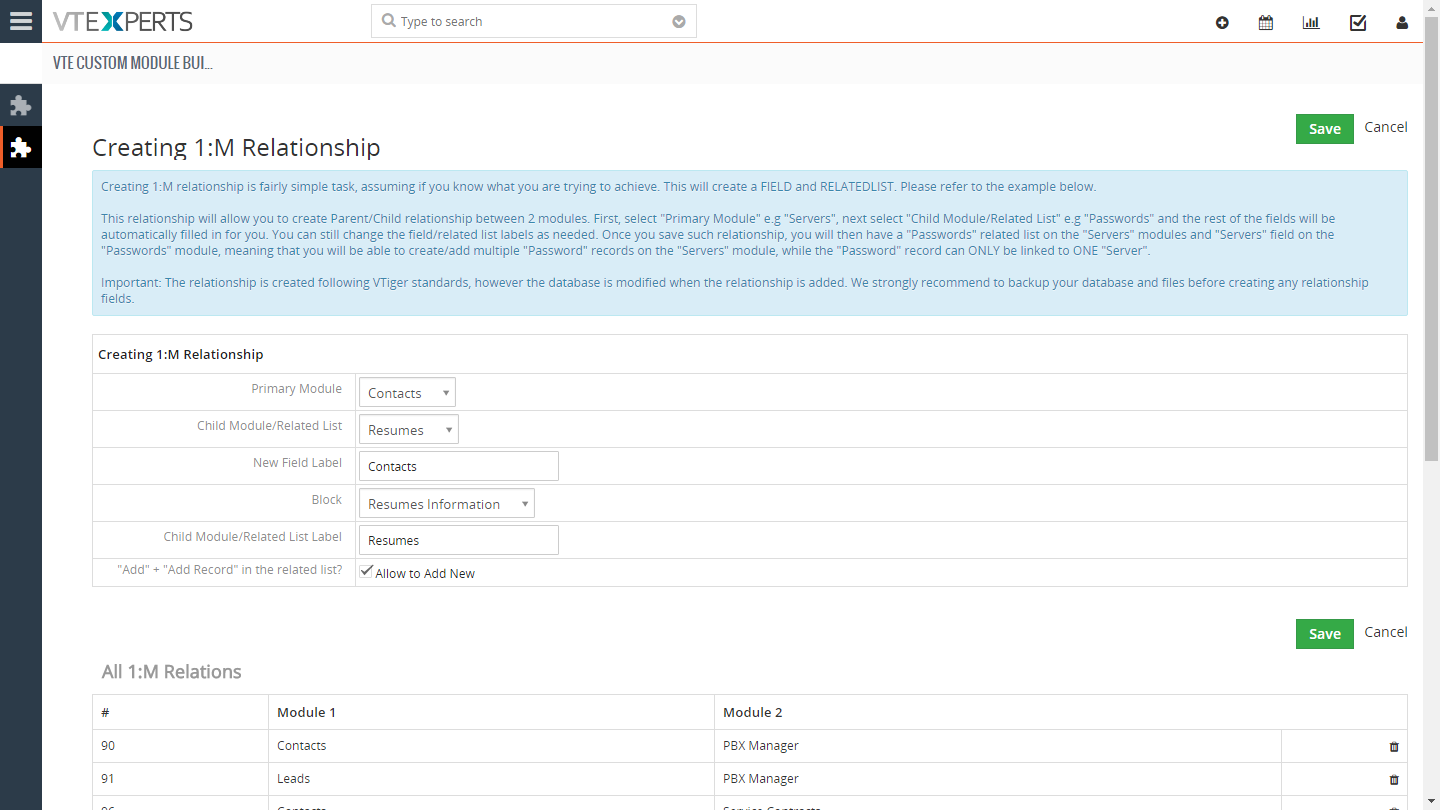
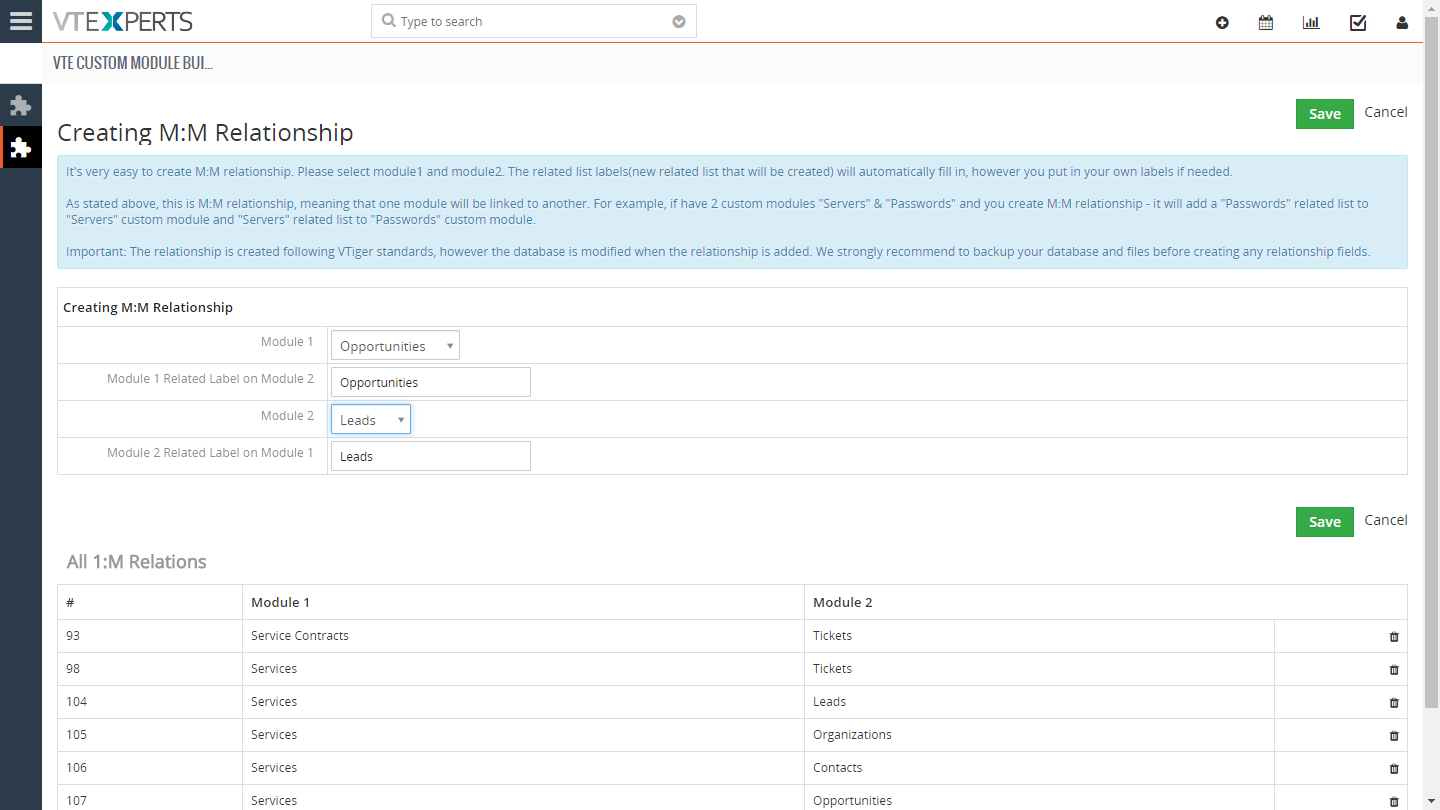
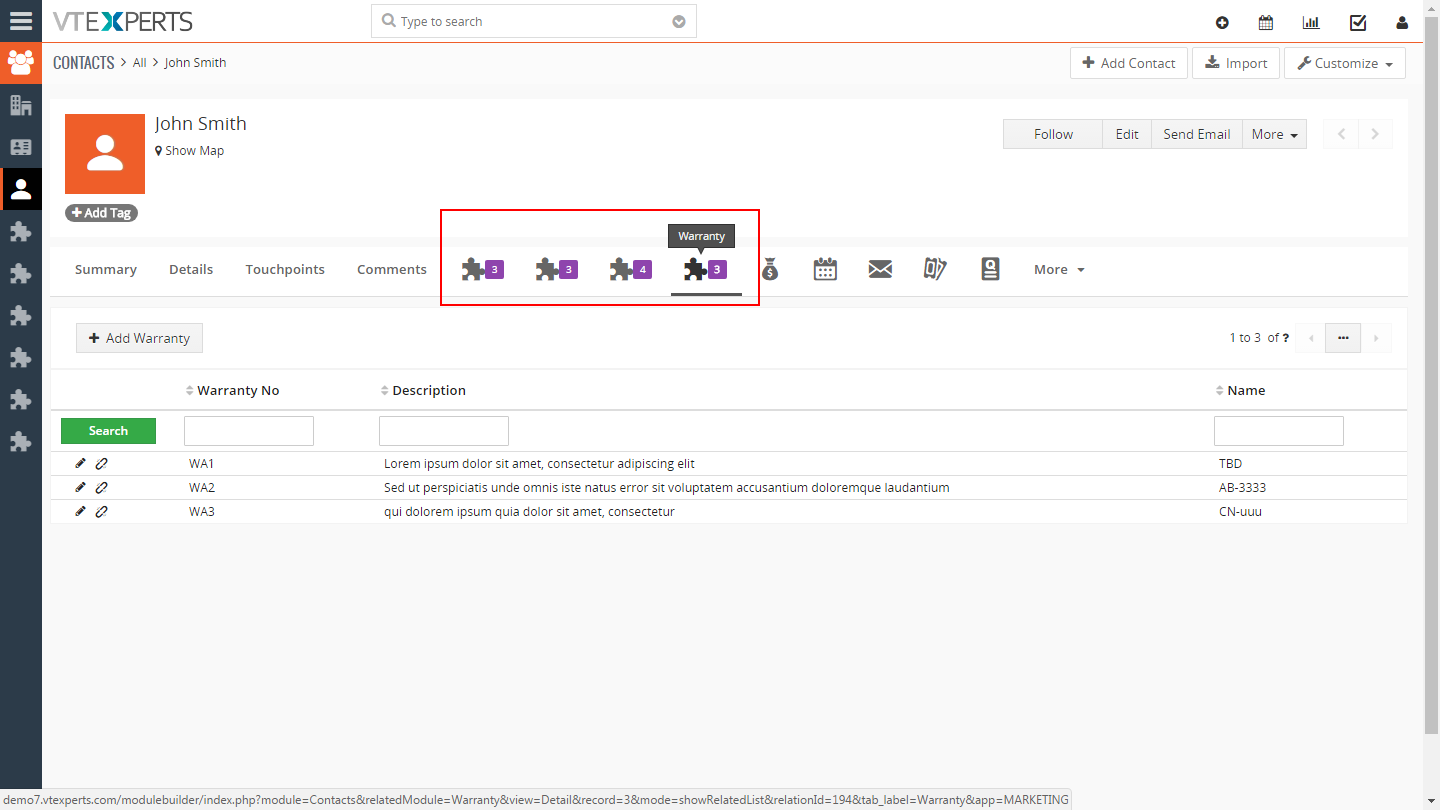
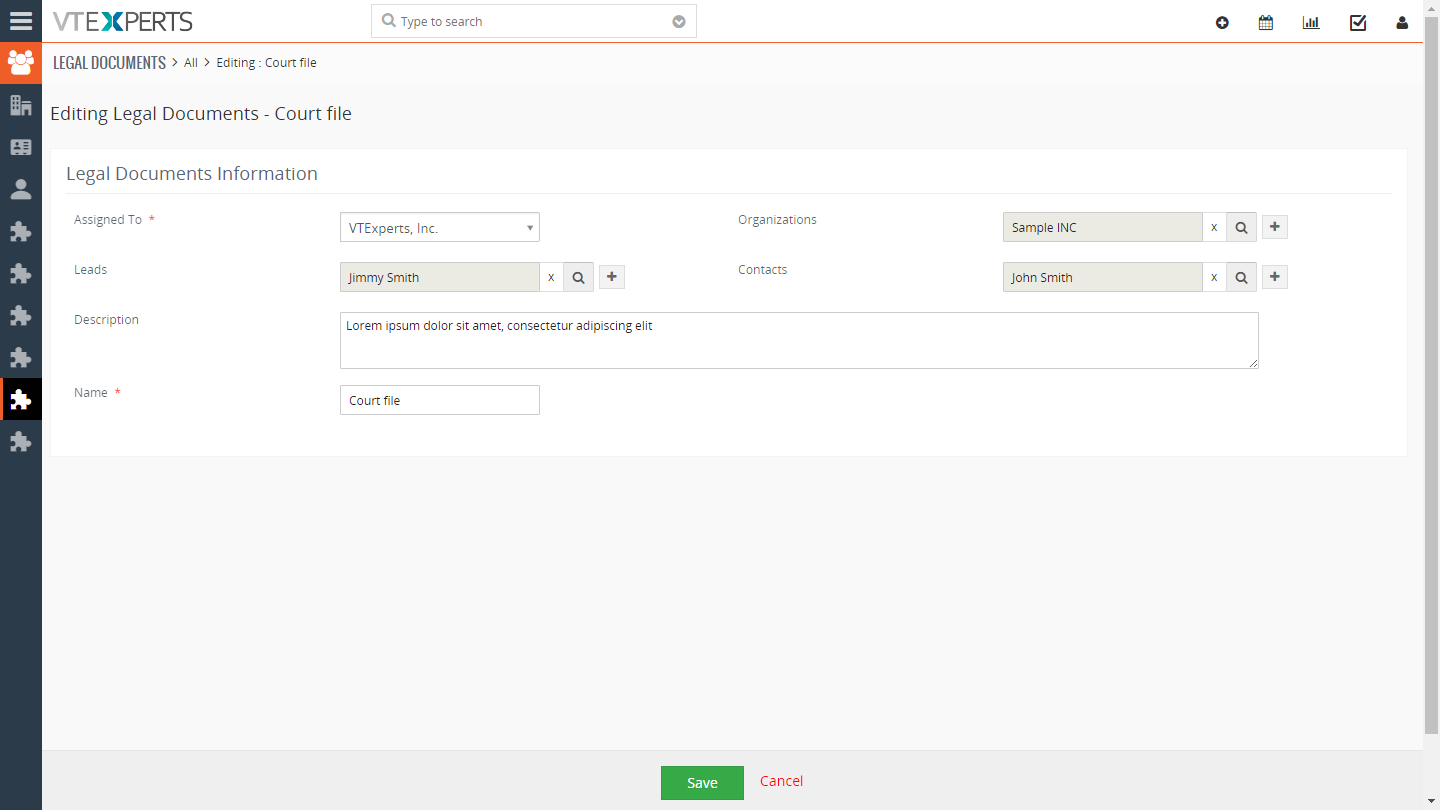
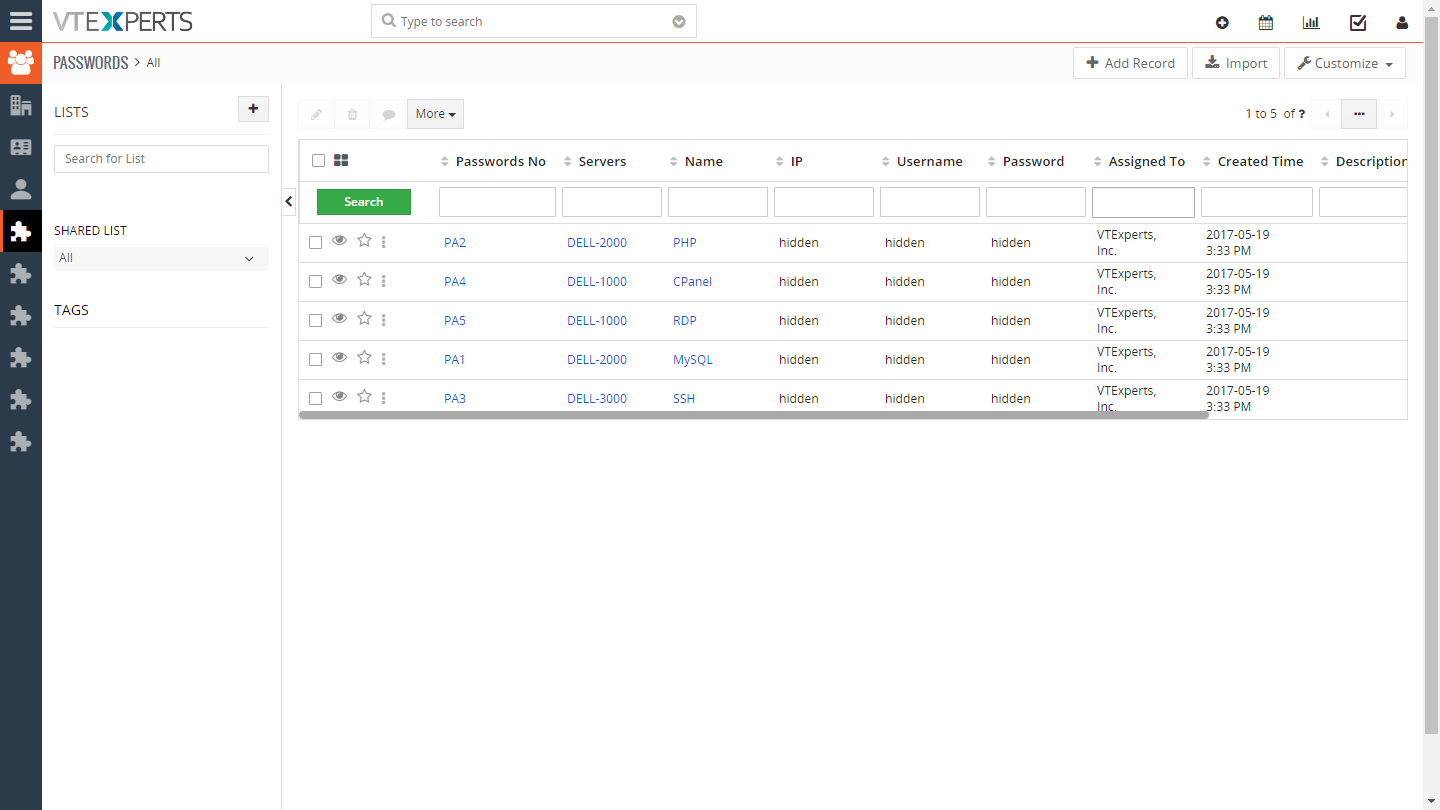
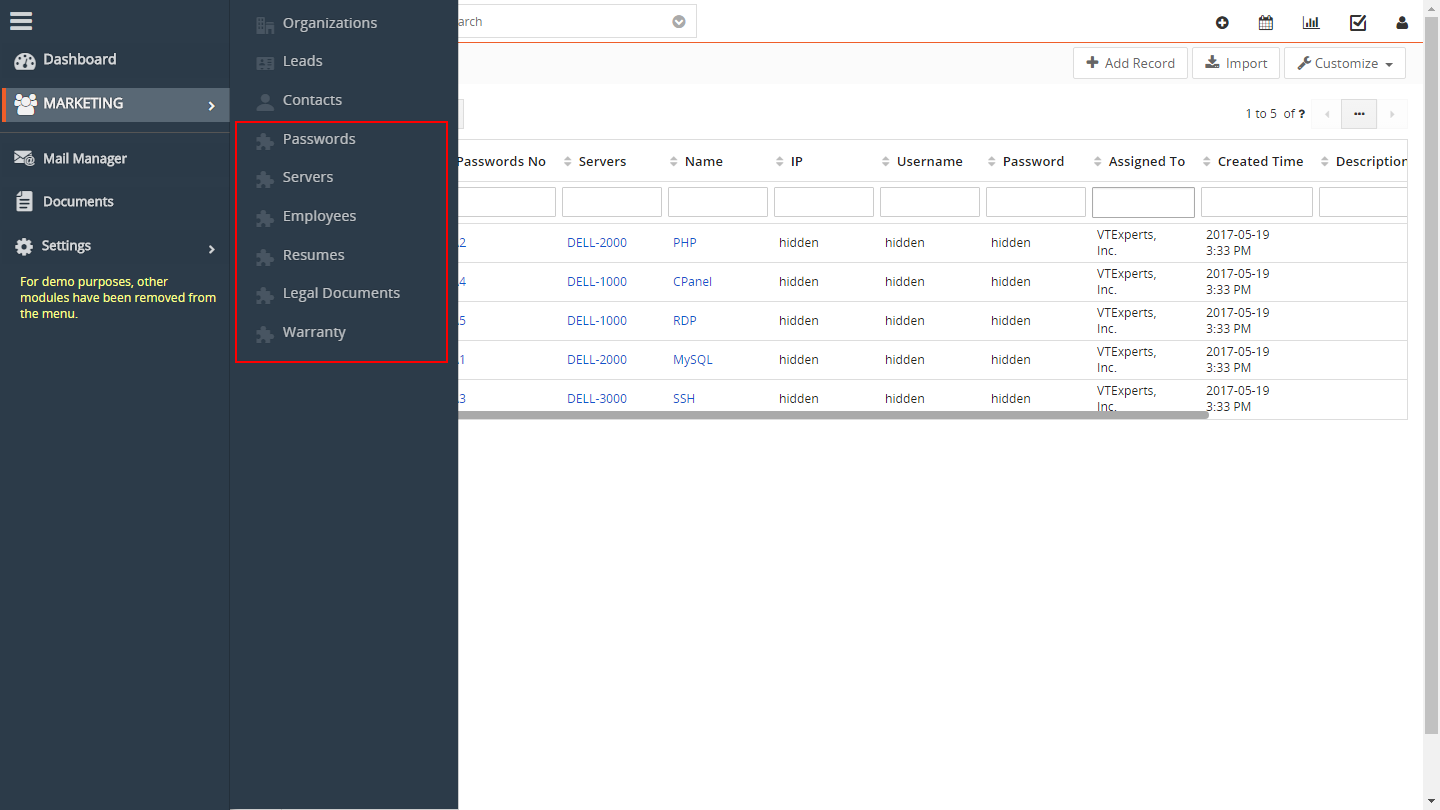
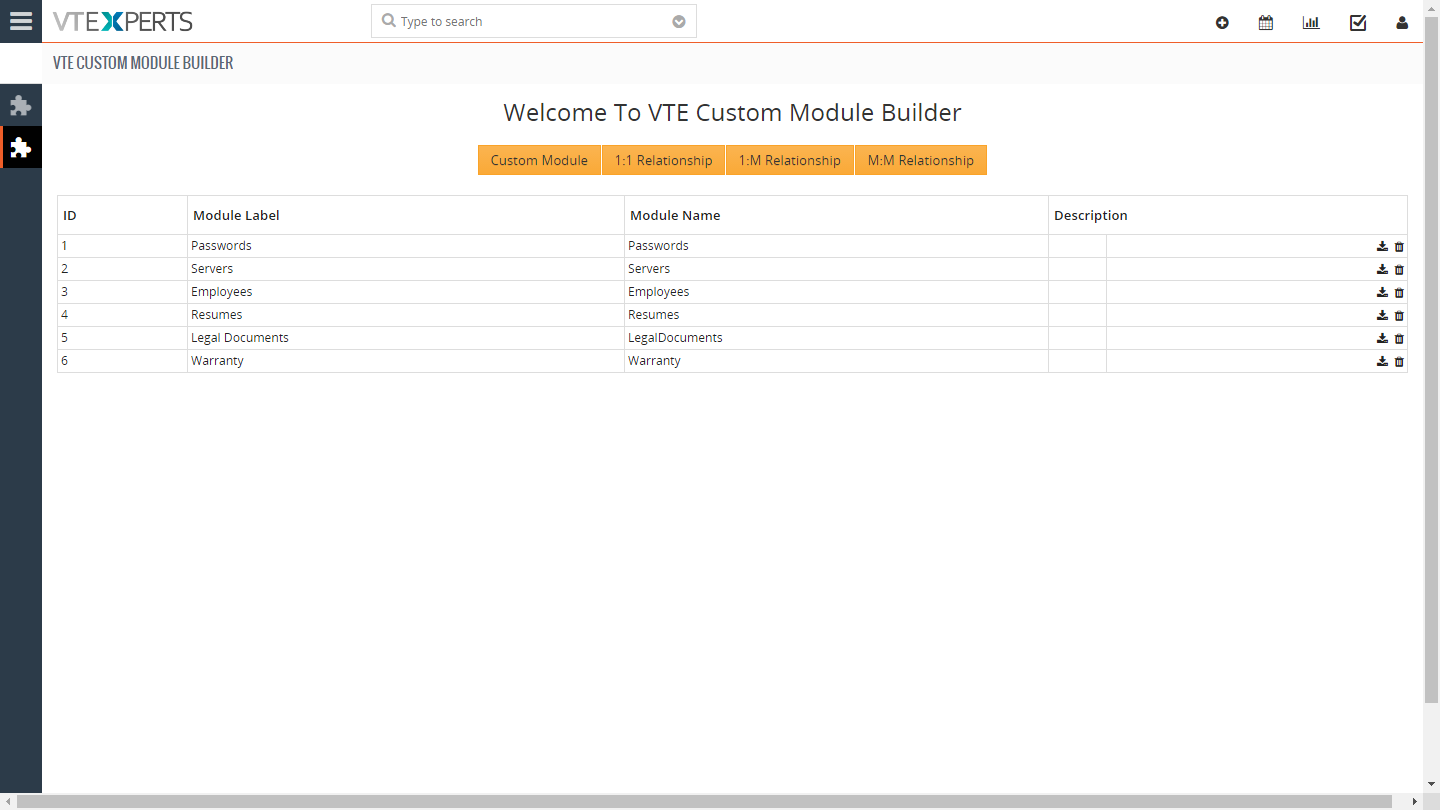
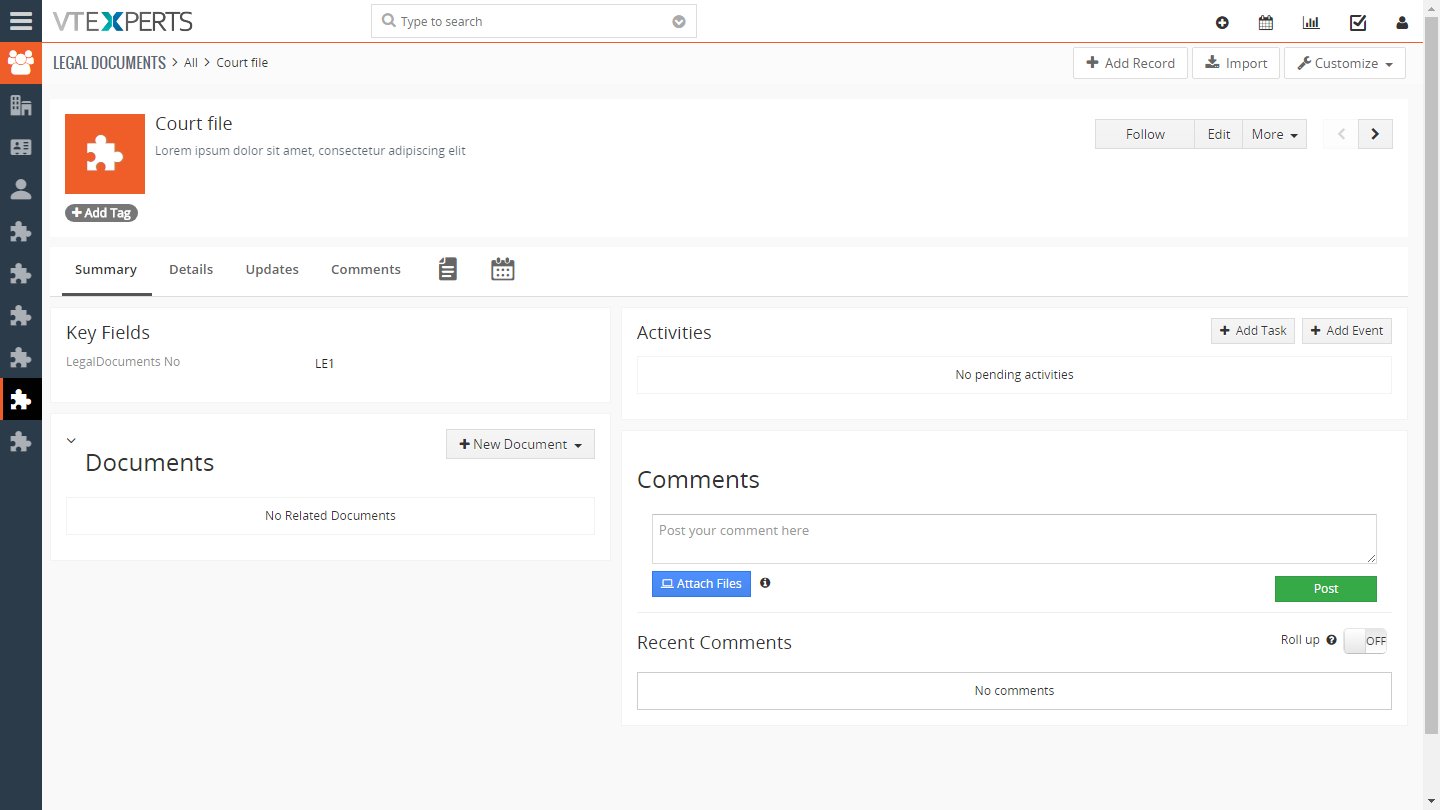
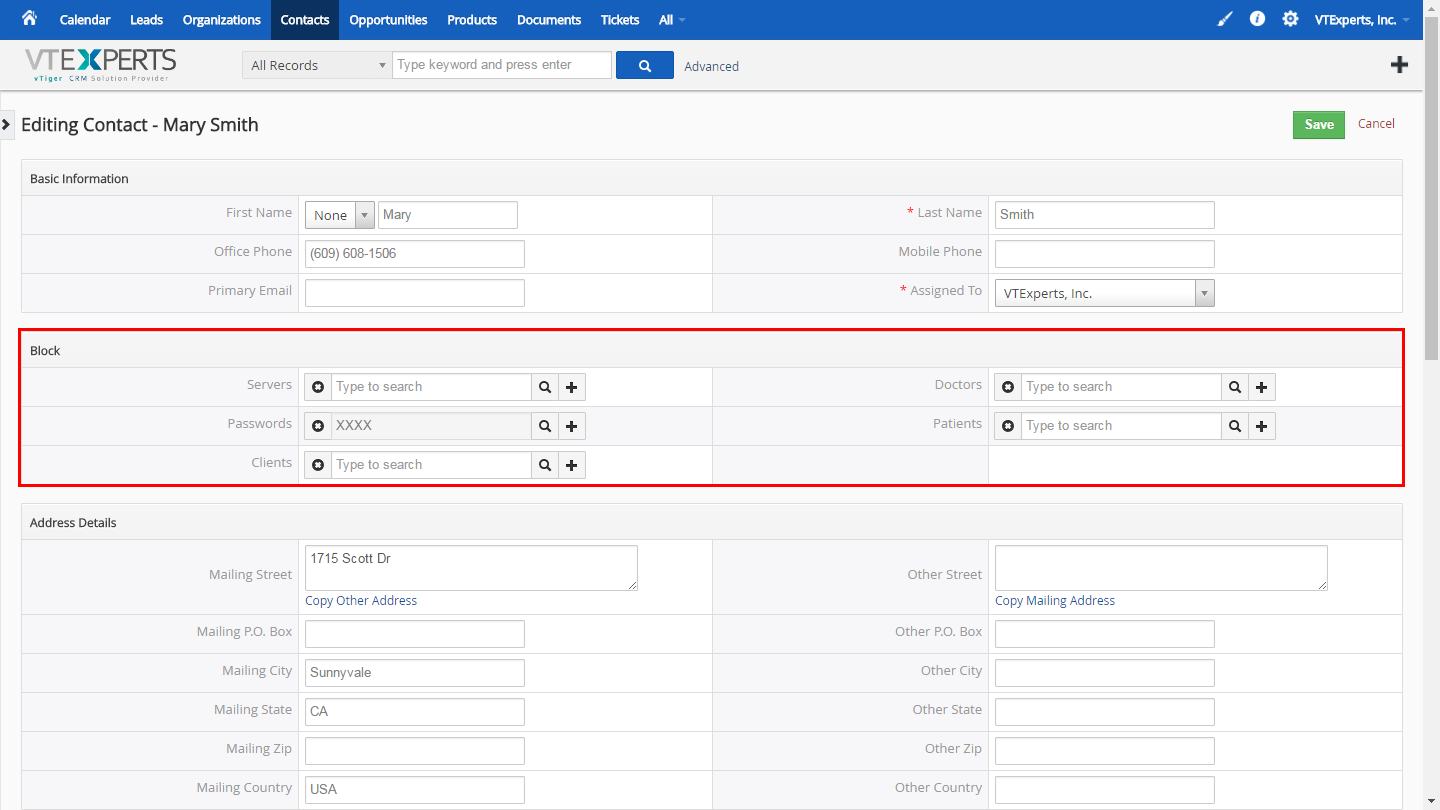
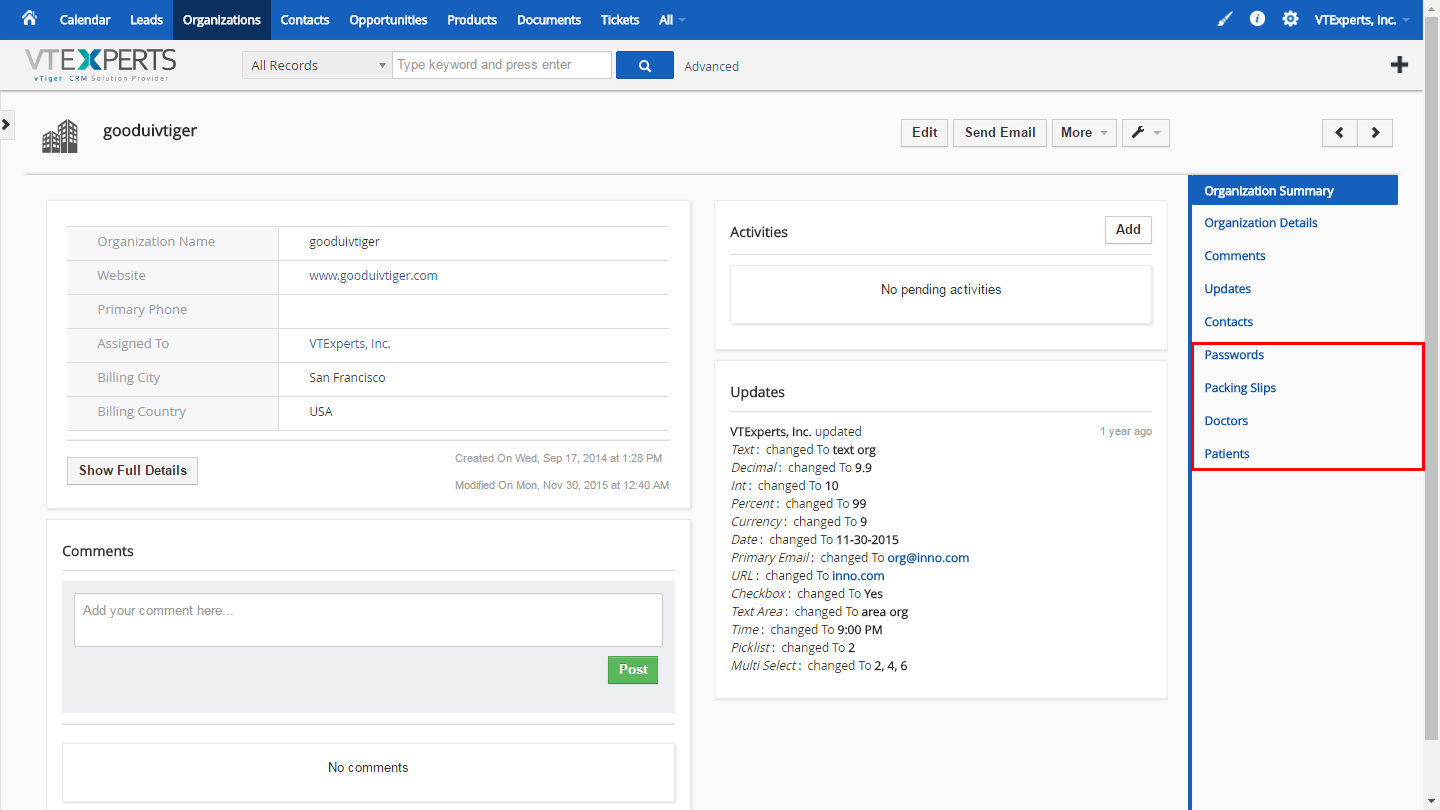


Here are some of the key features that make our extension unique:
- All Custom Modules include:
- Summary & Detail View
- Activity widget + related list
- Documents Widget + Related List
- Updated Widget
- Comments Widget + Relation
- Created By, Modified By system fields
- Compatible with reports & any other standard VTiger functionality
- All Custom Modules create are based on VTiger standards/requirements
- Very easy to use user interface (admin panel)
- Supports 1:1 Relationship
- Supports 1:M Relationships
- Supports M:M Relationships
- Module Manager Compatible
- Available on VTiger Marketplace
We provide a unique demo instance for all our extensions. Each demo instance is pre-configured to only show features available for the specific extension. It is likely that some of the standard vTiger modules have been disabled to make the demo more user friendly.
VTiger 7 Demo
Please use credentials below to access the demo.
- Link: https://demo7.vtexperts.com/modulebuilder/index.php (Will open in new window)
- User: demo
- Pass: demo
VTiger 6 Demo
Please use credentials below to access the demo.
- Link: https://demo.vtexperts.com/modulebuilder/index.php (Will open in new window)
- User: demo
- Pass: demo
If you are not able to access the demo or find an issue - please send us an email at support@vtexperts.com or via contact form.
All extensions come with an extensive user guide, which includes setup instructions, suggestions as well as usability tips. Please click the link below to access user guide for this extension.
User Guide: https://www.vtexperts.com/helpdesk/custom-module-builder (Will open in new window)
Related Resources : Module Builder by VTExperts (Will open in new window)
For assistance or any questions - please contact us via help@vtexperts.com.
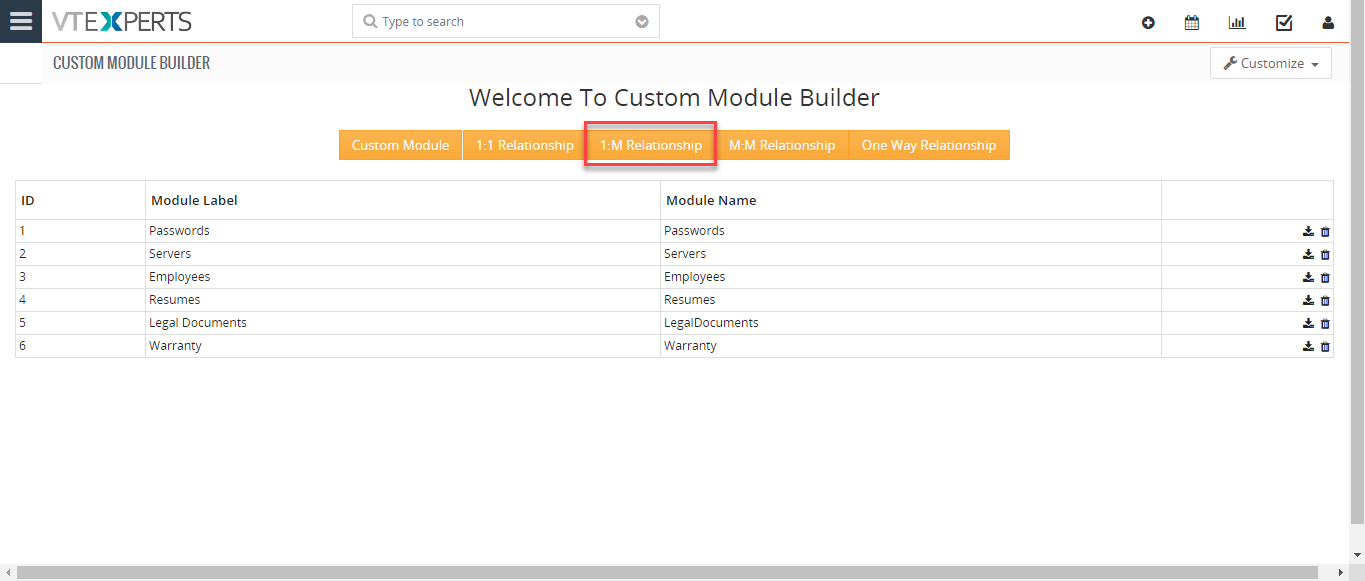 Add Custom One-To-Many Relationship In VTiger 7 September 11, 2018 - Custom Module & Relationship builder for VTiger is an extension that allows crm administrators to create custom modules within few clicks. All custom modules are created following strict VTiger standards. In addition, the relationship builder allows crm admin to link together existing modules as well as new custom modules. It supports 1:1, 1:M and M:M relationships. How to Add Custom 1:M Relationship Go to Menu > Settings > CRM Settings > Extension Pack > Custom Module Builder. Click on "1:M Relationship" button to add a relation. Select the Primary module you want to link to multiple records of another module. Select the Child/Related module you want to link to the single primary module. Select the block of records from secondary module in which you want the field to be displayed. You can see the information in the Secondary module that is populated form the Primary module. For further help, contact us on help@vtexperts.com. We’ll be glad… Read More
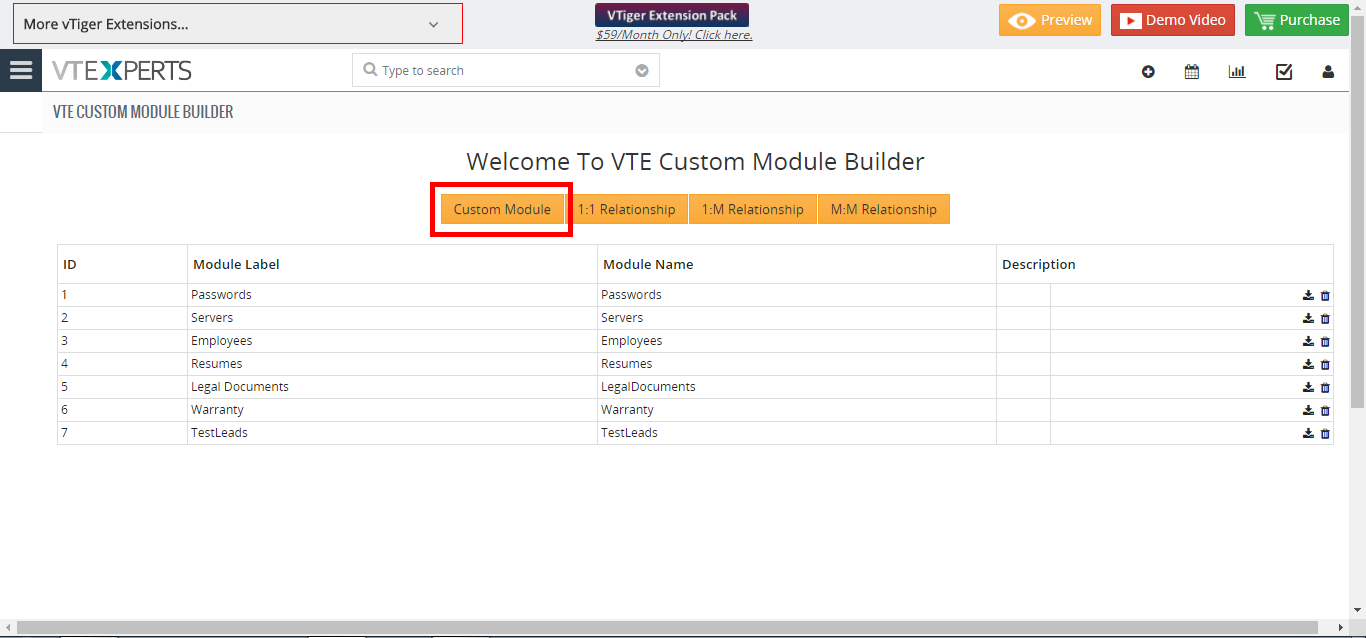 Create Custom Module In VTiger 7 April 30, 2018 - In VTiger 7 you create Custom Modules. The purpose of this extension is to help the user to create a module according to his requirements and you can relate modules with each others by using this extension. How To Create Custom Module Go to the "CRM Settings" and click on the "Other Settings" drop down menu button and select "VTE Custom Module Builder" From here click on the "Custom Module" button to create a new module. Set the Module name and label and click on the "Save" button to create the module. For further help, contact us on help@vtexperts.com. We'll be glad to be of service. Read More
Related products
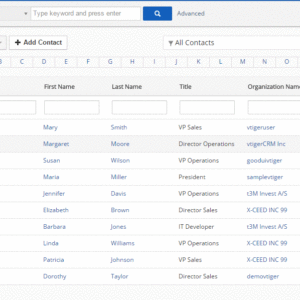
Custom Module & Relationship builder for VTiger is an extension that allows crm administrators to create custom modules within few clicks. All custom modules are created following strict VTiger standards. In addition, the relationship builder allows crm admin to link together existing modules as well as new custom modules. It supports 1:1, 1:M and M:M relationships.
Here are some of the key features that make our extension unique:
- All Custom Modules include:
- Summary & Detail View
- Activity widget + related list
- Documents Widget + Related List
- Updated Widget
- Comments Widget + Relation
- Created By, Modified By system fields
- Compatible with reports & any other standard VTiger functionality
- All Custom Modules create are based on VTiger standards/requirements
- Very easy to use user interface (admin panel)
- Supports 1:1 Relationship
- Supports 1:M Relationships
- Supports M:M Relationships
- Module Manager Compatible
- Available on VTiger Marketplace
We provide a unique demo instance for all our extensions. Each demo instance is pre-configured to only show features available for the specific extension. It is likely that some of the standard vTiger modules have been disabled to make the demo more user friendly.
VTiger 7 Demo
Please use credentials below to access the demo.
- Link: https://demo7.vtexperts.com/modulebuilder/index.php (Will open in new window)
- User: demo
- Pass: demo
VTiger 6 Demo
Please use credentials below to access the demo.
- Link: https://demo.vtexperts.com/modulebuilder/index.php (Will open in new window)
- User: demo
- Pass: demo
If you are not able to access the demo or find an issue - please send us an email at support@vtexperts.com or via contact form.
All extensions come with an extensive user guide, which includes setup instructions, suggestions as well as usability tips. Please click the link below to access user guide for this extension.
User Guide: https://www.vtexperts.com/helpdesk/custom-module-builder (Will open in new window)
Related Resources : Module Builder by VTExperts (Will open in new window)
For assistance or any questions - please contact us via help@vtexperts.com.
Reviews
There are no reviews yet.
Add Custom One-To-Many Relationship In VTiger 7 September 11, 2018 - Custom Module & Relationship builder for VTiger is an extension that allows crm administrators to create custom modules within few clicks. All custom modules are created following strict VTiger standards. In addition, the relationship builder allows crm admin to link together existing modules as well as new custom modules. It supports 1:1, 1:M and M:M relationships. How to Add Custom 1:M Relationship Go to Menu > Settings > CRM Settings > Extension Pack > Custom Module Builder. Click on "1:M Relationship" button to add a relation. Select the Primary module you want to link to multiple records of another module. Select the Child/Related module you want to link to the single primary module. Select the block of records from secondary module in which you want the field to be displayed. You can see the information in the Secondary module that is populated form the Primary module. For further help, contact us on help@vtexperts.com. We’ll be glad… Read More Create Custom Module In VTiger 7 April 30, 2018 - In VTiger 7 you create Custom Modules. The purpose of this extension is to help the user to create a module according to his requirements and you can relate modules with each others by using this extension. How To Create Custom Module Go to the "CRM Settings" and click on the "Other Settings" drop down menu button and select "VTE Custom Module Builder" From here click on the "Custom Module" button to create a new module. Set the Module name and label and click on the "Save" button to create the module. For further help, contact us on help@vtexperts.com. We'll be glad to be of service. Read MoreInformation
- Vtiger 8.x
- Vtiger 7.x
- Vtiger 6.x
- Ioncube & PHP SOAP (hands-on)
- Install & Setup (hands-on)
- Meeting Server Requirements
- Assisting with any issues related to plugins
Reviews
There are no reviews yet.